Product Overview
Android TV Stick
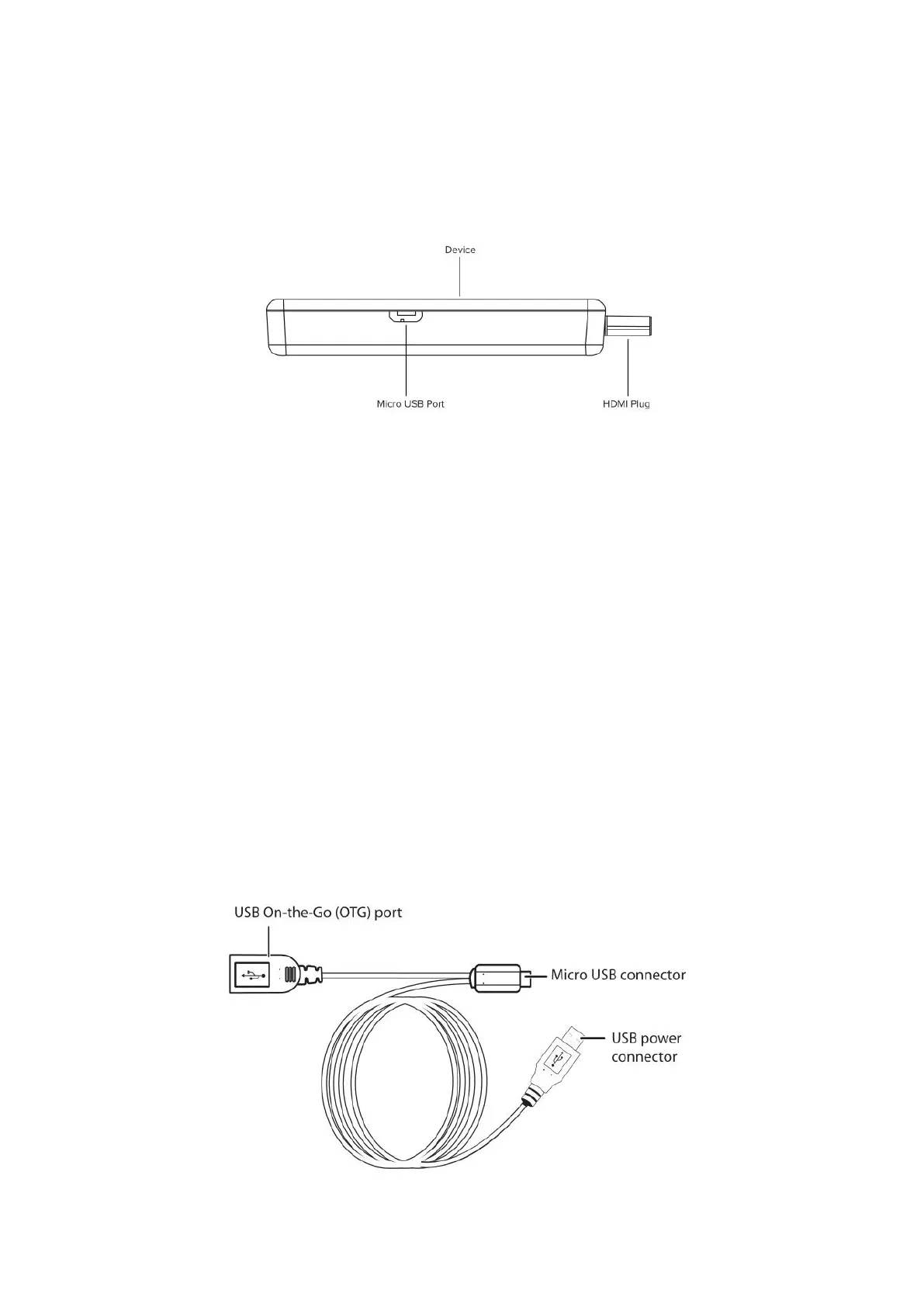
• HDMI connector – Connect to an HDMI port on a TV
• LED –Display the status of the TV stick
• Micro USB port – Connect the Micro USB connector to this port
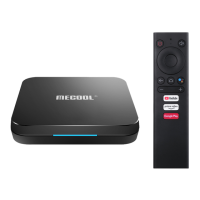
USB Y-CABLE
• Micro USB connector – Connect to the Micro USB port on the TV Stick.
• USB power connector –Connect to USB power adapter.
• IR Receiver-Use of the IR receiver to control the TV stick with its
remote control when the TV stick in IR mode.


 To Next Page