Connect to Network
Mecool TV stick requires a wireless connection. Connect your device to the Internet
to access movies, TV shows, games, and apps. The TV Stick will automatically detect
wireless networks in your area. Select your network and enter the password to
connect.
Note:
For optimal wireless performance, do not place your TV Stick in an enclosed
cabinet, as it impacts signal strength to the device and remote control.
For TV Stick, use the HDMI extender if your TV Stick is blocked by an object that
may impact signal strength to the device and remote control.
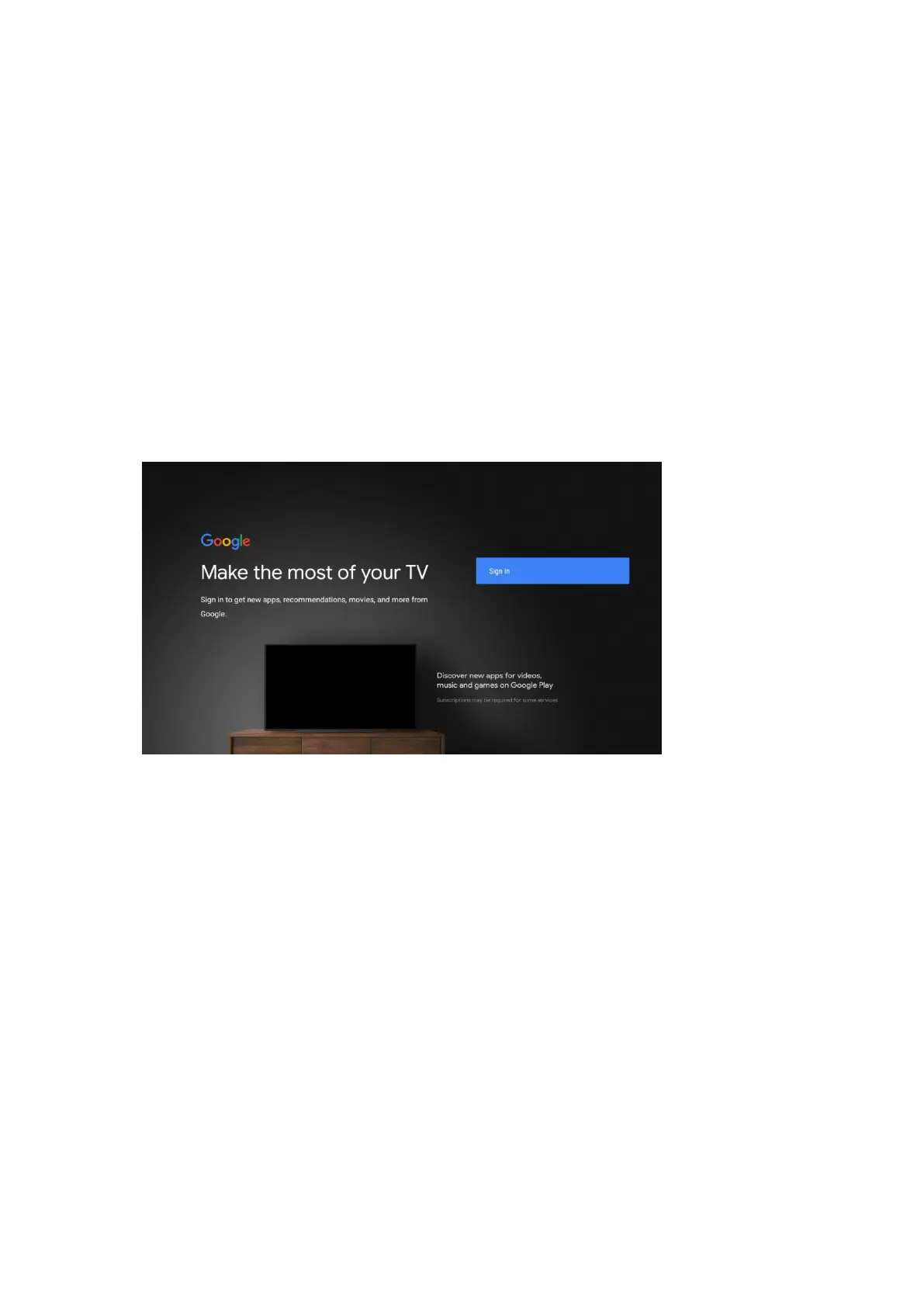
Sign in to your google account
To use Google Assistant, Google play store, you must sign in to your Google Account.


 To Next Page