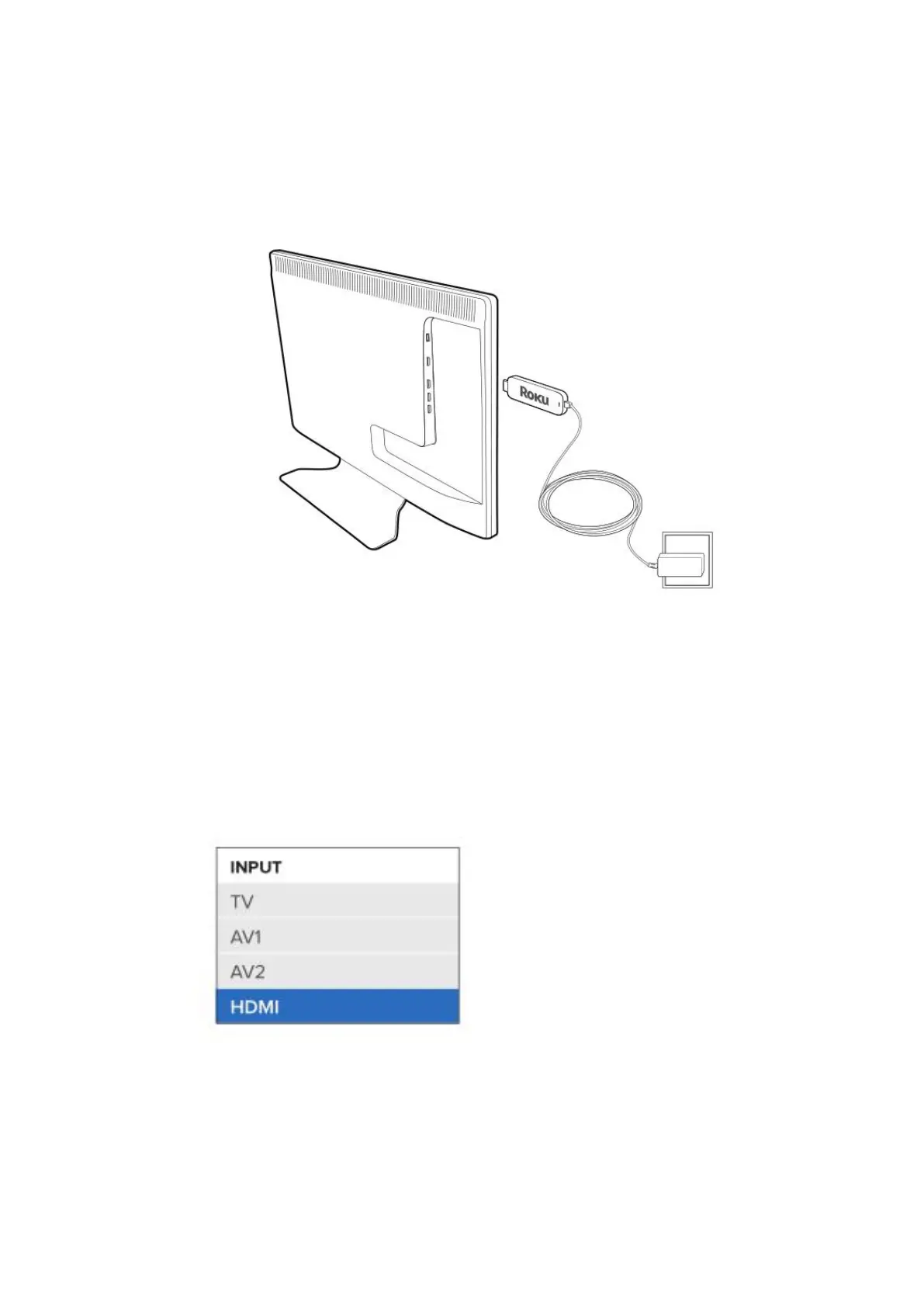
2. Connect the micro-USB cable between the Stick and the included
power adapter. Plug the power adapter into an A/C power outlet.
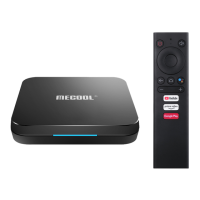
3. Turn on your TV, then press the TV’s Input or Source button to select
the HDMI input that the TV stick is connected to. The LED on the TV
stick lights and the remote control pairing screen is displayed on your
TV.


 To Next Page