EasyManua.ls Logo

Videotree lifestyle - User Manual

Default Icon
21 pages
Print Icon
To Next Page IconTo Next Page
Loading...
www.videotree.com
Tel: +44 (0)1932 267 797
1
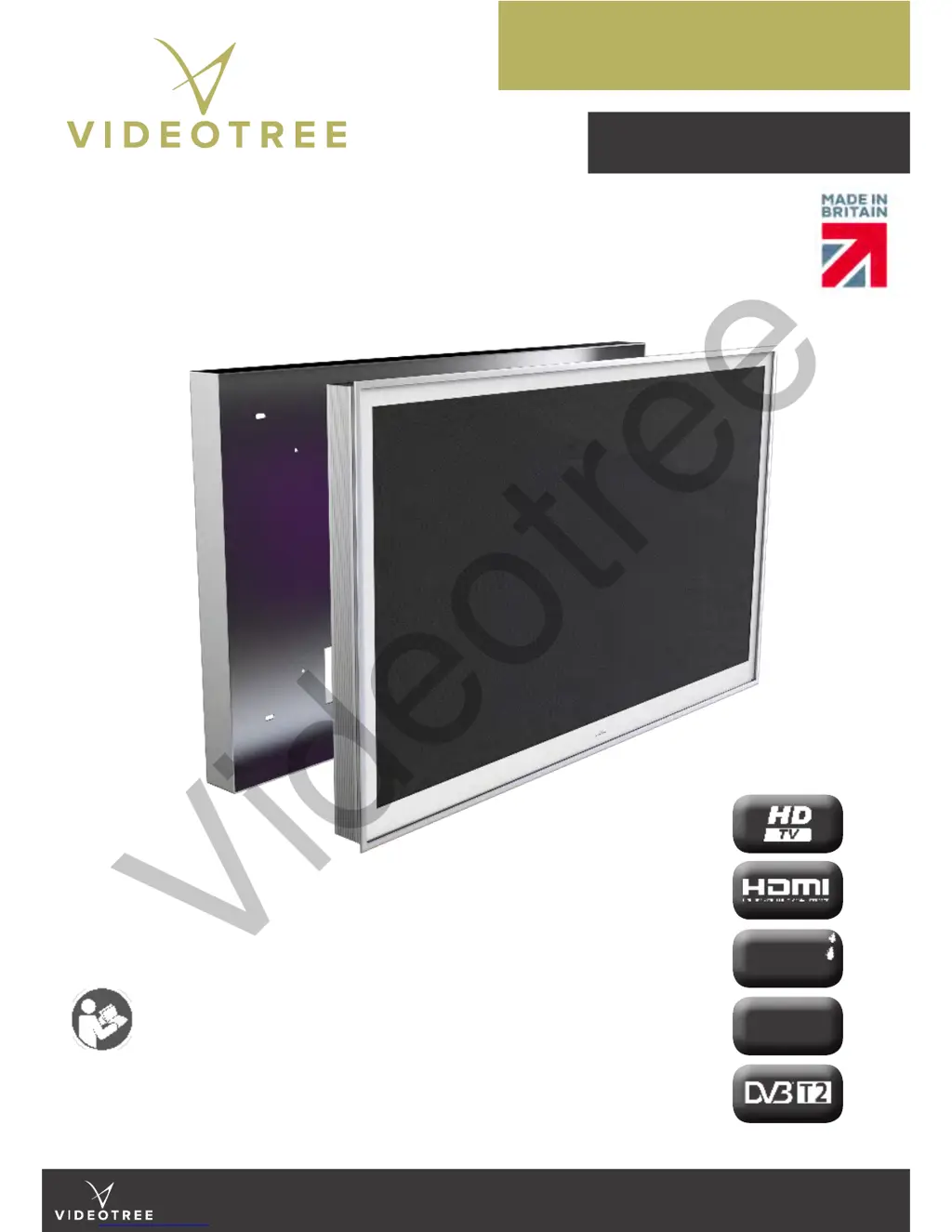
LUXURY WATERPROOF TELEVISIONS MADE IN ENGLAND
LIFESTYLE RANGE
IN-WALL RANGE: 19” / 27” / 32” / 42” / 46” / 55”
USER MANUAL &
INSTALLATION GUIDE
User manual and installation guide for Videotree’s in-wall
range of waterproof televisions.
Please read this guide carefully before installing and
operating your Videotree television and retain for future
reference.
2 YEAR
Warranty
IP66
Protection Rating
Videotree

Questions and Answers

  • J
    Jessica MoralesAug 2, 2025
    What to do if my Videotree TV has no sound?
    • K
      kbishopAug 2, 2025
      If your Videotree TV has no sound, first ensure that the mute button is not activated. Then, verify that the volume is not set too low by pressing the Vol + button. Also, check the connection between your TV and any external speakers to make sure they are properly connected.
  • L
    Lucas SantiagoAug 12, 2025
    Why does my Videotree lifestyle TV say no signal?
    • H
      Haley BensonAug 12, 2025
      If your Videotree TV displays 'No signal', it could be due to several reasons. Ensure the correct source is selected on your TV. Check the cable connections between your TV and the source equipment. Also, verify that the external equipment is powered on and set to display video on the appropriate output port.
  • S
    smithashleyAug 22, 2025
    Why Videotree lifestyle has no LED light?
    • H
      harrisshawnAug 22, 2025
      If the LED light on your Videotree TV is not illuminated, it is likely due to a lack of input power. Check the power cable to ensure it is properly connected. Also, verify that the green LED light on the power supply is illuminated.

Summary

Introduction

Before You Begin

Essential steps and checks before starting the installation.

Connections

Control Panel Overview

Description of the television's control panel and its ports.

Reverse IR Connection

Details on connecting the reverse IR input for external control.

RS232 Connection Details

Information on connecting and configuring the RS232 interface.

External Speaker Connections

Viewing Angles and Positioning

Backbox Cutout Dimensions

Television and Backbox Dimensions

Detailed dimensions for the television and its required backbox.

Installation

Screen Removal

Master Remote Control

Learning Remote Control

RS232 Codes

Common Shortcuts

Auto Installation

Troubleshooting

Technical Specifications

General Information

Key general operating and environmental specifications for the television.

Symbols Used

Waste Disposal (WEEE)

Product Care

Warranty Information

Product Codes

Videotree lifestyle Specifications

General IconGeneral
BrandVideotree
Modellifestyle
CategoryTV
LanguageEnglish

Related product manuals