Need help?
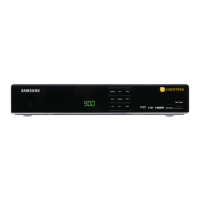
Do you have a question about the Videotron 4K Terminal and is the answer not in the manual?
Steps for activating the terminal via mail or dealer.
Instructions for connecting the terminal to the TV using HDMI.
Steps for programming the remote to control the TV or audio system.
Covers rebooting, display issues, and picture/sound problems.
Information on how to contact technical support and availability.
Guidelines for positioning, ventilation, and avoiding liquid/object entry.
 General
| Resolution | 4K Ultra HD (3840 x 2160 pixels) |
|---|---|
| Connectivity | Wi-Fi, Ethernet |
| HDMI Ports | 1 |
| USB Ports | 1 |
| Audio Output | HDMI, Optical |


 To Next Page