5
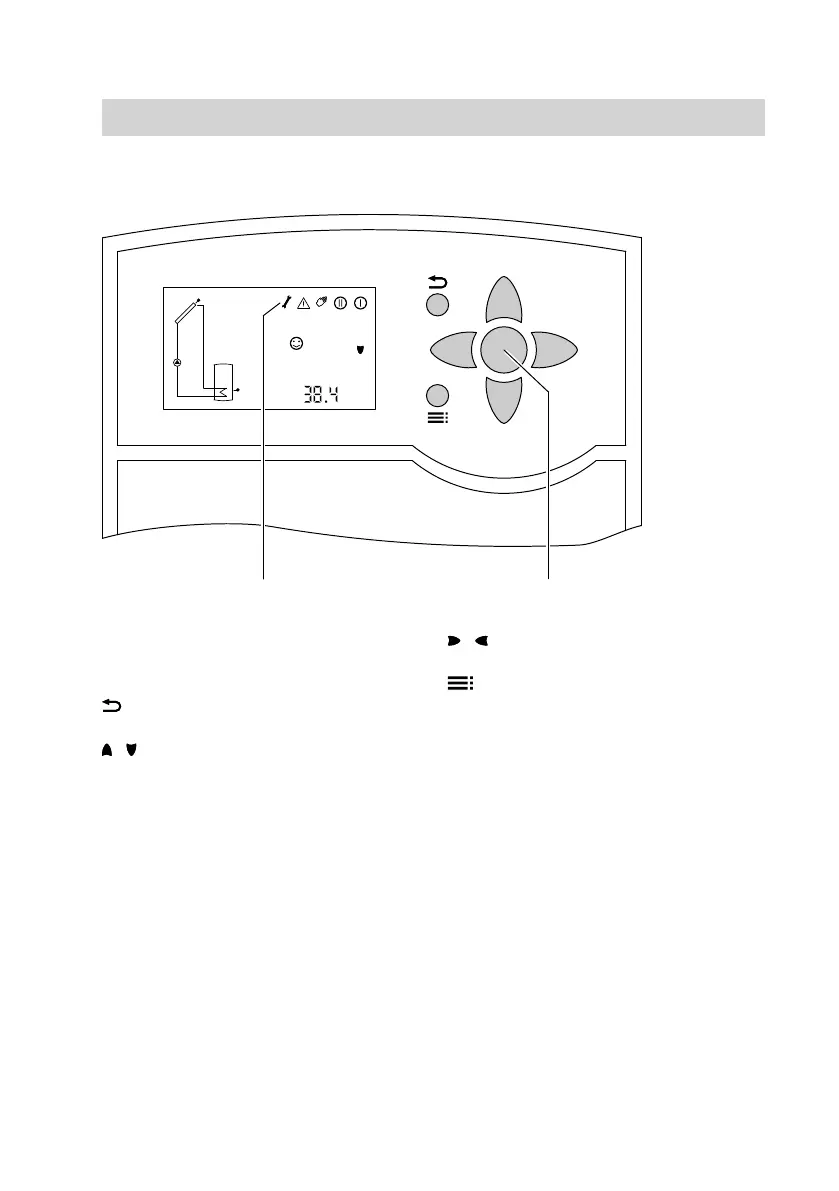
Controls
A
OK to confirm your selection or
setting.
B
Symbols line
To terminate a value adjustment
in progress.
/ Cursor keys
To scroll through the menu.
/ Cursor keys
To adjust values.
To change from the scanning level
to the setting level
To the right, underneath the symbol line
on the display, you will see which keys
you can operate to make adjustments
and scans.
Symbols on the display
These symbols are not always dis-
played, but appear subject to the system
operating condition.
Operation
Operation
5592 640 GB












 To Next Page