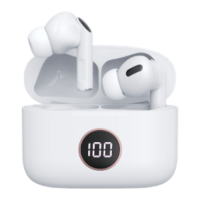
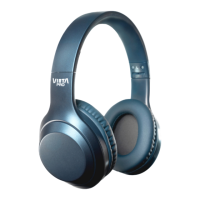
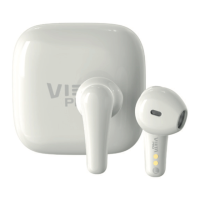
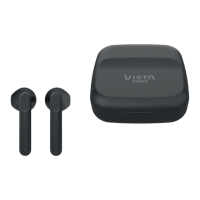
When you remove the earphones from the charging box, they
turn on automatically.
When you insert the earphones in the charging box, they turn
off automatically.
When earphones are out of the charging box but remain
inactive (standby mode), insert to charging box to turn off and
charge it.
If earphone not connected to the multimedia device, it will
automatically power off after 3 minutes
One time touch “L” side or “R” side.
One time touch “L” side or “R” side.
Long touch 2 sec. “L” side or “R” side.
One time touch “L” side or “R” side.
Double touch “R” side while playing music.
Double touch “L” side while playing music.
Long press. “L” side or “R” side. [2. Power button].
ANC (Active Noise Cancellation), Transparency and Normal
Mode.
Long touch 2 sec. “R” side. [2. Power button].
4.
Once earphones are charged, take it out of the charge box.
5.
L/R turn on at the same time when you take them out of the charge box and they will connect
to each other automatically and wait for the Bluetooth to be connected.
6.
In media device (Smartphone/Ordenador/Tablet), you can search for the reference Vieta


 To Next Page
 Loading...