System settings
Touch the icon for the settings to open the system settings menu:
1. Wireless & Networks
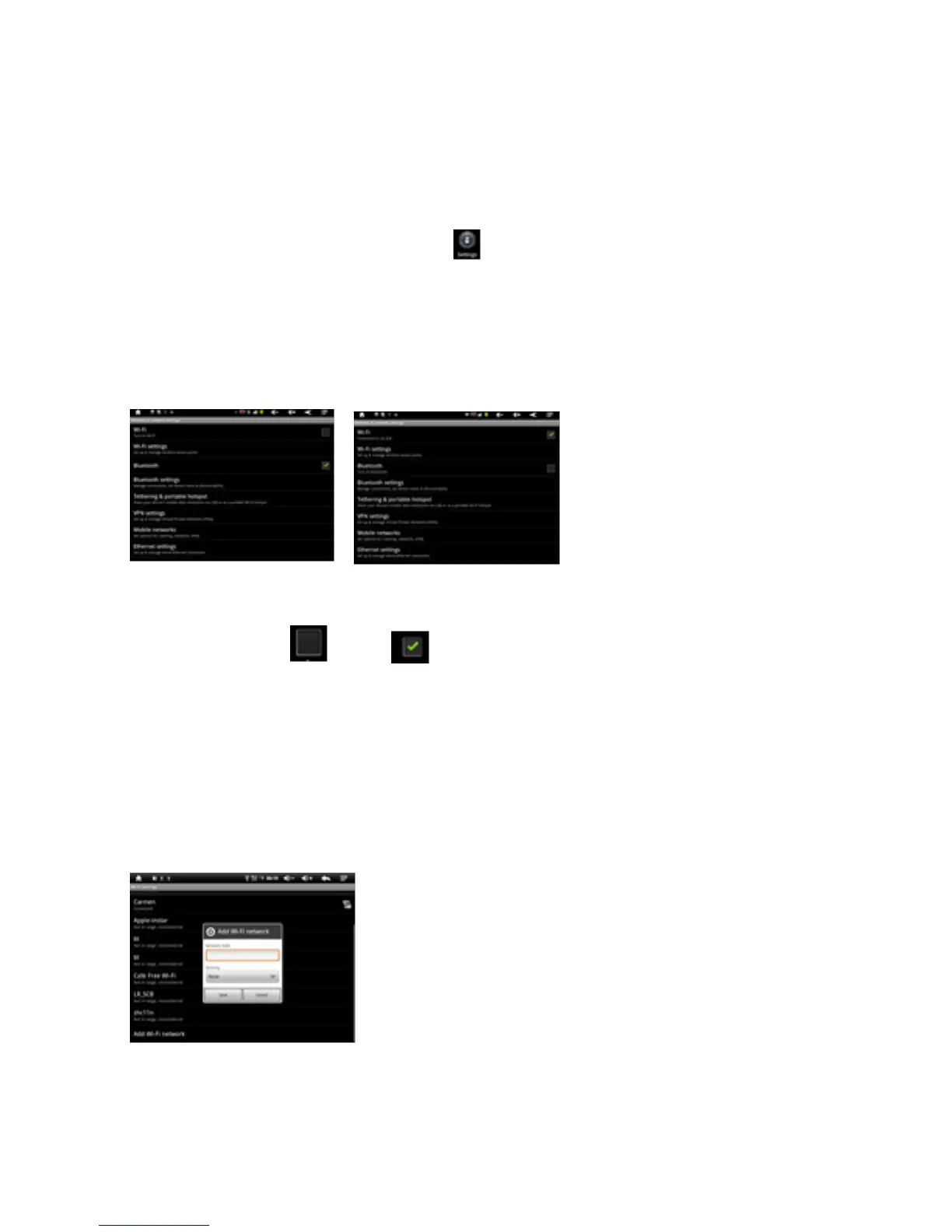
Touch ‘Wireless & Networks’.
WLAN: Touch => to switch on the WLAN function.
The device automatically searches for available WLAN networks.
WLAN Settings: Select your network here.
If needed you will be requested to enter your WLAN password:



 To Next Page