Main functions
Internet
Touch Icon to surf the net.
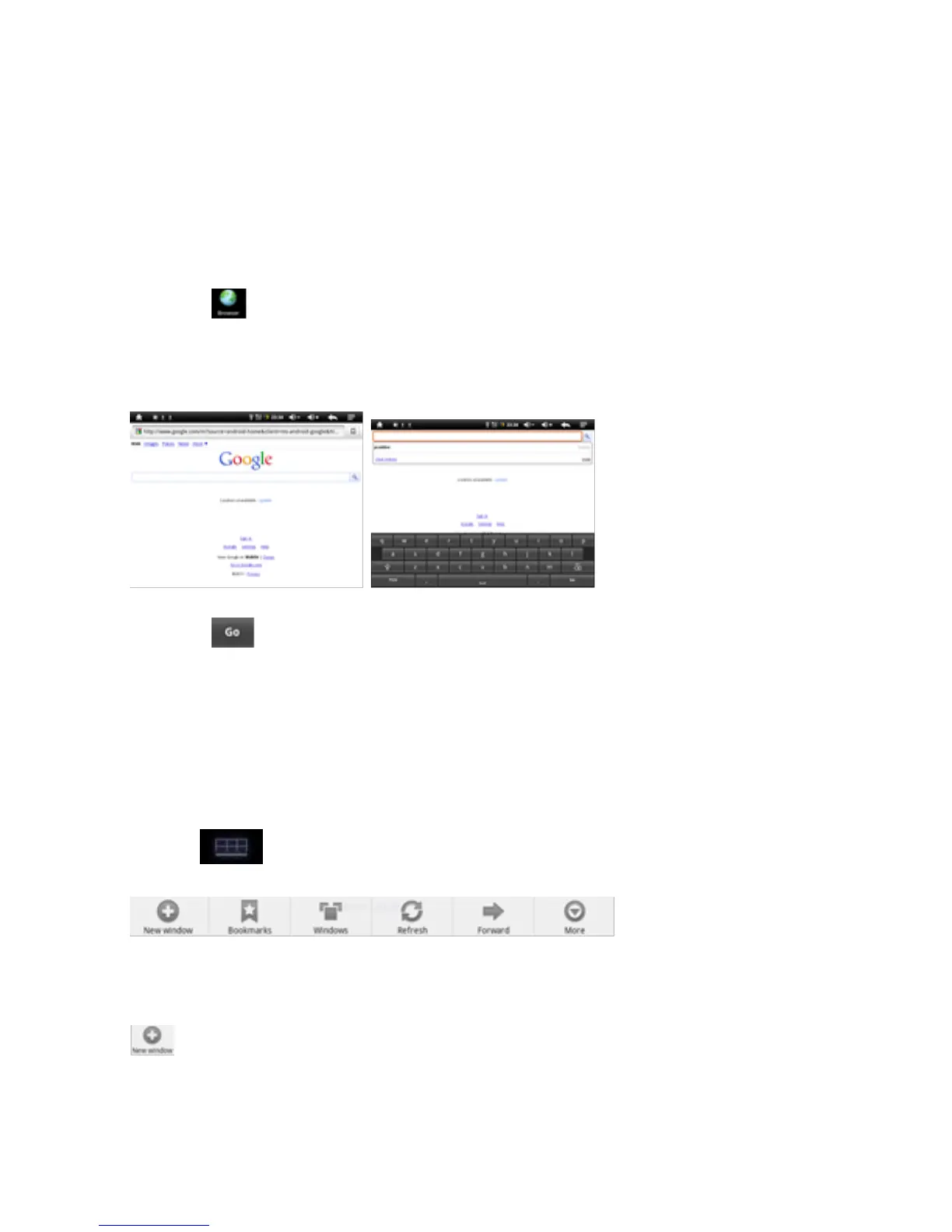
Google is the default start page.
Touch the input field to display the keyboard:
Touch after entering a website address to open the website.
Note: The Android keyboard has few options for settings such as:
keyboard language, numbers and icons etc.
The Internet browser can open four websites simultaneously;
Touch and the menu will be displayed as follows:
Touch ‘New Window’ and a new website will be displayed.



 To Next Page