Page 15 of 18
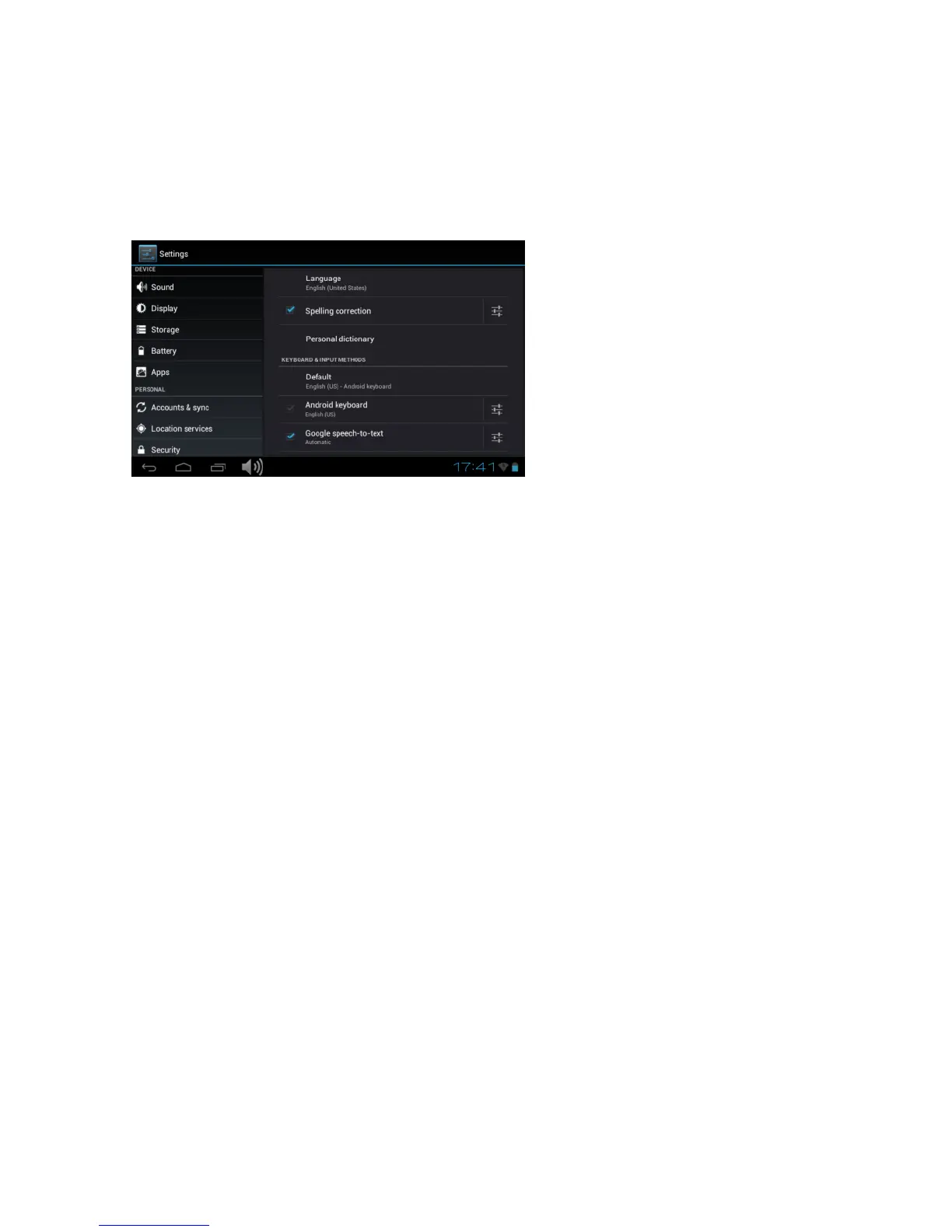
Language & input
Set the system language and input method.
Backup & Reset
Secure my data: Here you can define if different settings
should be stored on Google servers.
Touch ‘Factory data reset’ to reset the device to factory settings.
All settings, self-installed apps and data stored on internal memory
will be deleted.
System
Date & time
If your network does not support automatic setting of time,
you can set the time, time zone and date manually after
deactivating automatic settings.
Accessibility
Here you can set the access to the system, text size, the rotation of
the screen etc.



 To Next Page