Page 8 of 18
Functions of the buttons on the user interface:
Home Button:
To go back to the start screen.
Back Button:
To go back to the previous menu / previous page.
Program Menu Button:
To display the programs and applications.
Change Window Button:
The device has five desktops. You can push your finger on the
touchscreen to the side to navigate between different desktops.
WIFI / WLAN Signal Icon
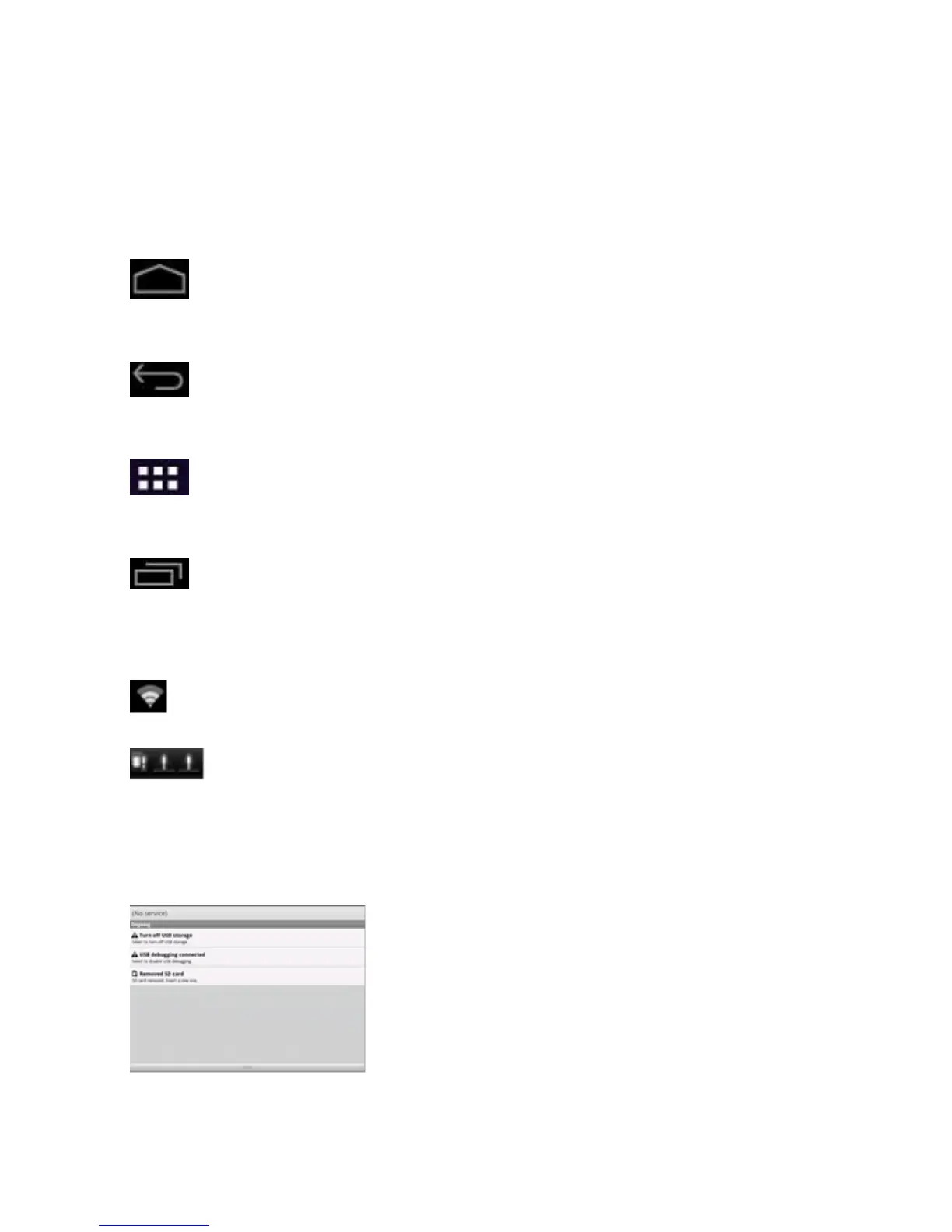
System instructions:
Pull the status bar down to view messages about new e-mails,
downloaded documents, USB Connection Status or other
information.



 To Next Page