Page 17 of 18
Note: The Android keyboard has few options for settings such as:
keyboard language, numbers and icons etc.
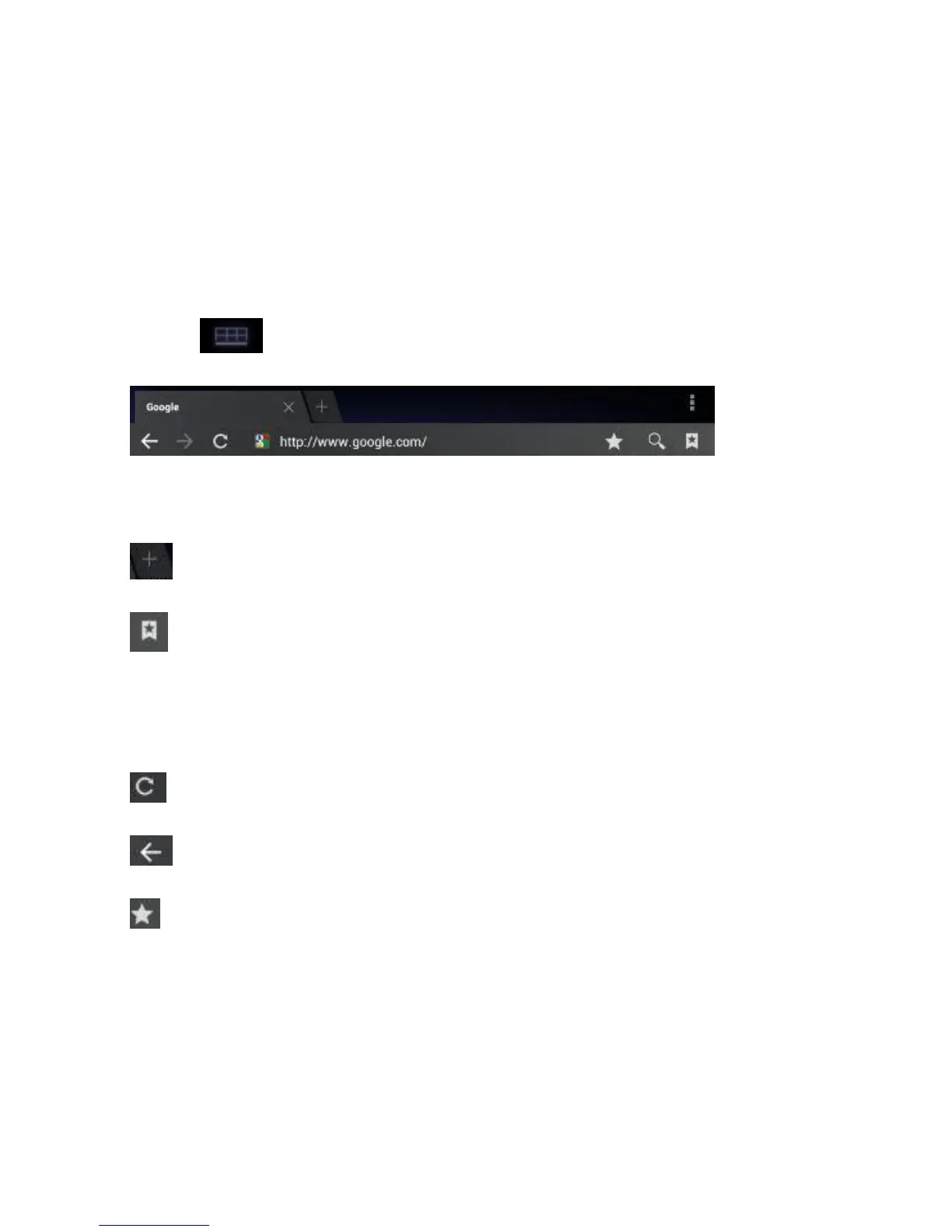
The Internet browser can open four websites simultaneously;
Touch and the menu will be displayed as follows:
Touch ‘New Window’ and a new website will be displayed.
‘Most visited’ and ‘History’ can be found under ‘Bookmarks’.
Click on the tabs to navigate between two open windows.
Four different windows are possible simultaneously.
Touch ‘Refresh’ to refresh the current web page.
A step backwards, opposite of forward Icon.
’Add bookmarks’, ‘Search on the page’, ‘Select text’ ‘Page
information’, ‘Page info’, ‘Forward link’ ‘Downloads’, ‘Settings’.



 To Next Page