17.
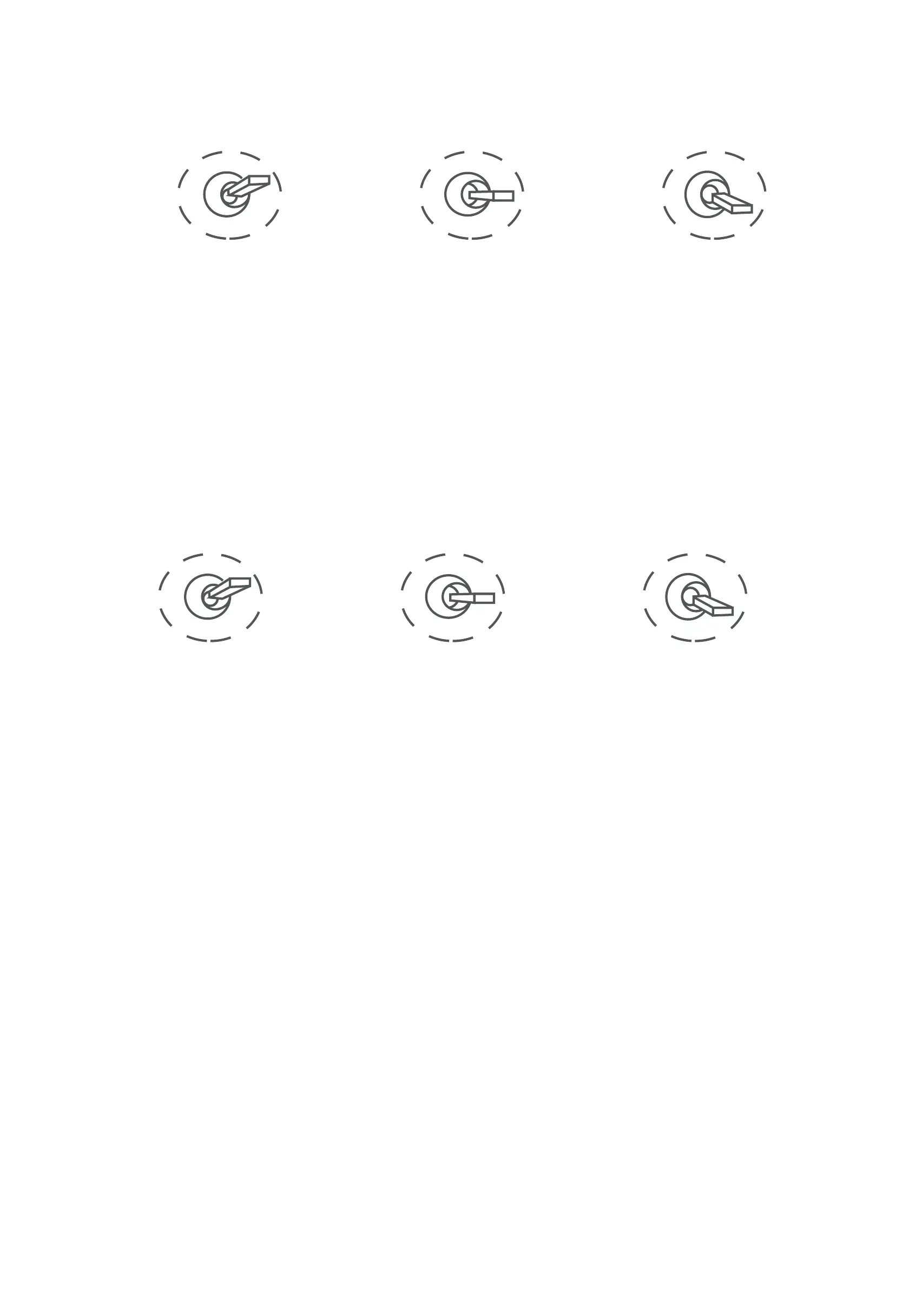
5) Zoom (PWM Zoom channel in to control Zoom. Joystick, rotary
knob or 3-gear switch on remote control are optional. 3-gear switch as
example.)
6) Focus (PWM Focus channel is to control PIP, IR color palette
switch, 3-gear switch as example.)
7) Pic/Rec (PWM Pic/Rec channel in to control take picture and
record. Joystick, rotary knob or 3-gear switch on remote control are
optional. 3-gear switch as example.)
Switch from Position 2 to 1: Picture in Picture. EO+IR , IR+EO, EO
only, IR only. Switch from Position 2 to 3: IR color switching: white hot,
black hot, pseudo color
Low Gear
Zoom Out
Position 1
Middle Gear
Stop Zoom
Position 2
High Gear
Zoom In
Position 3
Low Gear
PIP switch
Position 1
Middle
Gear
Position 2
High Gear
IR color palette switch
Position 3


 To Next Page