18.
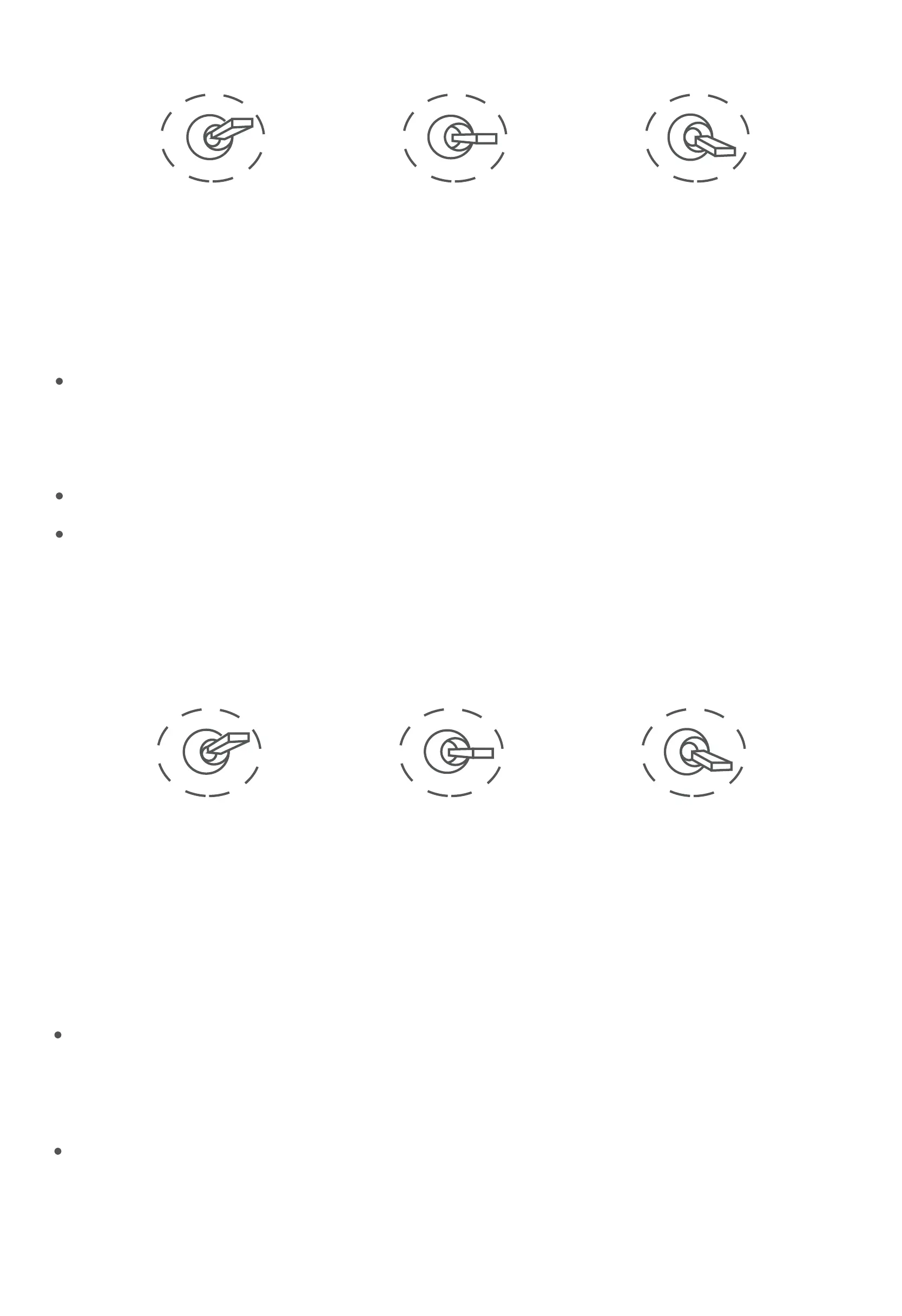
Switch from Position 2 to 1: Take a picture
OSD display 'REC IMG' a second.
8) Multi: IR digital zoom / tracking control
Low Gear
Position 1
Middle Gear
Position 2
High Gear
Position 3
Low Gear
Position 1
Middle Gear
Position 2
High Gear
Position 3
Switch from Position 2 to 1: IR digital zoom, 1x~4x
Switch from Position 2 to 3:
Exit the tracking, display the cross cursor. Adjust the cross cursor to
lock target object and start tracking
Switch from Position 3 to 2:
Cancel tracking
Switch from Position 2 to 3: Start record / repeat operation to stop
record
Start record, the OSD display rec hh:mm:ss.
Stop record, the OSD display STBY.


 To Next Page