29
2.22. System conguration – Expand Storage by using micro SD card
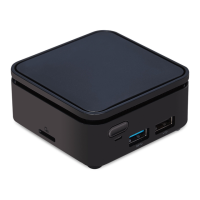
The device allows for an external micro SD card to replace the built-in SD
card for users who need larger storage space.
1. Take a micro SD card, format clean as FAT16/32.
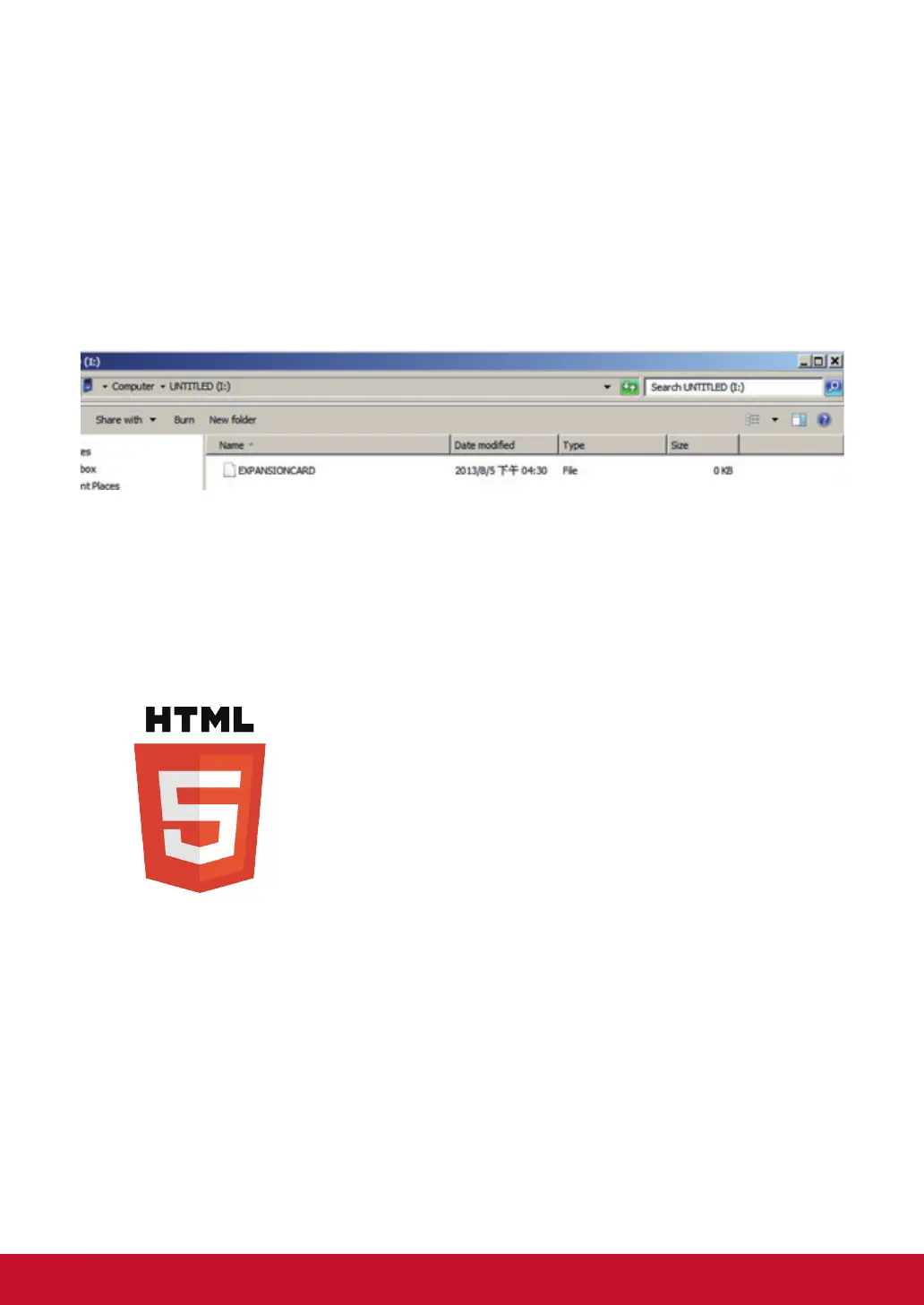
2. In the root directory of the card, create a le named EXPANSIONCARD
(case insensitive).
3. Insert the micro SD card into the player, lock it with the provided micro
SD card lock clip, and then do a power cycle.
4. The device will now have an expanded storage capacity.
3. Content Management
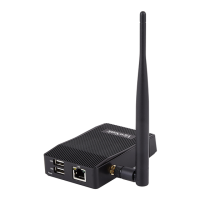
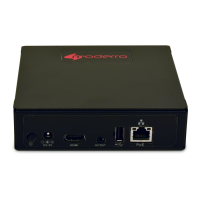
The NMP580-W is designed to work with 3rd party management solutions.
Please refer to the printed guide for related set up instructions.
4. Authoring in HTML5
A major advancement in the NMP580-W media appliance is the ability to
playback HTML5 content which can contain dynamic information.





 To Next Page