EasyManua.ls Logo

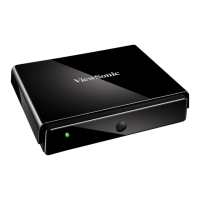
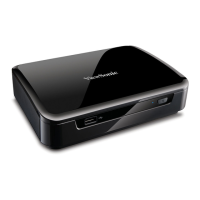
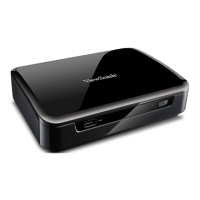
ViewSonic VMP70 - User Manual

ViewSonic VMP70
28 pages
Print Icon
To Next Page IconTo Next Page
Loading...
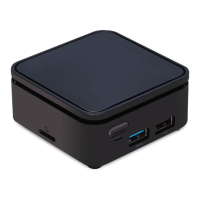
VMP70
FULL HD media player
Model No.: VS13041
- User Guide
- Guide de l’utilisateur
- Guía del usuario

Other manuals for ViewSonic VMP70

Questions and Answers

  • R
    Richard RayAug 9, 2025
    What to do if my ViewSonic VMP70 Media Player displays no picture?
    • M
      Matthew GonzalesAug 9, 2025
      If your ViewSonic Media Player isn't showing a picture, first ensure the power cord is securely connected, and try another outlet. Also, verify that the Component Y/Pb/Pr/ AUDIO L/R cables or HDMI cable are properly connected. Finally, use the “SOURCE” or "INPUT" button on your display remote to select the correct input source in the video setup menu.
  • R
    Randall SheltonAug 25, 2025
    Why my USB device is not listed on the “USB Media” menu on my ViewSonic Media Player?
    • G
      Gregory HendersonAug 25, 2025
      If your USB device isn't showing up in the “USB Media” menu of your ViewSonic Media Player, ensure the USB device is firmly connected. Also, check that your USB device is formatted correctly. The VMP70 supports NTFS, EXT3, FAT16, and FAT32 formats.

ViewSonic VMP70 Specifications

General IconGeneral
BrandViewSonic
ModelVMP70
CategoryMedia Player
LanguageEnglish

Related product manuals