EasyManua.ls Logo

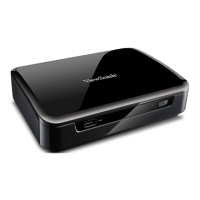
ViewSonic VMP70 - Other

ViewSonic VMP70
28 pages
Print Icon
To Next Page IconTo Next Page
To Previous Page IconTo Previous Page
Loading...
20
OTHER
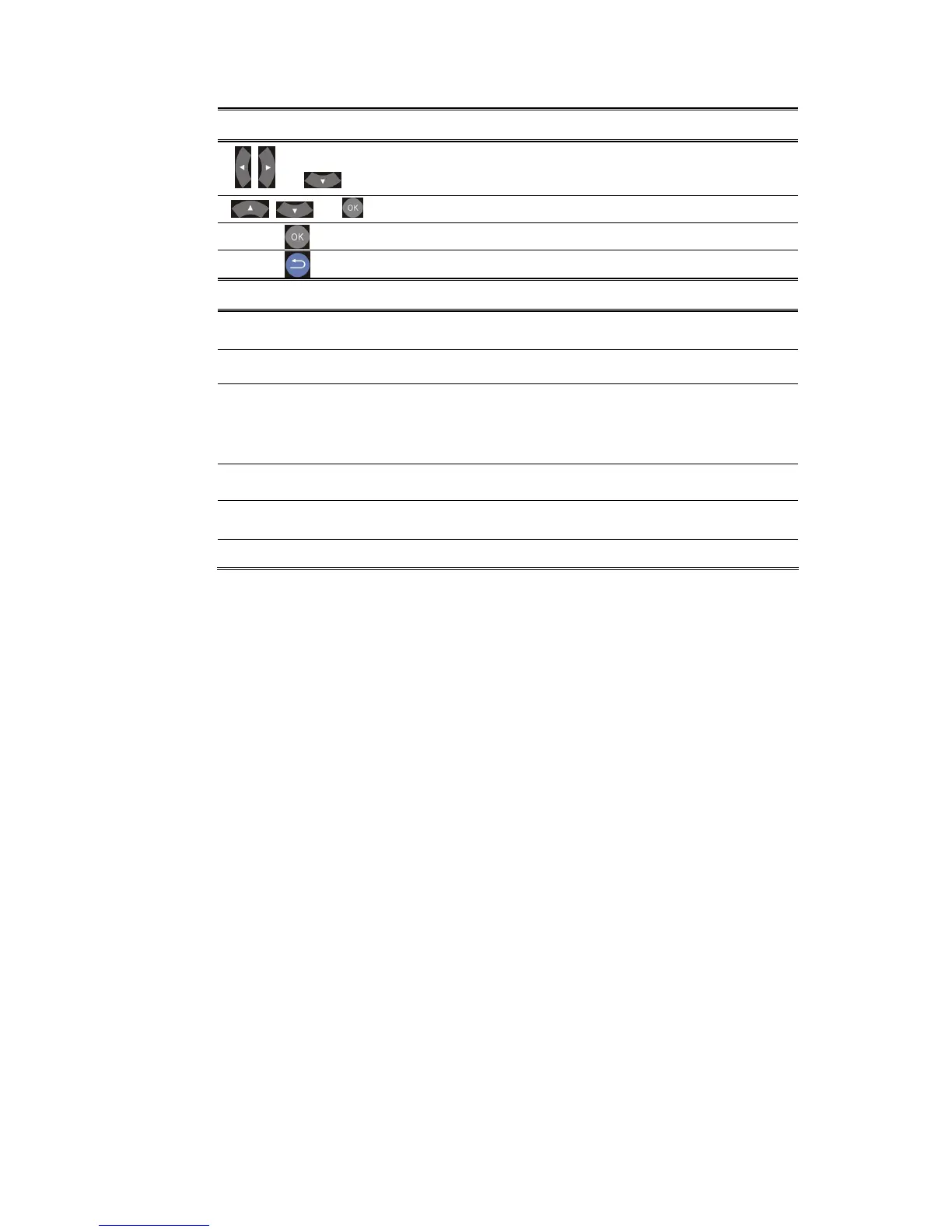
Remote Description
+
Enter “Other” setup menu.
+
Select the item for adjustment.
Confirm the change.
Return to previous display.
Item
Options
Resume Play
Off/On
Slide Show Timer
Off/2,5,10,30 Seconds/1,2 Minutes
Transition Effect
Off/Cross Fade/Left to Ri

g
ht/Top to
Bottom/Waterfall/Snake/Dissolve/Str
ip Left Down/All Effect Shuffle
Background Music
Off/On
Screen Saver
Off/On
Movie Preview
Off/On
ViewSonic VMP70

Other manuals for ViewSonic VMP70

Related product manuals