EasyManua.ls Logo

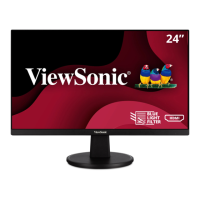
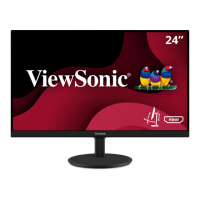
ViewSonic VA2456-MIKU - User Manual

ViewSonic VA2456-MIKU
59 pages
Print Icon
To Next Page IconTo Next Page
Loading...
Model No. VS17295
P/N: VA2456-MIKU
VA2456-MIKU
LCD Monitor
User Guide
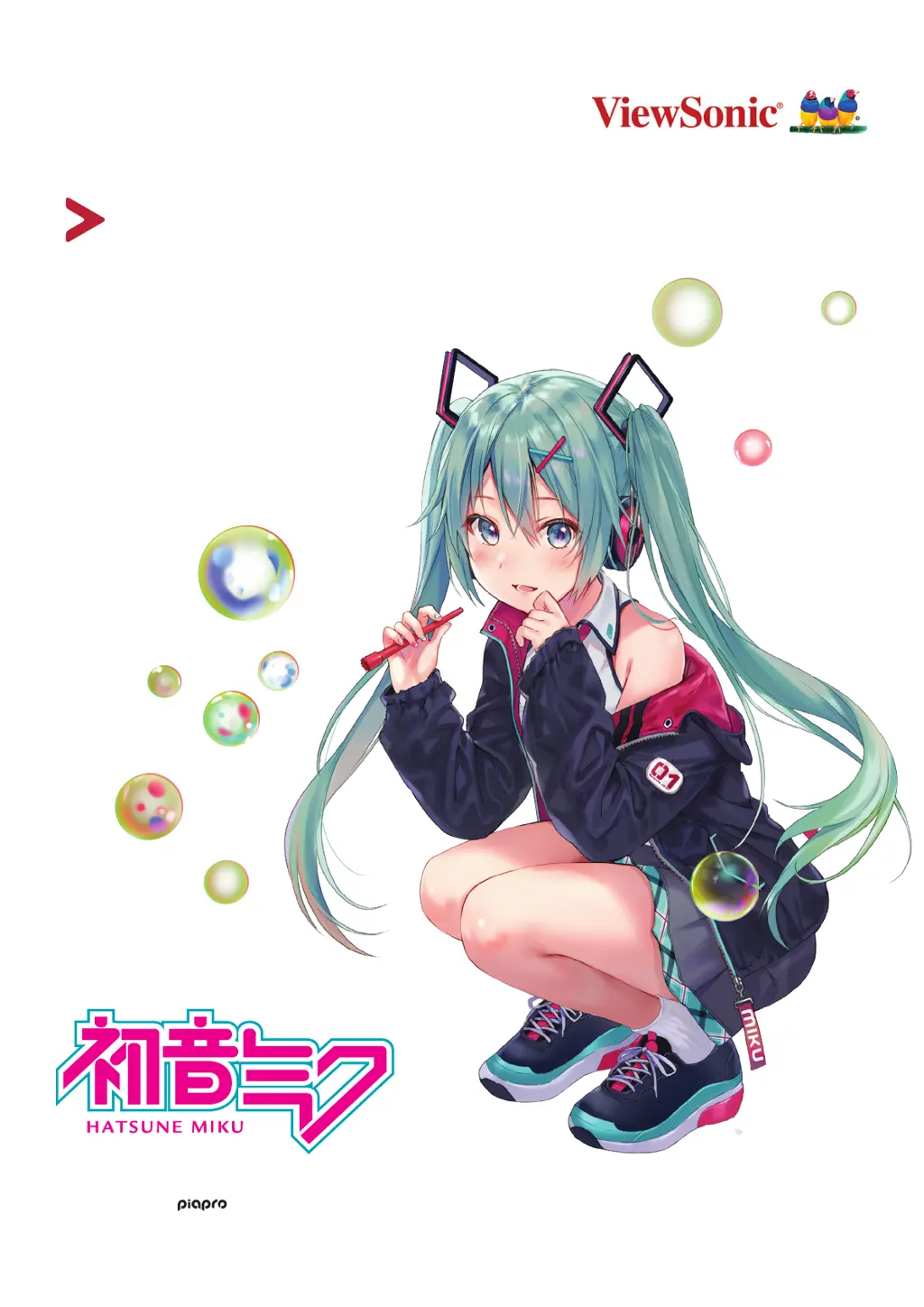
Art by Fukahire © Crypton Future Media, INC.
www.piapro.net

Questions and Answers

  • T
    Troy SnyderAug 19, 2025
    How do I fix a blurred screen image on my ViewSonic Monitor?
    • K
      kathyalvarezAug 19, 2025
      If the screen image on your ViewSonic Monitor is blurred, adjust the resolution to the correct Aspect Ratio. You may also try resetting the monitor to factory settings.
  • A
    Ashley MatthewsAug 22, 2025
    What to do if my ViewSonic VA2456-MIKU has power but no image?
    • T
      Terri HopkinsAug 22, 2025
      If your ViewSonic Monitor has power but no image, ensure the video cable connecting the monitor to the computer is properly and securely connected. Also, try adjusting the brightness and contrast settings and make sure the correct input source is selected.
  • T
    travissierraAug 25, 2025
    Why does my ViewSonic VA2456-MIKU Monitor have wrong or abnormal colors?
    • M
      Mindy SilvaAug 25, 2025
      If your ViewSonic Monitor displays wrong or abnormal colors, and any colors (red, green, or blue) are missing, check the video cable to ensure it is properly and securely connected, as loose or broken pins in the cable connector could cause an improper connection. You can also connect the monitor to another computer to test it.
  • C
    Carol ChoiAug 27, 2025
    What causes the screen image to cut in and out on a ViewSonic VA2456-MIKU?
    • L
      Louis HunterAug 27, 2025
      If the screen image on your ViewSonic Monitor cuts in and out, ensure the correct input source is selected. Check the video cable connector for bent or broken pins and make sure the video cable connecting the monitor to the computer is properly and securely connected.
  • J
    jeromepughAug 28, 2025
    How to fix a ViewSonic VA2456-MIKU Monitor screen image that is too light or dark?
    • K
      Karen HurleyAug 28, 2025
      If the screen image on your ViewSonic Monitor is too light or dark, adjust brightness and contrast settings via the OSD Menu. You can also reset the monitor to factory settings.
  • M
    Mary RobinsonAug 30, 2025
    Why is there no image on my ViewSonic Monitor when an external device is connected?
    • A
      Adriana BentleyAug 30, 2025
      If an external device is connected to your ViewSonic Monitor, but no image appears, make sure the power is on. Adjust brightness and contrast via the OSD Menu. Check the connecting cable and make sure it is properly and securely connected, as loose or broken pins in the cable connector could cause an improper connection.
  • A
    Angela EvansSep 1, 2025
    How to troubleshoot a ViewSonic VA2456-MIKU that has no power?
    • L
      Laura BrownSep 1, 2025
      If your ViewSonic Monitor has no power, first, ensure you have turned on the monitor by pressing the Power button. Then, make sure the power cord is properly and securely connected to both the monitor and the power outlet. To verify the outlet is supplying power, plug another electrical device into it.
  • A
    Ashley DrakeSep 3, 2025
    How to fix no audio output on ViewSonic Monitor?
    • Z
      zstoneSep 3, 2025
      If your ViewSonic Monitor has no audio output, and you are using headphones, ensure the mini stereo jack is properly connected. Also, make sure the volume is not muted or set to 0, and check the Audio Input setting.
  • E
    Elaine BurkeSep 5, 2025
    Why are USB devices not working when connected to my ViewSonic Monitor?
    • M
      Matthew LucasSep 6, 2025
      If USB devices connected to your ViewSonic Monitor do not work, ensure the USB cable is connected properly. If applicable, try changing to another USB port. Note that some USB devices require a higher electric current, so connect the device directly to the computer.
  • R
    rosenathanSep 8, 2025
    What to do if the OSD Menu does not appear on my ViewSonic VA2456-MIKU?
    • D
      Danielle RossSep 8, 2025
      If the OSD Menu does not appear on the screen or the OSD controls are inaccessible on your ViewSonic Monitor, check whether the OSD Menu is locked by pressing and holding the 2 and 3 key for 10 seconds. Also, try turning off the monitor, unplugging the power cord, plugging it back in, and then turning on the monitor. Resetting the monitor to factory settings can also help.

ViewSonic VA2456-MIKU Specifications

General IconGeneral
Screen Size24 inches
Resolution1920 x 1080 (Full HD)
Panel TypeIPS
Aspect Ratio16:9
Refresh Rate75 Hz
Brightness250 cd/m²
Contrast Ratio1000:1
Response Time5 ms
ConnectivityHDMI, VGA
Viewing Angle178° (H) / 178° (V)
Color Support16.7 million colors
Weight3.5 kg

Related product manuals