23
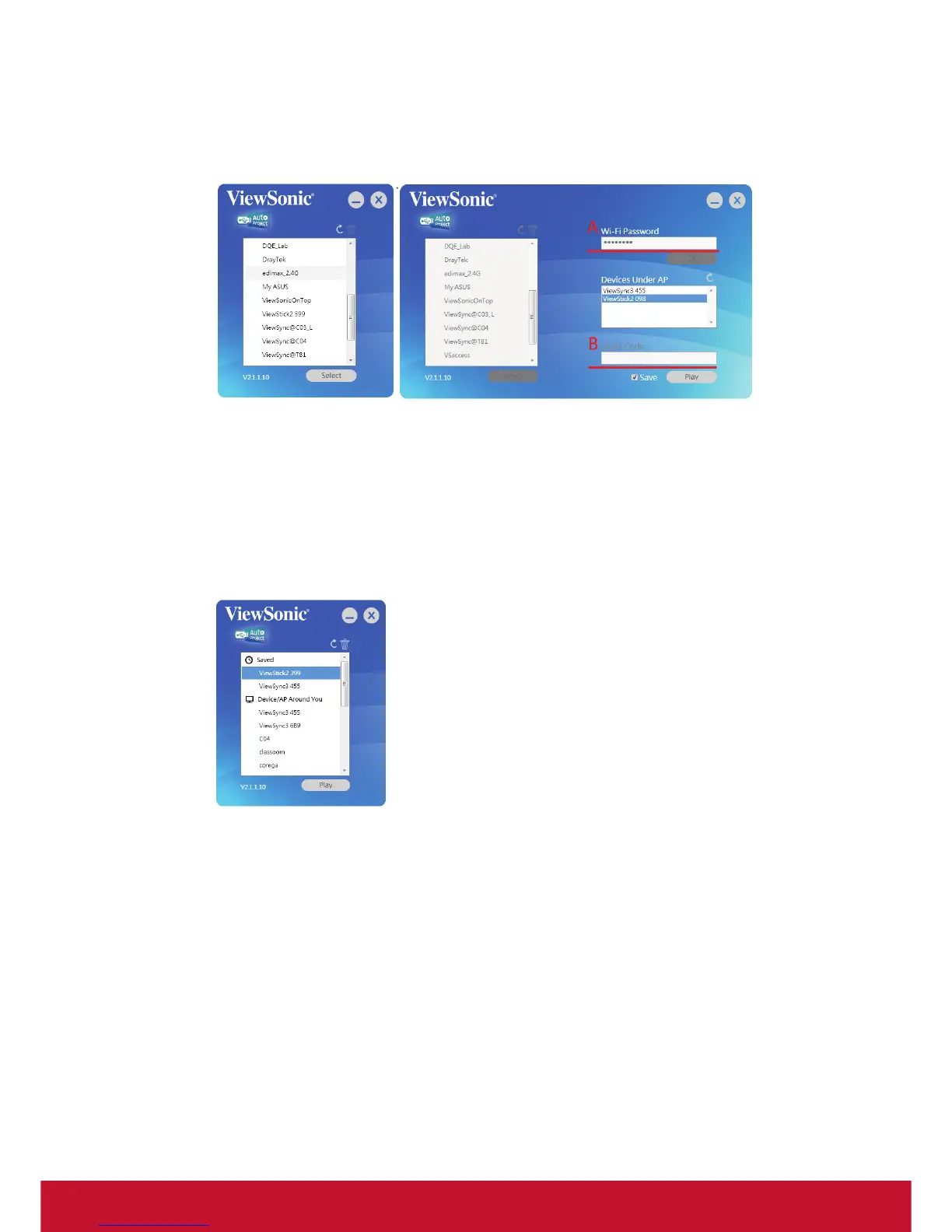
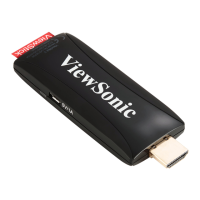
2. If ViewStick 2 link to WiFi router by WiFi (Ex. link to edimax_2.4G WiFi router”).
2.1 Select edimax_2.4G and select ViewStick. Click Play button
If DreyTek wifi router set WPA security, it is need to key password on
step A.
If ViewStick 2 set Login code, it is needed to key Login code before
Play to ViewStick 2 on step B
2.2 Next time, ViewStick 2 will be saved , it will auto select correct WiFi Router
and link to ViewSync directly


 To Next Page