
 To Next Page
G
Gina MillerSep 12, 2025
Why are some menus not selectable in the OSD of my ViewSonic Monitor?
- WwarnerdanielSep 12, 2025
Try adjusting the ViewMode or the input source. If that doesn't resolve the issue, reset the monitor to factory settings.

Why are some menus not selectable in the OSD of my ViewSonic Monitor?
Try adjusting the ViewMode or the input source. If that doesn't resolve the issue, reset the monitor to factory settings.
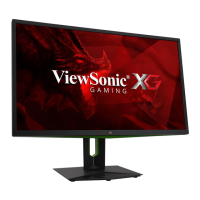
How do I get audio output from my ViewSonic XG2709 Monitor?
If you are using headphones, ensure the mini stereo jack is properly connected. Make sure the volume is not muted and is not set to 0. Also, check the Audio Input setting.
Why are my USB devices not working when connected to my ViewSonic XG2709 Monitor?
Make sure the USB cable is connected properly. Try changing to another USB port, if available. Some USB devices require a higher electric current, so try connecting the device directly to the computer.
 General