Need help?
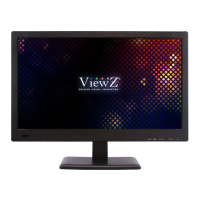
Do you have a question about the ViewZ VZ-215IPM and is the answer not in the manual?
Assemble the Stand Base into the Stand Body using the included screws.
Adjust the position of the panel in various ways for maximum comfort.
Guide to navigating and adjusting settings via the On-Screen Display menu.
Detailed technical specifications of the LCD monitor, including type, resolution, and inputs.
Troubleshooting steps for when the display screen shows no image.
Solutions for resolving the 'NO SIGNAL' message on the screen.
Steps to fix issues with display image centering or sizing in PC mode.
Tips for resolving vertical or horizontal noise present in the picture.

 To Next Page
 General