XMA Limited, VHQ, 7 Handley Page Way, Old Parkbury Lane, Colney Street, St. Albans, Hertfordshire AL2 2DQ
Tel: 01727 201 850 | Fax: 01727 201858 | Email: technical@viglen.co.uk| Web: www.xma.co.uk
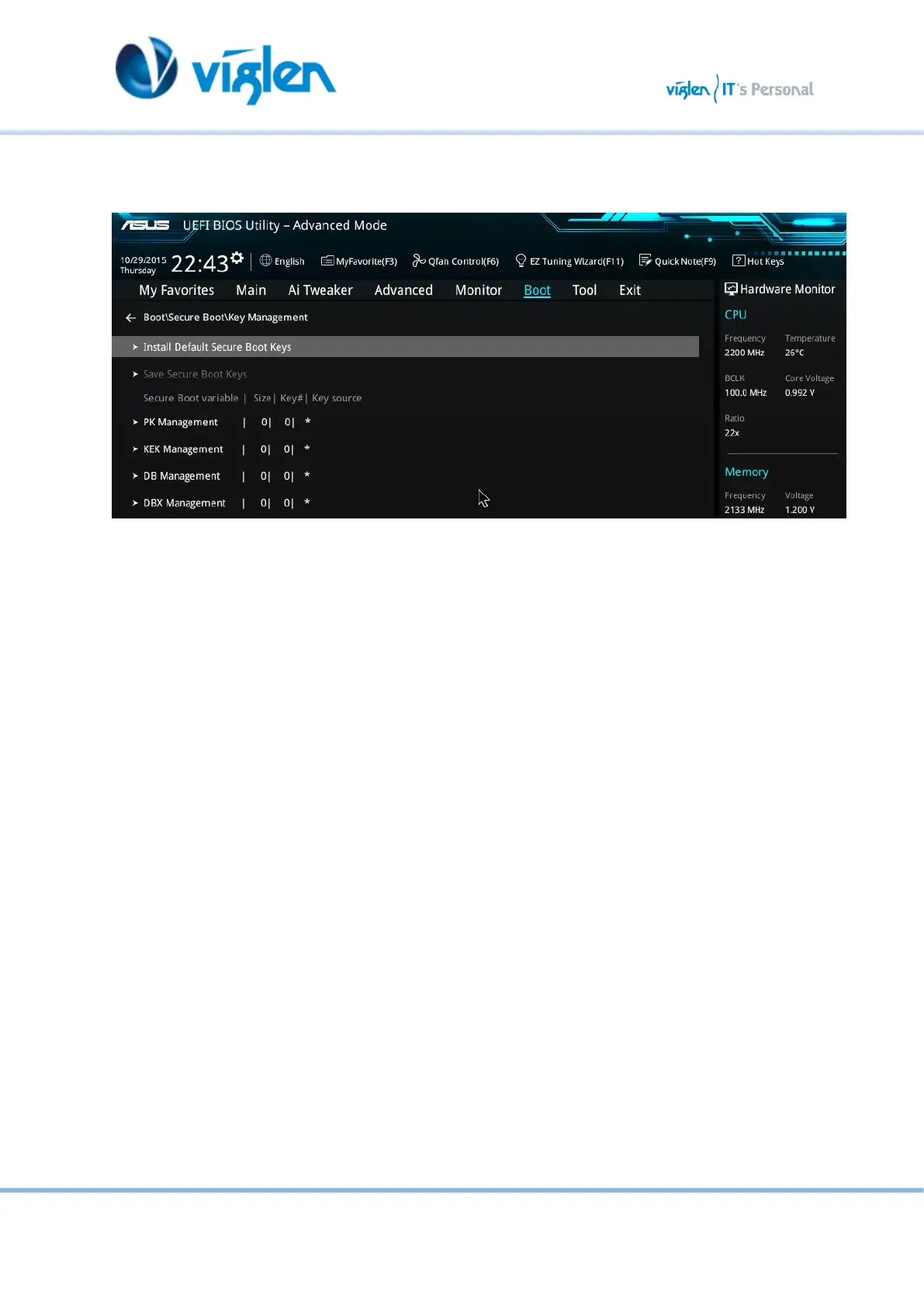
7. Select Key Management.
8. Select Install default Secure Boot keys and select Yes to proceed.
Figure 9-Key Management
9. Press F10 to Save and exit.
If you need to check changes have been saved go back into BIOS after reboot and navigate
into Secure Boot settings. Check that Secure Boot state is enabled and Platform Key (PK)
state is Loaded.



 To Next Page