EasyManua.ls Logo

Viking DFRD144 - User Manual

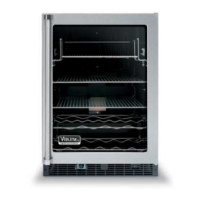
Viking DFRD144
25 pages
Print Icon
To Next Page IconTo Next Page
Loading...
Manual
This manual is to be used by qualied appliance technicians only.
Viking does not assume any responsibility for property damage
or personal injury for improper service procedures done by an
unqualied person.
Service
SMR-0003
July 2008
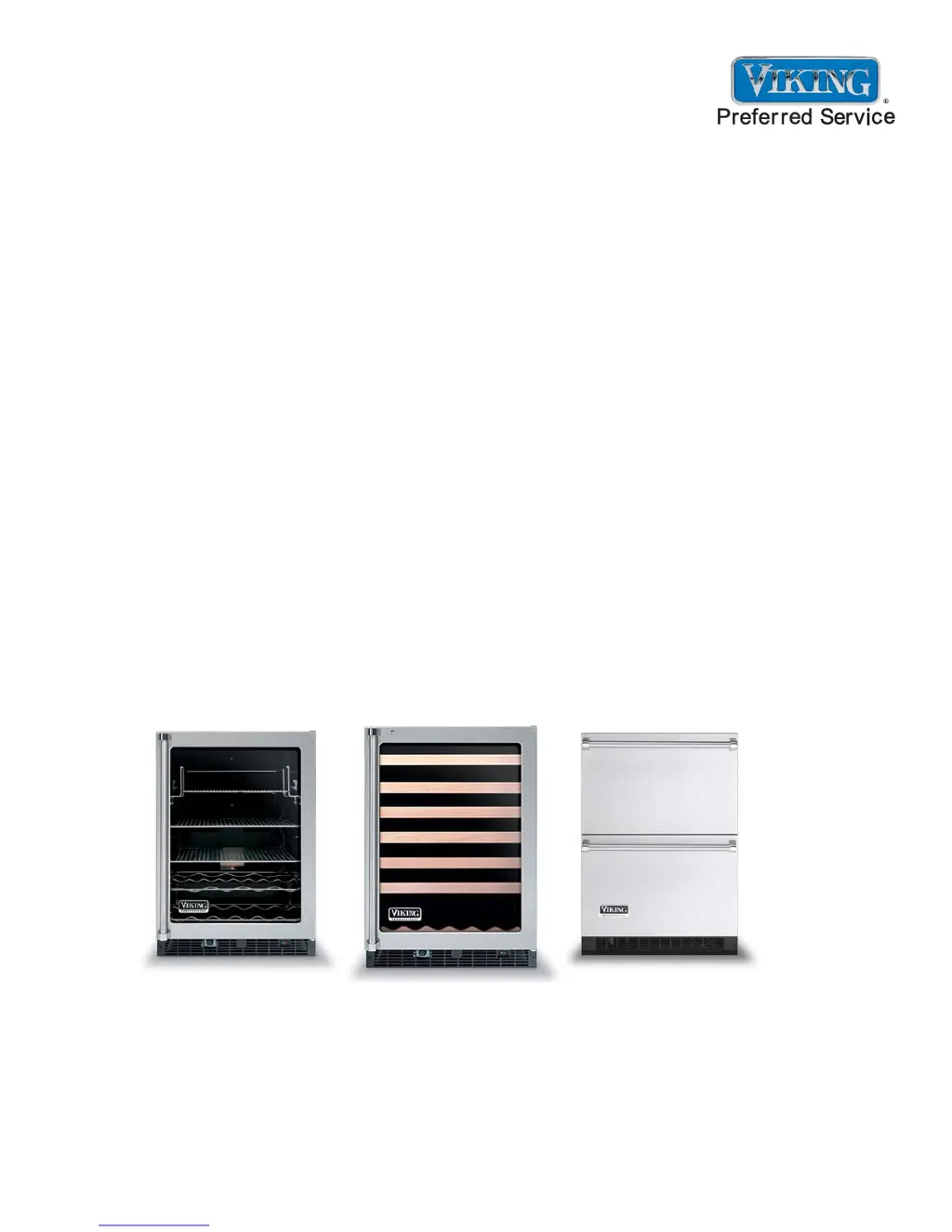
DFRD144
DFUR143
DFUR144
DFUW144
DUAR143
DUAR144
DURD144
DUWC144
VUAR143
VUAR144
VURD144
VUWC144
2008 24 Inch
Undercounter
Refrigeration
This Base Manual covers general and
specic information including, but not
limited to the following models:

Questions and Answers

  • V
    vgarciaSep 8, 2025
    Why door is closed but the light is still on inside of Viking Refrigerator?
    • J
      Jennifer AllenSep 9, 2025
      If the door is closed but the light remains on, it's likely that the “LIGHT” button was not pressed before the door was last closed. Press the “LIGHT” button to disengage the light.
  • B
    barbarareedAug 23, 2025
    Why temperature controls are not raising or lowering the set temperature on Viking Refrigerator?
    • J
      James PerezAug 23, 2025
      If the temperature controls are not adjusting the set temperature, make sure you press and hold the “SET” button while pressing either the “WARMER” or “COLDER” button. This will raise or lower the set temperature by one degree F or C, depending on the setting.
  • D
    David ConnerAug 25, 2025
    What to do if audible alarm sounding three times every 30 seconds and LED light flashing green on Viking DFRD144?
    • N
      Nicholas HoltAug 25, 2025
      If you hear an audible alarm sounding three times every 30 seconds and see the LED light flashing green, this indicates a Door Ajar alarm. To resolve this, simply close the refrigerator door securely.
  • T
    teresaconnerAug 27, 2025
    What to do if audible alarm sounding six times every minute and LED light flashing red on Viking DFRD144 Refrigerator?
    • W
      William SmithAug 27, 2025
      If you hear an audible alarm sounding six times every minute and the LED light is flashing red, this indicates a High and Low Temperature alarm. Press the “ON/OFF” button for approximately one second to reset the audible and display alarms. Note that the alarm will resume if the alarm condition still exists.
  • M
    Matthew ReynoldsAug 27, 2025
    What does it mean if LED light flashing amber and no audible signal heard on Viking DFRD144?
    • J
      James CruzAug 28, 2025
      If the LED light is flashing amber and there is no audible signal, this indicates a Power Failure alarm. You can reset the audible and display alarms by pressing the “ON/OFF” button for approximately one second. Keep in mind that this alarm is normal upon initial installation because the unit was run at the factory to verify quality, and the alarm will resume if the alarm condition still exists.
  • A
    Amanda HillSep 23, 2025
    How to disable Tru Protect™ on Viking DFRD144?
    • C
      Cynthia BowmanSep 23, 2025
      To disable Tru Protect™, press and hold the “SET” button for five seconds. A steady amber light on the LED indicates Tru Protect™ is disabled.
  • J
    John GarzaSep 16, 2025
    What does E4 error code mean on Viking DFRD144 Refrigerator?
    • C
      cody29Sep 16, 2025
      If you see an E4 error code on the display panel and hear an audible alarm sounding six times every minute, this indicates a display thermistor “sensor A” fault. Here are some possible solutions: * Check the wiring diagram on the back of the unit and reconnect any disconnected wires. * Replace the thermistor if the wires are shorted. * Replace the thermistor if it is faulty.
  • M
    Matthew WadeSep 18, 2025
    How to enable Tru Protect™ on Viking DFRD144 Refrigerator?
    • K
      Kristine AriasSep 18, 2025
      To enable Tru Protect™, press and hold the “SET” button for five seconds. A steady green light on the LED indicates Tru Protect™ is engaged.
  • J
    Jodi WoodsSep 7, 2025
    How to disable Service Mode on Viking DFRD144?
    • F
      fchristianSep 7, 2025
      To exit Service Mode, press and hold the “WARMER” button while pressing the “COLDER” button four times within five seconds.
  • D
    davidpeterSep 4, 2025
    What to do if compressor, condenser fan, internal fan(s), heater, reverse gas solenoid, and alarms are not working on Viking DFRD144?
    • K
      Krista ForbesSep 4, 2025
      If the compressor, condenser fan, internal fan(s), heater, reverse gas solenoid, and alarms are not working but the display is functioning normally, it is likely that Show Room Mode is enabled. To exit Show Room Mode, press and hold the “ON/OFF” button while performing a “Power On Reset” (POR), meaning disconnect and reconnect the power supply to the unit.

Summary

Important Information

Service Technician Notices and Safety Symbols

Key safety notices for technicians and explanation of hazard identification symbols used in the manual.

General Information

Unit Specifications and Serial Nameplate

Details on unit dimensions, weight, refrigerant, compressor type, and serial number location.

Service Preparation and Installation

Safety precautions, installation guidelines, and electrical requirements for Viking appliances.

Basic Refrigeration Tools and Sealed System Basics

Essential tools for repairs and fundamental practices for working with sealed refrigeration systems.

Diagnostic Information

Leak Detection, Pressures, and System Basics

Diagnosing leaks, understanding pressure/temperature, and sealed system fundamental practices.

Evaporator Frost, Re-charging, and Component Checks

Assessing evaporator frost, re-charging, and checking condenser, compressor, and fans.

Thermistor Testing and User Interface Operation

Testing thermistors and understanding user interface functions like temperature control and modes.

Alarms, Error Codes, and Service Diagnostics

Interpreting warning alarms, error codes (E1-E4), and utilizing service diagnostics mode.

Troubleshooting Procedures

Common Operational Problems and Solutions

Addresses unit non-operation, temperature control, and light issues with corrective actions.

Alarm, Mode, and Error Code Troubleshooting

Resolves issues with audible alarms, modes, and error code interpretation (E1-E4).

Service Mode and System Functionality Issues

Troubleshooting Service Mode, LED display, Tru Protect™, and software compatibility.

Component Testing Procedures

Evaporator, Compressor, and Capacitor Testing

Procedures for visually inspecting the evaporator, testing compressor resistance, and checking the run capacitor.

Fan and Thermistor Component Tests

Testing condenser fan, evaporator fan, display thermistor, and evaporator thermistor resistance.

Overload and PTC Starter Tests

Procedures for testing the overload protector and the PTC starter for continuity and resistance.

Disassembly

Mechanical Baseplate Access

Steps to remove the lower shroud and slide out the mechanical baseplate for component access.

Compressor Removal and Installation

Detailed instructions for safely removing and installing the compressor unit.

Condenser, Fan, and Thermistor Removal

Procedures for removing the condenser, condenser fan, and thermistors for replacement.

Light Bulb and LED Replacement

Guides for replacing interior lights, including tube lights, display bulbs, and LED components.

Top LED and Divider LED Light Replacement

Specific steps for replacing the top LED light and the divider LED light assembly.

Wiring Diagrams and Schematics

Wine Cellar Wiring Schematic

Electrical schematic for Viking Wine Cellar models DFUW144, DUWC144, VUWC144.

Beverage Center Wiring Schematic

Electrical schematic for Viking Beverage Center models DFUR143/144, DUAR143/144, VUAR143/144.

Refrigerated Drawer Wiring Schematic

Electrical schematic for Viking Refrigerated Drawer models DFRD144, DURD144, VURD144.

Viking DFRD144 Specifications

General IconGeneral
BrandViking
ModelDFRD144
CategoryRefrigerator
LanguageEnglish

Related product manuals