26
EN
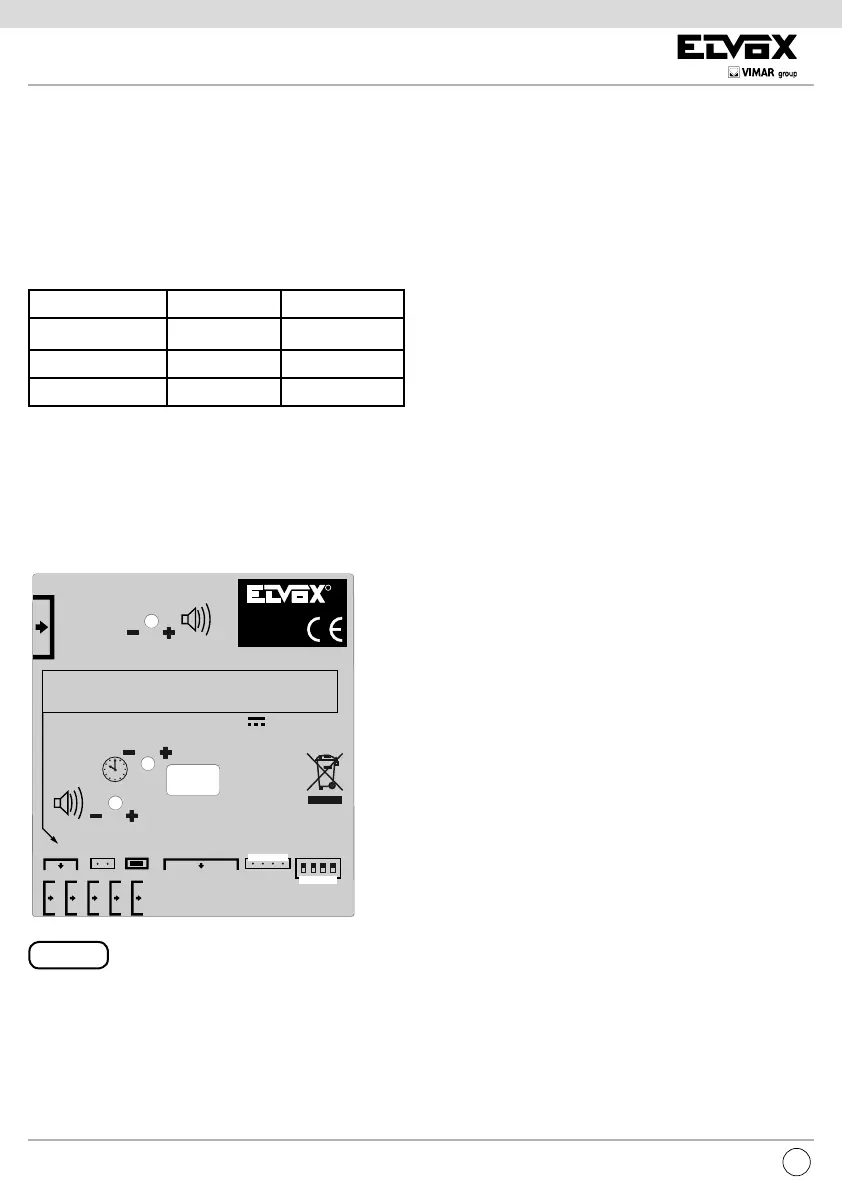
Fig. 15
TIMES
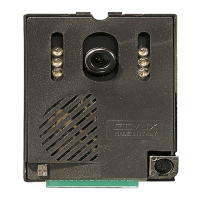
In Art. 6931 the times are adjusted via the trimmers on the
inside and accessible externally on the back of the speech unit
with the aid of a screwdriver (see speech unit adjustments Fig.
15). The lock time instead is set via software.
SEE FIG. 15
VIDEO CAMERA TIME
The VIDEO CAMERA TIME trimmer adjusts the activation
time of the video camera for the three states in which it can
function:
VOLUME
In Art. 6931 the volumes are set with trimmers on the inside:
SEE FIG. 15
EXTERNAL VOLUME
The external volume is set with the V.E.
INTERNAL VOLUME trimmer
The internal volume is set with the V.I. trimmer
CALL
The ringtone of the call from a speech unit does not follow the
rhythm of the button being pressed, but is regenerated. The
number of cycles is programmed at each speech unit and is
equal to two by default. The ringtone cycle follows the rhythm
of 1 second ringtone and 2 seconds pause. This applies both
to the ringtone for video / audio door entry units and for any
call control in the speech unit.
The response can be made at any moment within the time
set in the speech unit; this time starts from the end of the last
ringtone cycle. To respond simply unhook the handset. If the
handset is already unhooked at the time of the call, press and
release the hook to have a conversation. The duration of the
conversation is xed in each speech unit. There is an excep-
tion on having to press and release the hook to respond: this
is not necessary, direct sound, if the call is made within 10
seconds of forced release from the speech unit.
RINGTONE MUTE
If the audio / video door entry units (where applicable) are
in the ringtone mute state, the call is not possible and at the
speech unit there will be the so-called “dissuasion tone” with
its very short and frequent beeps emitted for a few seconds.
For each rejected call, the audio / video door entry units in-
crease a counter to make the red LED blink with a cycle of
approximately 10 seconds. In this time the LED briey goes
out for the number of times the calls have been rejected, up
to a maximum of 4. If the system is switched off or the video
door entry unit reset, this information is lost.
BUSY (optional)
When a call is in progress in the same section of the bus
where the speech unit is located, the BUSY / WAIT sign lights
up until it is freed.
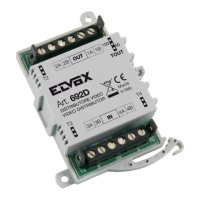
The separator Art. 692S prevents the engagement of a pillar
for blocking any other pillar, permitting simultaneous commu-
nications.
MODE MINIMUM (s) MAXIMUM (s)
CALL 7,5 30
CONVERSATION 30 120
SELF-START 5 20
AREA PER SERIGRAFIA
FONDO POSTO ESTERNO
CONNETTORE
PER ART. 950C
CONNECTOR
FOR TYPE 950C
VOLUME INTERNO
INTERNAL UNIT VOLUME
TEMPO ATTIVAZIONE
ACTIVATION TIME
VOLUME ESTERNO
SPEECH UNIT VOLUME
PULSANTI
SUPPLEMENTARI
ADDITIONAL
PUSH-BUTTONS
A B C
TERMINAZIONE
BUS
BUS
TERMINATION
1
7
ART. / TYPE
6931
ID
4 3 2 1
FON.693.10S
RL 00 - 6/2009
(il fondo non serigrafato è STA.546.003)
Il disegno è rappresentato in negativo, la versione
definitiva è bianco su fondo nero.
M VL M CA B2 B1 S- S+
Serigrafia per morsetti.
44 mm
1 - Microfono / Microphone
2 - CH2
3 - Occupato / Busy
4 - CH1
5 - Video
6 - Alim. LED / LED power
7 - Alim. interna LED / Internal power for LED
8 - Reset
2 3456
R
Made in Italy
DC 28V INT 6W
8


 To Next Page
 Loading...