K×4
E×4
K
K
E
E
E
E
K
K
①
㉗
STEP 5
STEP 6
A×6
②
③
A2
A2
A2
A2
A2
A2
A1
A1
A1
A1
A1
A1
⑨
⑨
ASSEMBLY>MANUAL support@vingli.com
ASSEMBLY STEPS
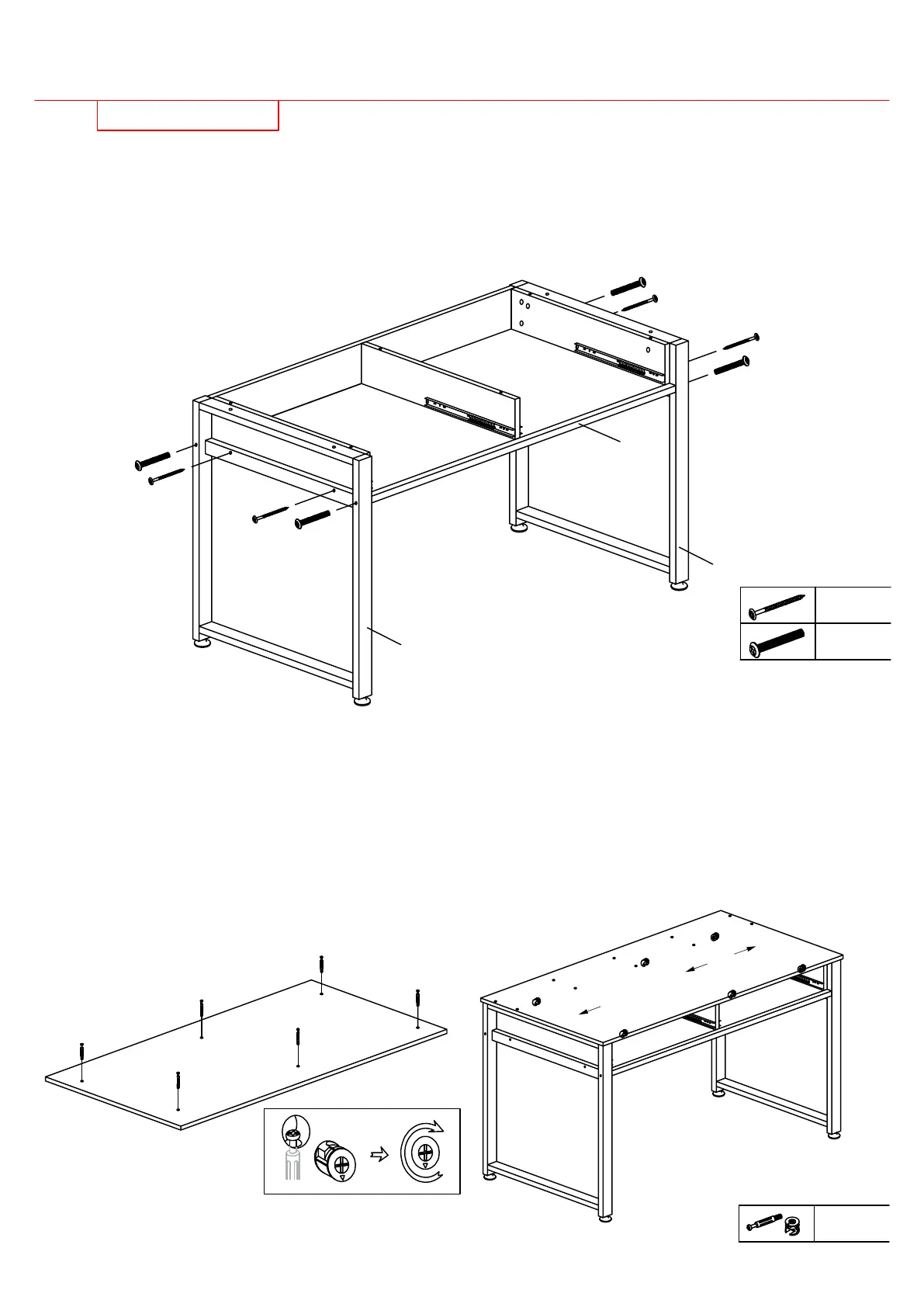
Attach legs(1)(27) into part from STEP 4 using four bolts(E)&bolts(K).
First,screw 2 bolts(K) from leg(1) to part(3)(4),screw 2 bolts(E) from leg(1) to
board(5).Second,screw 2 bolts(K) from leg(27) to part(3)(4),screw 2 bolts(E)
from leg(27) to board(5).
Attach desktop(9) into part from STEP 5.
First,screw six bolts(A1) into desktop(9) and make sure the bolts are tighten
enough.Second,place desktop(9) into part from STEP 5 by aligning the bolts
and cams(A),insert six cams(A2) into part(6)(7)(8),make sure the arrows are
facing the smaller holes which the bolts go into,with a screwdriver turn the cams
about 1/2 turn clockwise to lock into place.CAUTION: Do not overtighten cams.

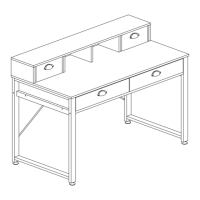

 To Next Page