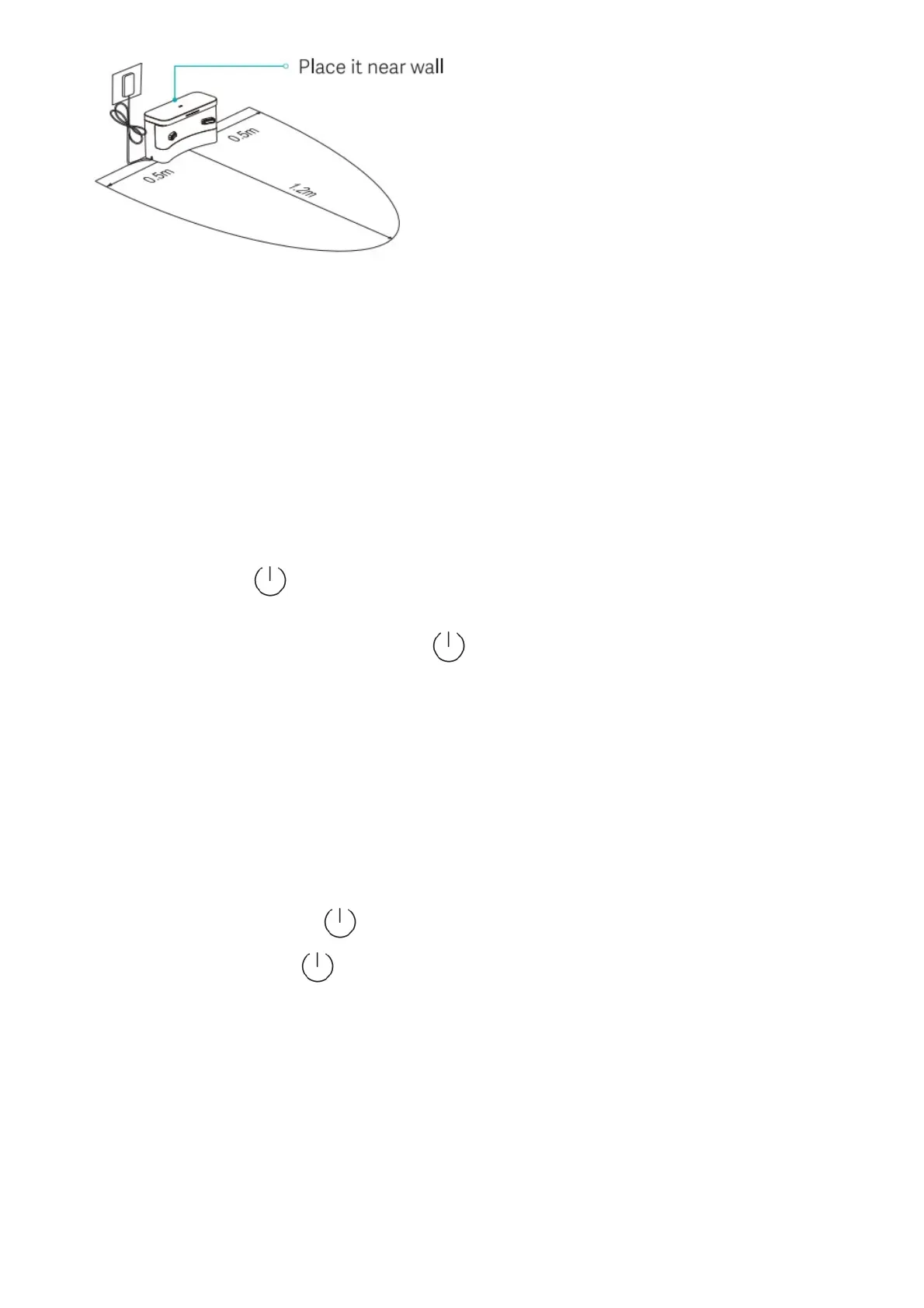
Note:
1. Please put the extra power cord into the wire slot at the bottom of the charging base to prevent it from being
dragged, causing the charging base to move or power off.
2. Do not place the charging stand in a place exposed to sunlight or strong light.
Operation Instruction
Switch on/off
Long press power button ( ) for 5 seconds to switch robot on.
Power LED indicator flashes slowly and then lights on constantly in white color, and the robot in standby.
When robot stays still, long press the power button ( ) for 5 seconds to switch it off.
Robot will sleep if being idle for more than 10 minutes. In sleep status shorting press any button will wake it up.
Note:
1. During recharging, the robot cannot be switched off or sleep.
2. The robot cannot be switched on when the battery is low, please charge.
3. When the robot is connected to a power source on the charging base, it will automatically turn on.
Sweeping
In power-on status, short press the ( ) button with voice prompt “start global sweeping”.
During cleaning, short press the ( ) button to pause cleaning.
Tips: At low battery level, cleaning function cannot be started.
Automatic/manual recharging
Upon end of cleaning, a voice prompt “cleaning finished and recharging started” is given, and the robot starts
recharging.
In case of low battery level during cleaning, the robot will start recharging automatically.
Refilling tank or cleaning mop half-way


 To Next Page
 Loading...






