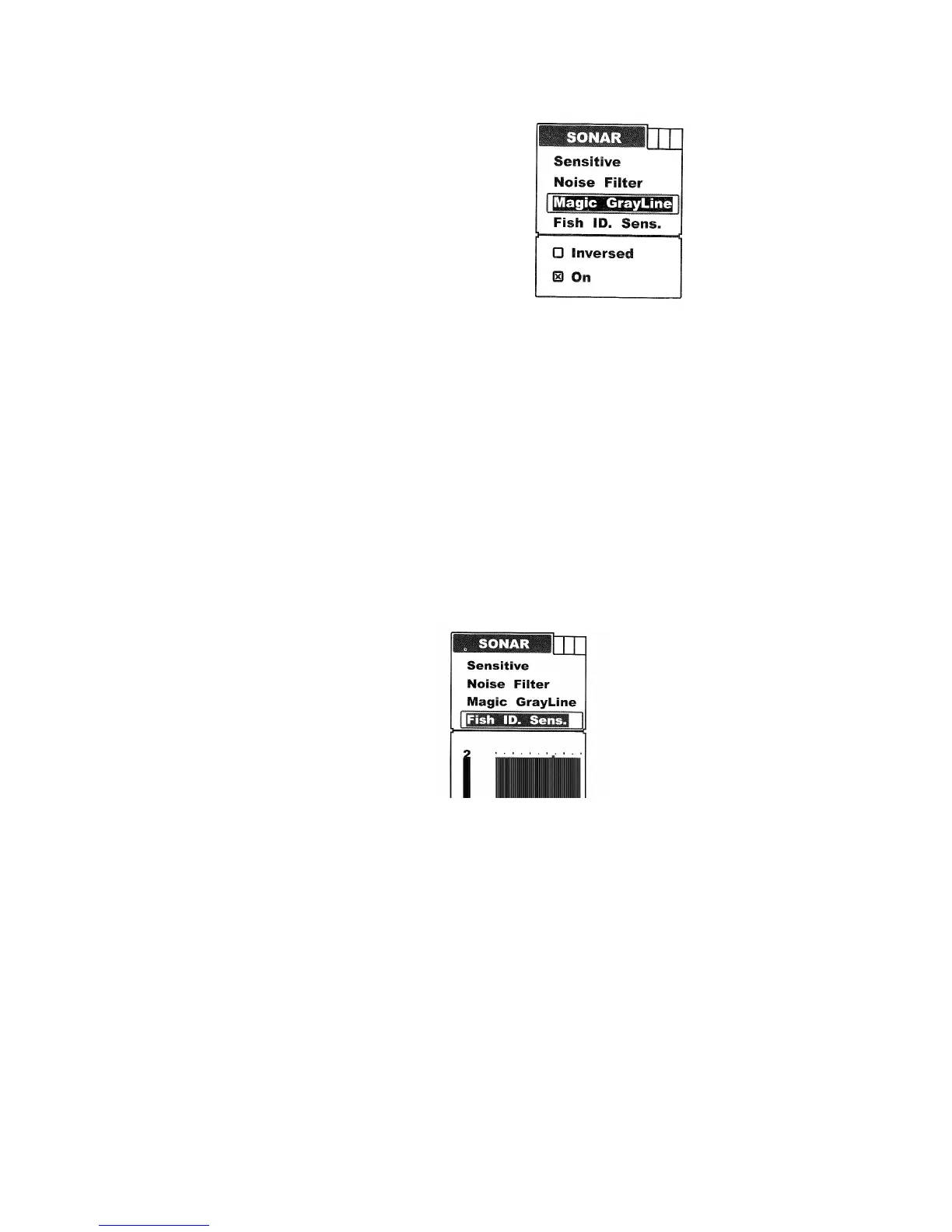
To set the Grayline:
Press Menu to enter into menu setting.
Repeatedly press Menu to switch to Sonar menu.
Use the Up/Down Arrow to select Grayline option.
Press Ent to enter into setting
Use the Up/Down Arrow to select the option
Press Ent to confirm the setting
Press Exit to exit the setting.
Fish ID Sens.
Fish ID Sens is used to adjust the threshold of fish size detection.
If you select a higher setting, then some weaker returns can be detected and displayed as small fish
on screen, which will be very helpful when you are intending to identify small fish species.
If you select a lower setting, then only strong returns can be detected and displayed as big fish on
screen, which will be very helpful when you are intending to catch larger fish species.
To set the Fish ID Sens.
Press Menu to enter into menu setting.
Repeatedly press Menu to switch to Sonar menu.
use the Up/Down arrow to select Fish ID. Sens. option
Press Ent to enter into setting.
Use the Up/Down Arrow to select the option
Press Ent to confirm the setting.
Press Exit to exit the setting.
Display
Depth Range
Depth Range determines in whichbh portion the botttom will display in the screen. (For example, if
the actual depth is 10m and the current Depth Range is 20m, then the bottom will display on 50%
portion of the screen).


 To Next Page