To set the System Reset:
Presss Menu to enter into menu setting.
Repeatedly press Menu to switch to Alarm menu
Use the Up/Down Arrow to select Fish Alarm option.
Use the Up/Down Arrow to select Fish Alarm option.
Press Ent to enter into setting.
Use the Up/Down Arrow to change the value
Presss Ent to confirm and exit the setting.
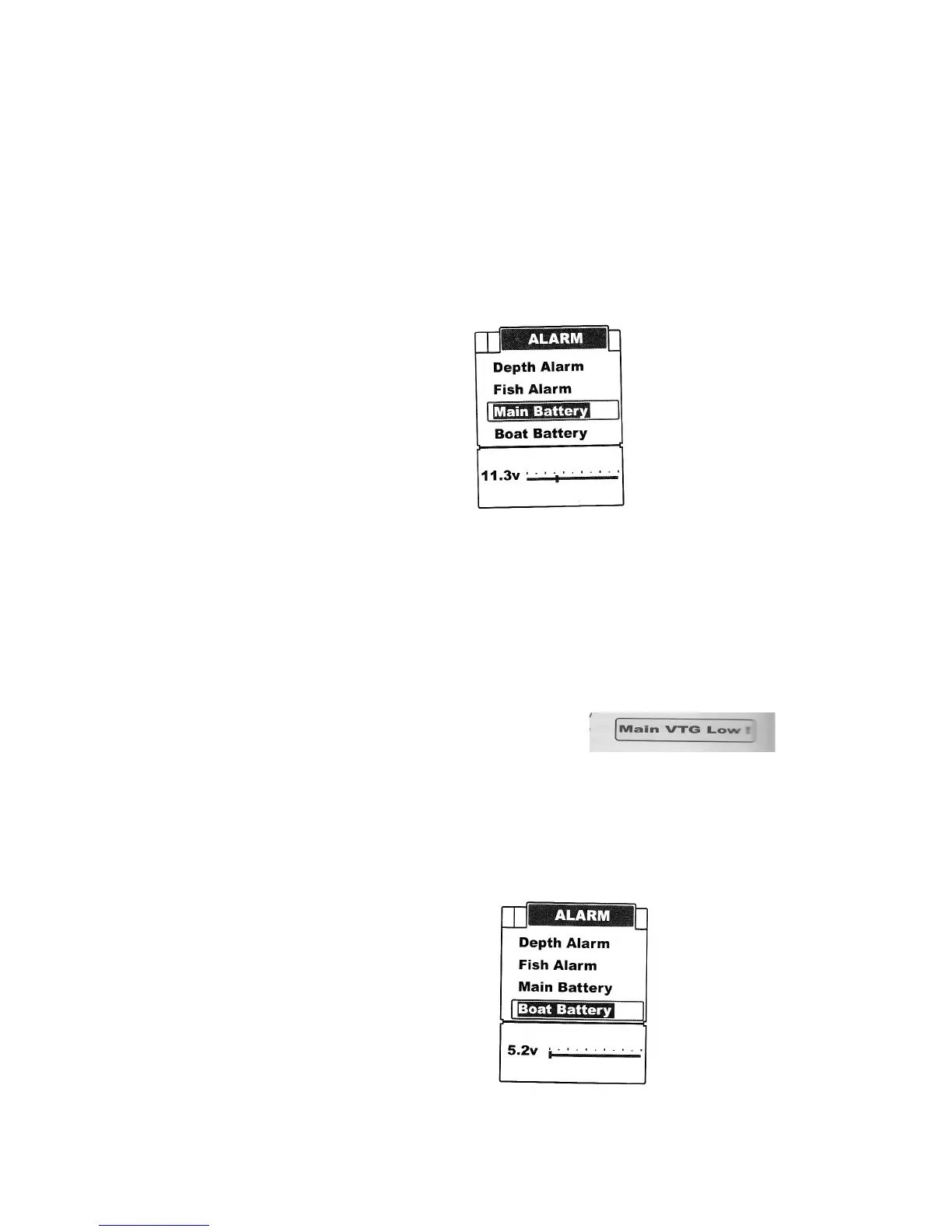
Main Battery
The FC500 Fish finder will sound an alarm tone when the battery strength of the sonar unit is lower
than the setting.
To set the Main Battery:
Press Menu to enter into menu setting.
Repeatedly press Menu to switch to Alarm menu
Press the Up/Down Arrow to select Main Battery option.
Press Ent to enter into setting
Use the Up/Down Arrow to change the value
Press Ent to confirm and exit the setting.
Note: Once triggered, an alarm message will appear on the screen. The alarm will repeatedly
appear unless the voltge of the battery is higher than the battery alarm setting.
You can manually choose exiting the alarm mode by entering into Main Battery Alarm menu
setting, and just changing the setting to a safe value will be ok.
Boat Battery
The FC500 Fish finder will sound an alarm tone whem the battery strength of your bait boat is
lower than the setting.


 To Next Page