1. Button Setting Instructions
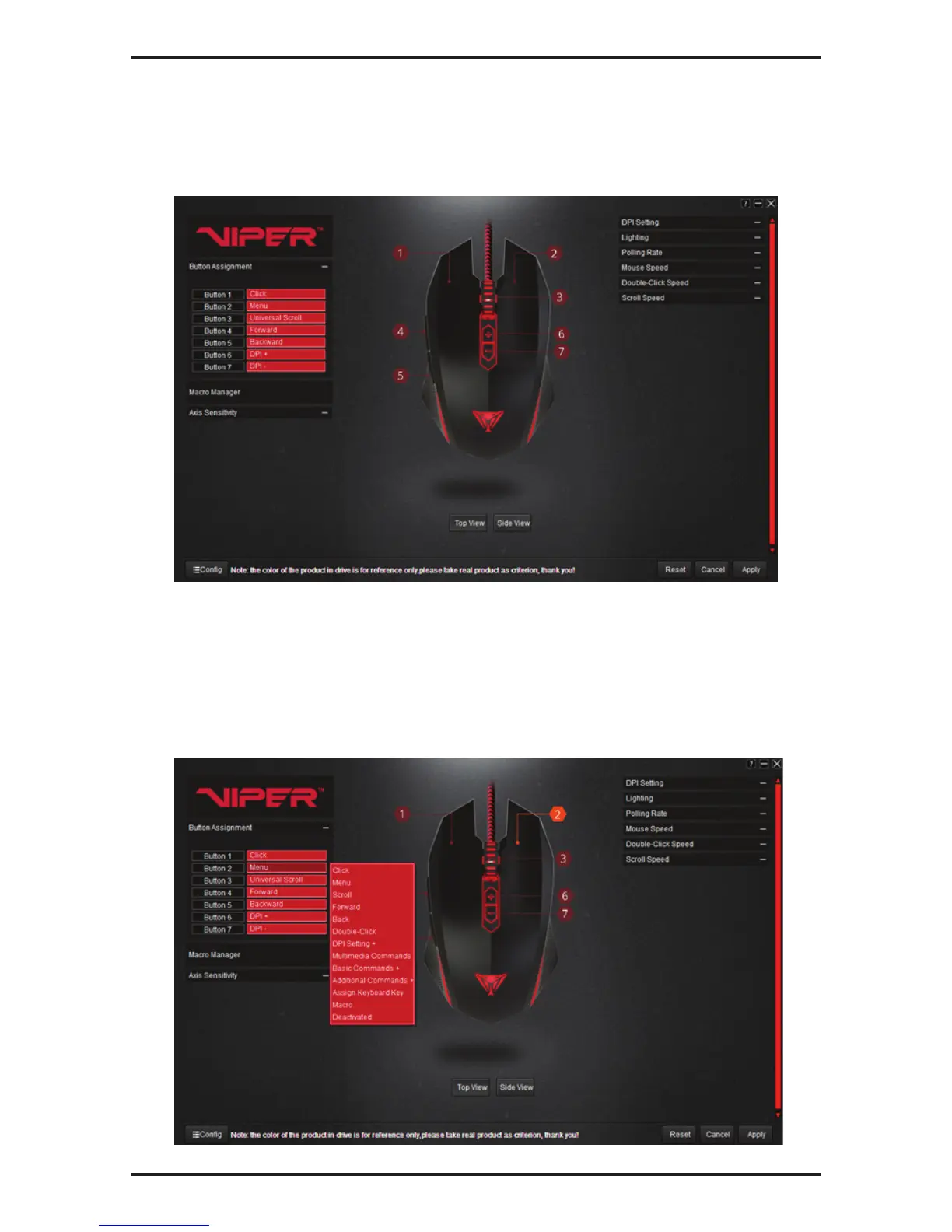
Button assignments are defaulted to the following settings.
Resetting the mouse through the software or by hitting the reset button on the bottom of the mouse will
reset the mouse to its original default settings.
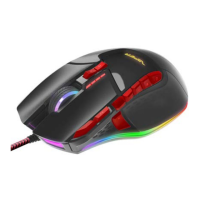
You may change the button assignments, as desired, from the drop down menu.
1. Click on the button you wish to change.
2. Select the function from the drop down menu you wish to assign to the button.
3. Click Apply to enable the changes.
Note: At least one button must be assigned as a Click button at all times!



 To Next Page