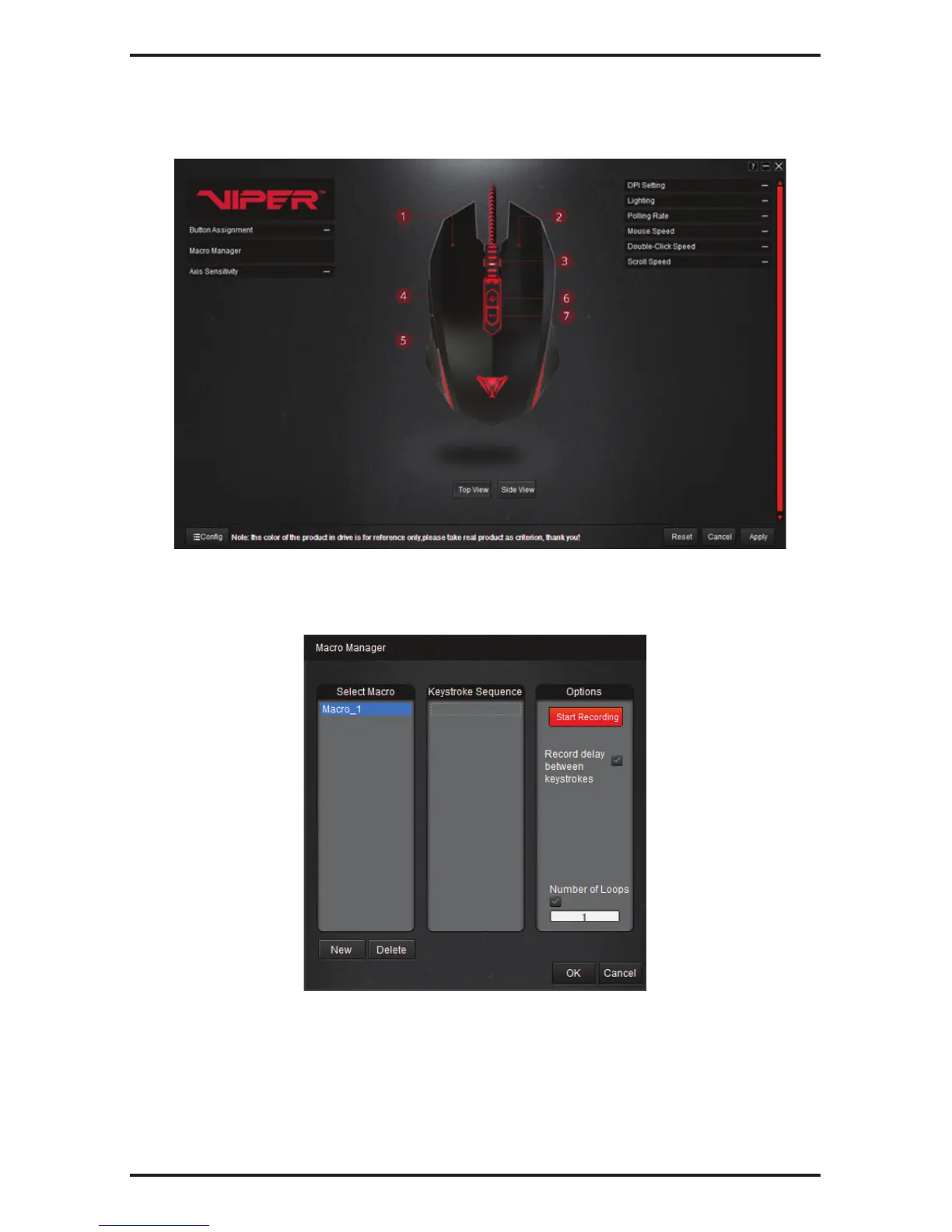
Macro Settings
Macro Setup
1. Click on Macro Manager to open it.
2. Click New to create a new Macro.
3. Double click on the macro to rename it (if desired).
4. Click on START RECORDING to type in macro commands.
5. Set RECORD DELAY BETWEEN KEYSTROKES and NUMBER OF LOOPS options as desired.
6. Click on STOP RECORDING once you are done creating the macro command.
7. Click on OK to save macro.
You may add up to 12 different macros in this manner.
To Delete a Macro:
1. Open The Macro Manager.
2. Select the macro to delete and click on DELETE.



 To Next Page