Home
VIRDI
Controller
AC-2200
Page 2 (Revison History)
VIRDI AC-2200 - Revison History
73 pages
Manual
Save Page as PDF
To Next Page
To Next Page
To Previous Page
To Previous Page
Loading...
AC
-2200 User Guide
2
Union Community / (138
-050) 5
th
Fl., Hyundai T
opics Building, 44-3, Bangi
-dong, Songpa-
gu, Seoul, Korea // T
el : 82-2-6488-3000 , Fax : 82
-2-6488-3099
E-mail: sales@unioncomm.co.kr
;
http://www
.unioncomm.co.kr
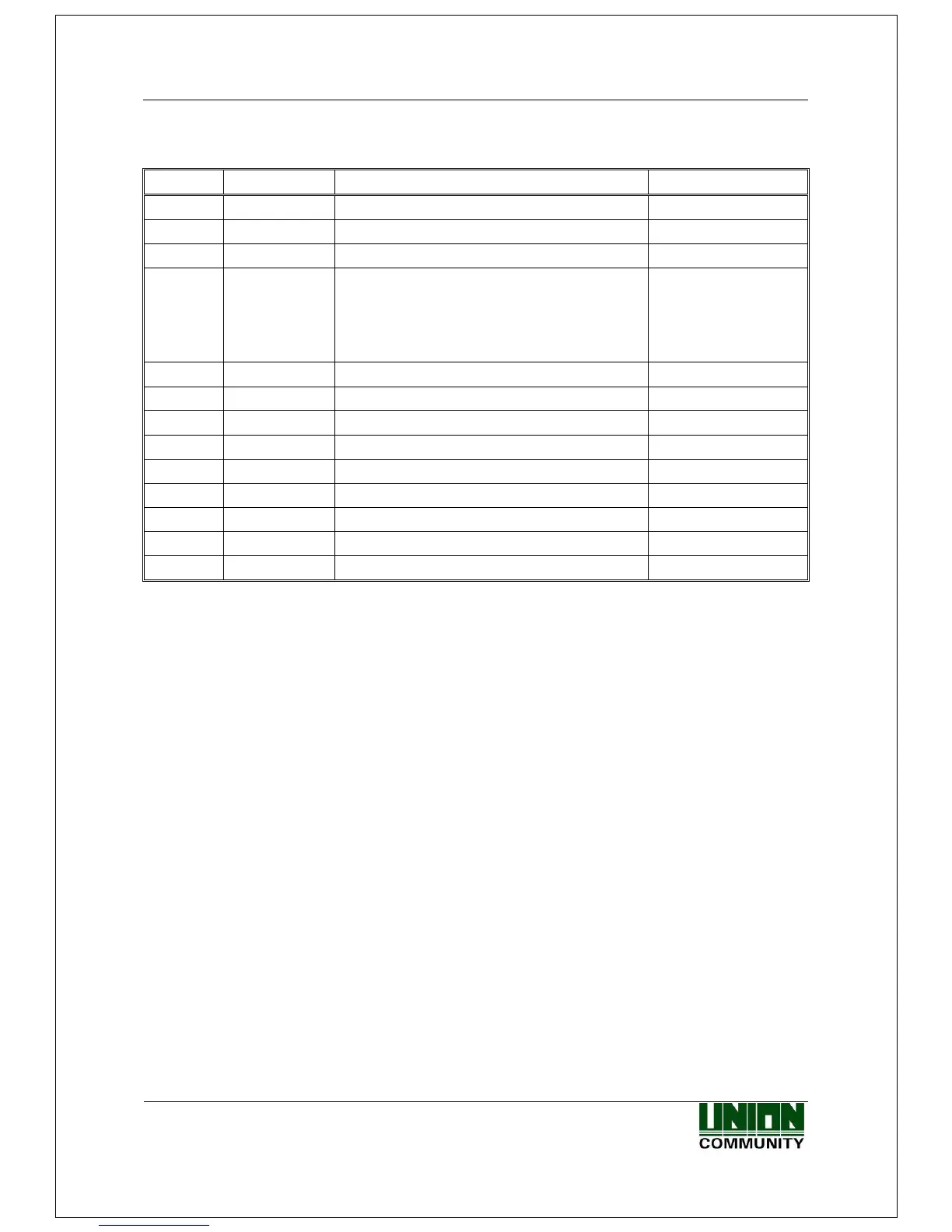
<Revison History>
Version
Date
Description
Firmware Versi
on
1.00
2015-09-
01
-
Initial Release
10.61.00-000.00
1.01
2015-10-
18
-
Form Chang
e
10.61.00-000.02
1.02
2015-12-
28
-
Modify Display
10.61.00-000.09
1.03
2015-01-
18
-
Error Correction
-
Add Default Setting
-
Add LFD Setting
-
Add UDL Setting
1x.61.00-000.12
(Version Chang
e)
1.04
2016-01-
26
-
Modify SN-related I
nformation
1x.61.00-000.14
1.05
2016-01-
29
-
Modify Misspelling
1x.61.00-000.15
1.06
2016-02-
05
-
Modify Misspelling
1x.61.00-000.16
1.07
2016-03-
07
-
Add a reboot phrase
after setting
1x.61.00-000.20
1.08
2016-03-
18
-
Complete a Korean v
ersion of m
anual
1x.61.00-000.22
1
3
Table of Contents
Main Page
Revison History
2
Glossaries
3
Table of Contents
4
1 Before Getting Started
6
Safety Notes
6
Product Details
7
Buttons Displayed During Operation
8
Virdi Logo LED Signals Displayed During Operation
8
Screens Displayed During Operation
8
Icon Information
9
Message Information
9
Voice Guide Announced During Operation
13
Buzzer Guide Announced During Operation
13
How to Register and Enter Correct Fingerprint
13
2 Product Description
15
Product Features
15
Configuration Diagram
17
Standalone Use (Access)
17
Connecting the PC Server (Access, T&A, Food Service Control)
17
Product Specification
18
3 Environment Setting
19
Checkpoints before Environment Setting
19
Enter the Menu
19
Modify Settings
20
Save after Completion of Environment Setting
20
Menu Configuration
21
User Management
24
Add User
24
Delete User
27
Modify User
28
Add Administrator
31
Delete All Users
31
Network Setting
32
Terminal ID
32
IP Setting
34
Server IP Setting
35
Option Setting
39
Application Setting
39
Authentication Method Setting
43
Door Setting
47
Volume Setting
48
Camera Setting
49
Current Time Setting
50
RS485 Set
51
Mobile Key Setting
52
Terminal Information Inquiry
53
Additional Function
54
Terminal Lock Setting
54
Card Number Inquiry
55
Monitor Input Port Setting
55
Duress FP Setting
57
Device Setting
58
System Configuration
58
Card Reader Format Setting
59
Fingerprint Sensor Setting
59
Wiegand Speaker Output
61
Terminal Initialization
63
External Device Setting
65
4 How to Use Terminal
68
When Operating to [1.Access]
68
Authentication Mode
68
Authentication Using Fingerprint
68
Authentication Using Card
69
When Operating to [2.T&A]
71
Authentication Mode
71
Fingerprint Authentication
71
Authentication Using Card
71
When Operating to [2.Cafeteria]
71


 To Next Page