10
A.4. SOFTWARE AND FIRMWARE UPDATES
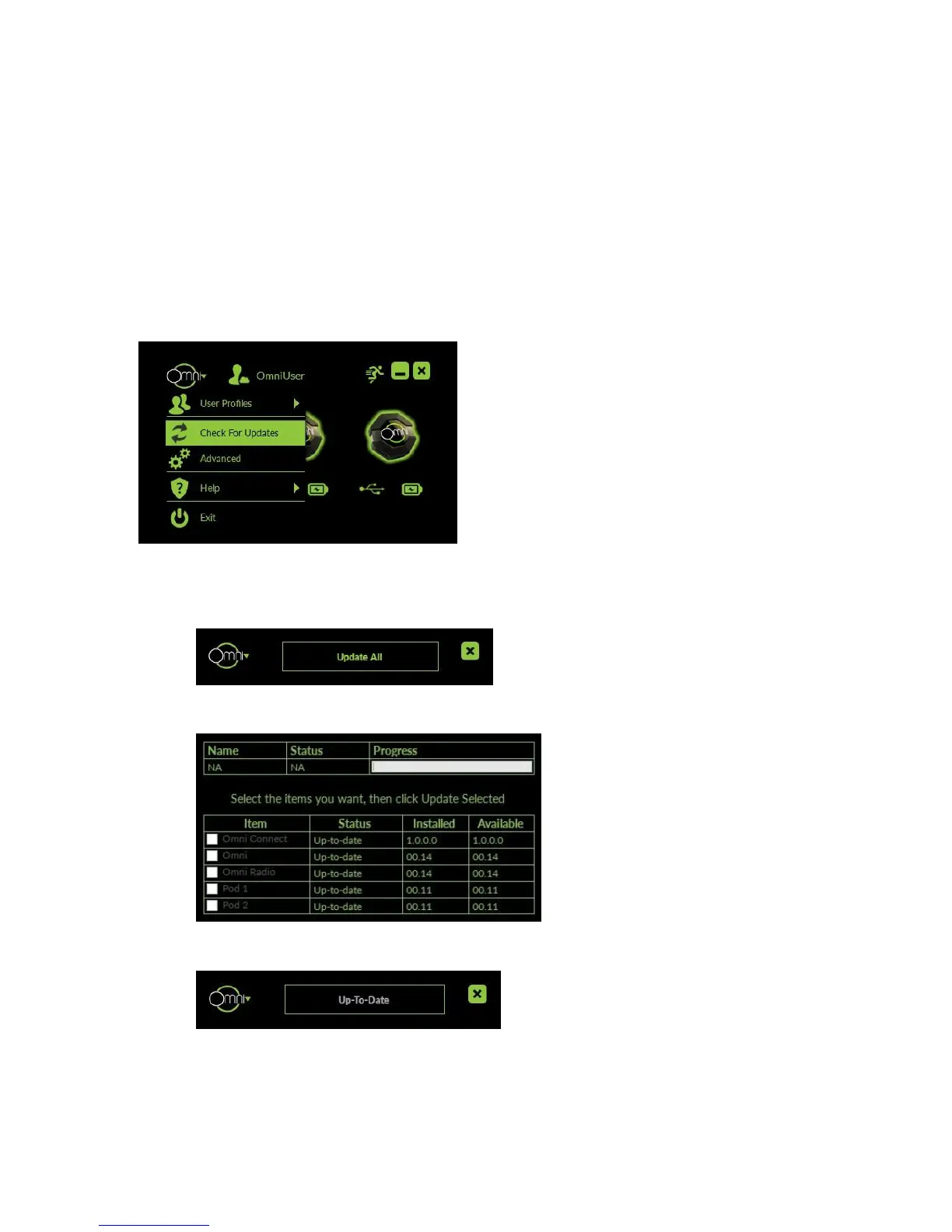
1. Be sure that both Pods are connected to your PC via the provided USB cables when
updating your Omni software.
2. See if updates are available by clicking the Omni logo and then “Check For Updates”.
a. If firmware updates are available, you can select “Update All”.
b. To see the update list, select “Show Details” from the drop down menu.
c. Once everything is up-to-date, you can close the update window.



 To Next Page