EN - 21
User Manual
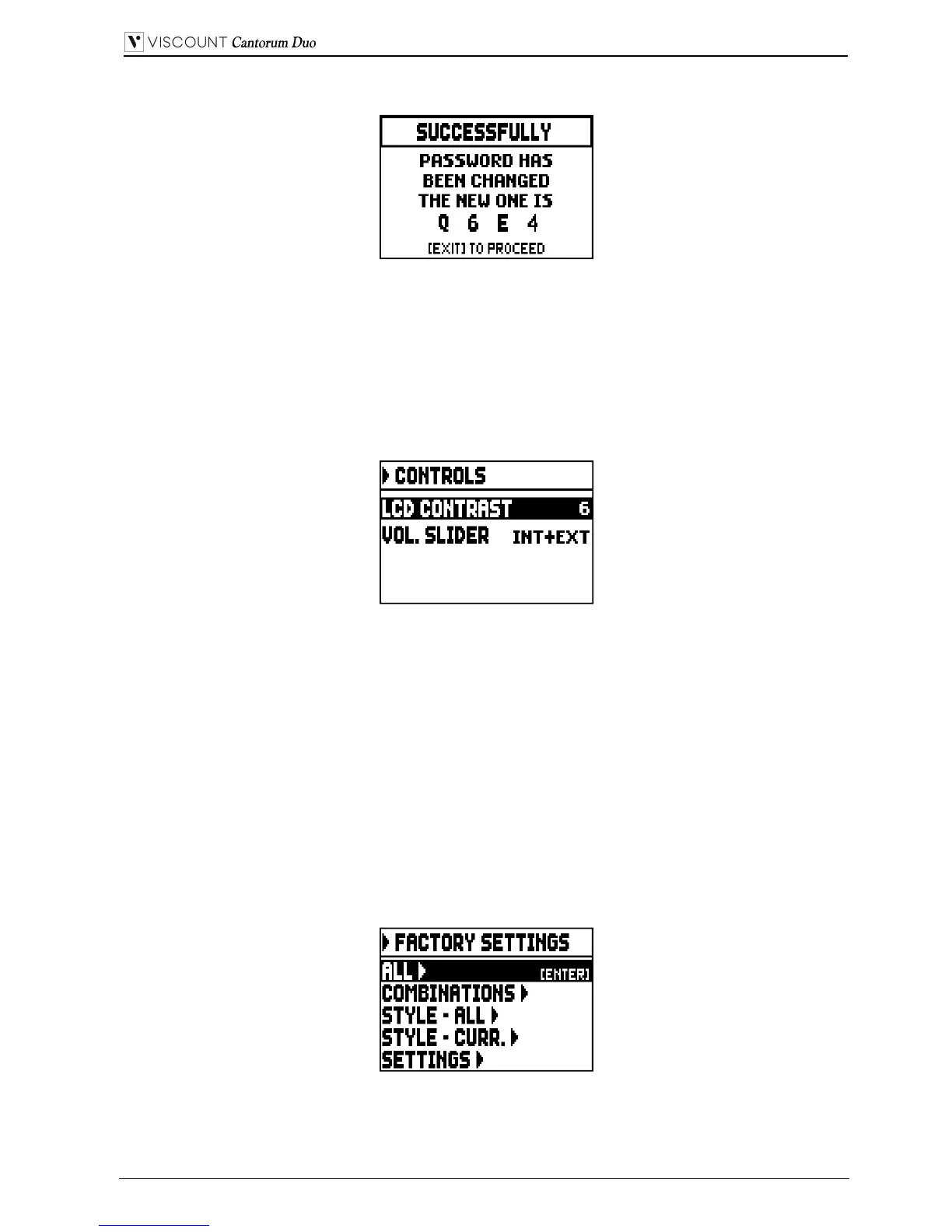
the following page confirms that the password has been successfully modified:
As written on the display, press [EXIT] to return to the SECURITY main page.
5.10 CONFIGURING THE VOLUME CONTROL AND ADJUSTING THE
DISPLAY CONTRAST (CONTROLS function)
With this function it is possible to select the operation mode of the [VOLUME] slider and adjust the
display contrast. To access these settings, select CONTROLS in the SETTINGS menu:
o LCD CONTRAST: adjust the LCD display contrast.
o VOL. KNOB: select the parameter to be controlled by the [VOLUME] slider. The available options
are:
- INTERNAL: only the internal amplification volume.
- INT+EXT: internal amplification and line outputs volume. Line-out ports are located on the rear
panel.
Press [EXIT] to return to the previous page.
5.11 RESTORING FACTORY SETTINGS (FACTORY SETTINGS function)
The organ has several options to restore the original (factory) settings. To recall this function select the
FACTORY SETT. field in the SETTINGS menu:
o ALL: all the instrument, i.e. the settings and functions of the SETTING menu, the four organ Styles
(in other words the settings of the STYLE menu for all four organ Styles), all general combinations,
Crescendo, Tutti, the Local Off status of stops.


 To Next Page