24
Viscount Chorale 3 Owner’s Manual
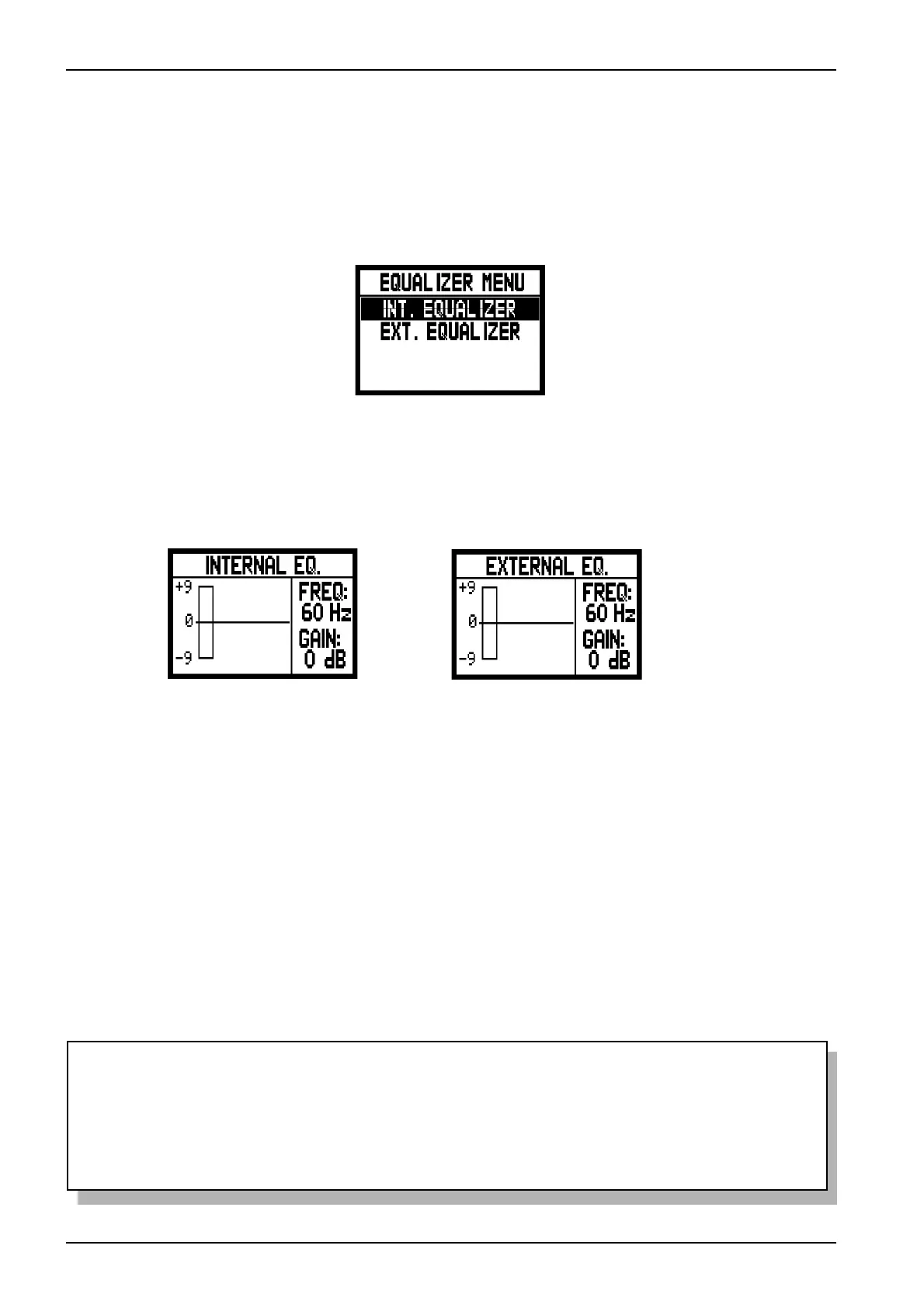
As you can see the following parameters appear on the right of the screen:
o FREQ: central trigger frequency.
o GAIN: gain of the signals with frequencies close to that stated in the FREQ parameter.
The [FIELD S] e [FIELD T] buttons can be used to select the trigger frequency; then use the [VALUE +]
and [VALUE -] buttons to regulate the attenuation (negative values) or enhancement (positive values) of
the signal in a range of +/- 9 dB.
A graphic indication of the equalizer is also displayed on the right of the screen, in real time.
Here again, after making the settings you require, press the [EXIT] button to save the modifications and
return to display of the SET UP menu.
To set the internal equalizer select INT.EQUALIZER and press [ENTER].
NOTES
- The external equalizer settings also affect the signals supplied to the RCA [OUTPUT] outputs in
the recess underneath the manuals.
- The equalizers adjustment settings are also stored in the Organ Style. This means that organ
styles with different types of equalization may be available, and that when a different style is
recalled the internal equalizer may be modified.
6.3 EQUALIZERS ADJUSTMENT
Your Chorale 3 organ is equipped with two 5-band graphic equalizers for the sound control.
There is one equalizer for controlling the signal to the internal loudspeakers and a second for the signal to
the audio outputs ([OUTPUT 1] and [OUTPUT 2]). In order to display these adjustments, select
EQUALIZER and press [ENTER].
INT. EQUALIZER: this displays the internal equalizer.
EXT. EQUALIZER: this display the audio outputs equalizer.



 To Next Page