29
4
What is WatchFree+?
VIZIO WatchFree+ takes your cord-cutting entertainment experience one step
further! With the simple press of a button, enjoy free streaming TV with hundres of
live TV channels to choose from – news, movies, sports, comedy, music and more. A
built-in on-screen guide makes finding something to watch easier than ever.
And it’s all FREE —no fees, no subscriptions, or logins.
What you can do with WatchFree+
• Stream hundreds of live TV channels absolutely free – news, movies, sports,
comedy, music and more.
• Navigate through channels, organized by genre, with an intuitive on-screen guide.
• Watch the best of internet TV.
• No logins, subscriptions or transactions fees.
How to Launch WatchFree+
To launch and begin watching entertainment offered on WatchFree+:
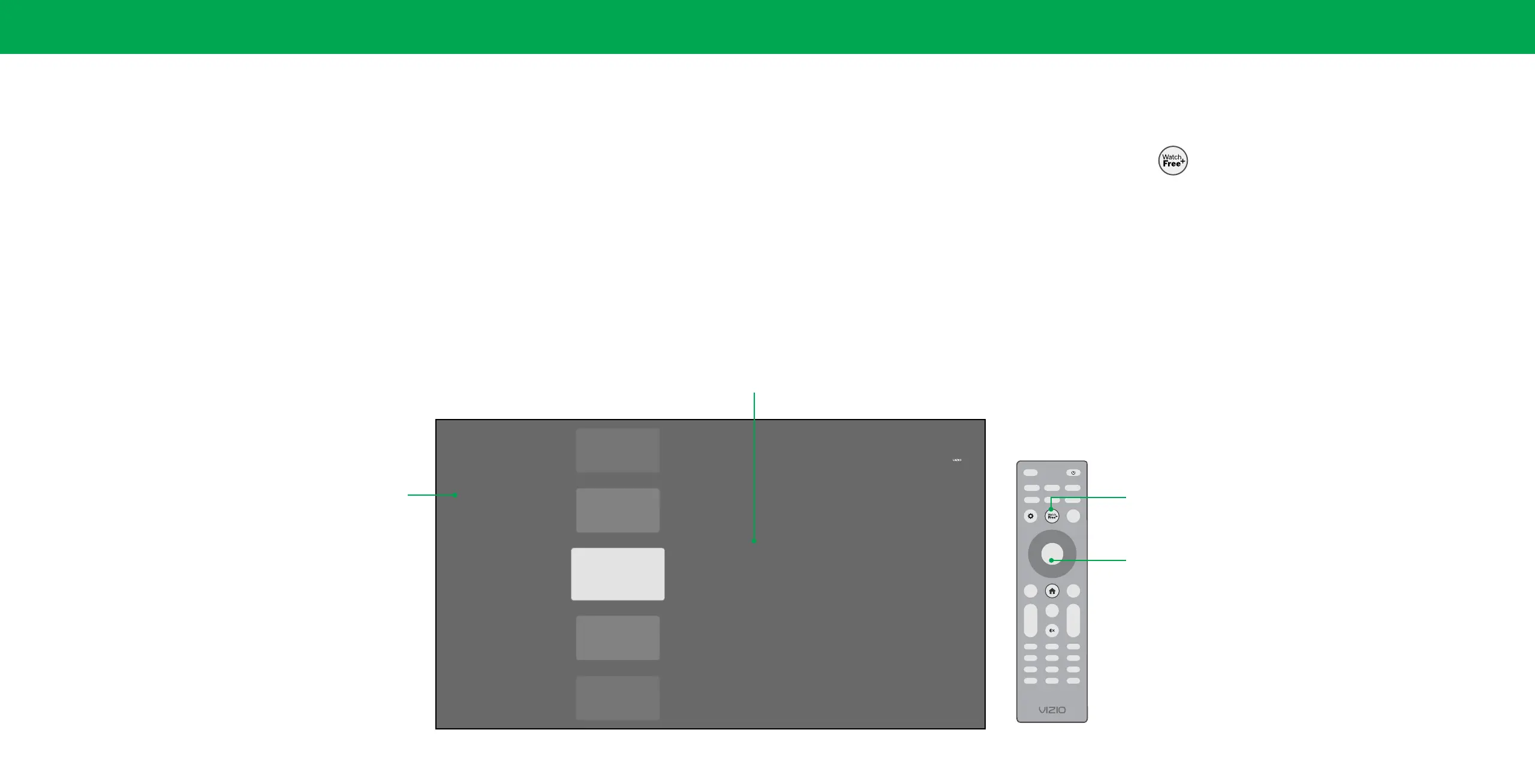
• Press the WatchFree+ button on your remote.
—or—
• Select WatchFree+ from the list of inputs or app row.
WatchFree+
™
INPUT
INFO
BACK CC
OK
VOL
PIC
CH
1 2 3
4 5 6
7 8
0
9
—
+
_
+
_
PREV
RE
ENT
FAV
RITE
FEAT
RED
M
VIE
+ TV
NEW
+
PINI
N
SPORTS
RIME
H
ME + DIY
AME
H
W
+
REALIT Y
INTERE
T
+
LIFE
TYLE
KID
+ FAMILY
CHANNEL
250
Content Title, 2021
Lorem ipsum dolor sit amet, consectetuer adipiscing elit, sed diam nonummy nibh
euismod tincidunt ut laoreet dolore magna aliquam erat volutpat. Ut wisi enim adis...
30m
N
W • Pro
ra
NEXT in
m • Progra
N
W • Pro
ra
N
W • Pro
ra
N
W • Pro
ra
FREE
CHANNELS!
MORE
Show Details
Find out show information.
On-Screen Guide
Hundreds of live TV and audio channels organized by genre.
WatchFree+ Button
OK Button
Press the OK button to return to the WatchFree+
on-screen guide. Use the up/down Navigation
buttons to scroll through the guide.



 To Next Page