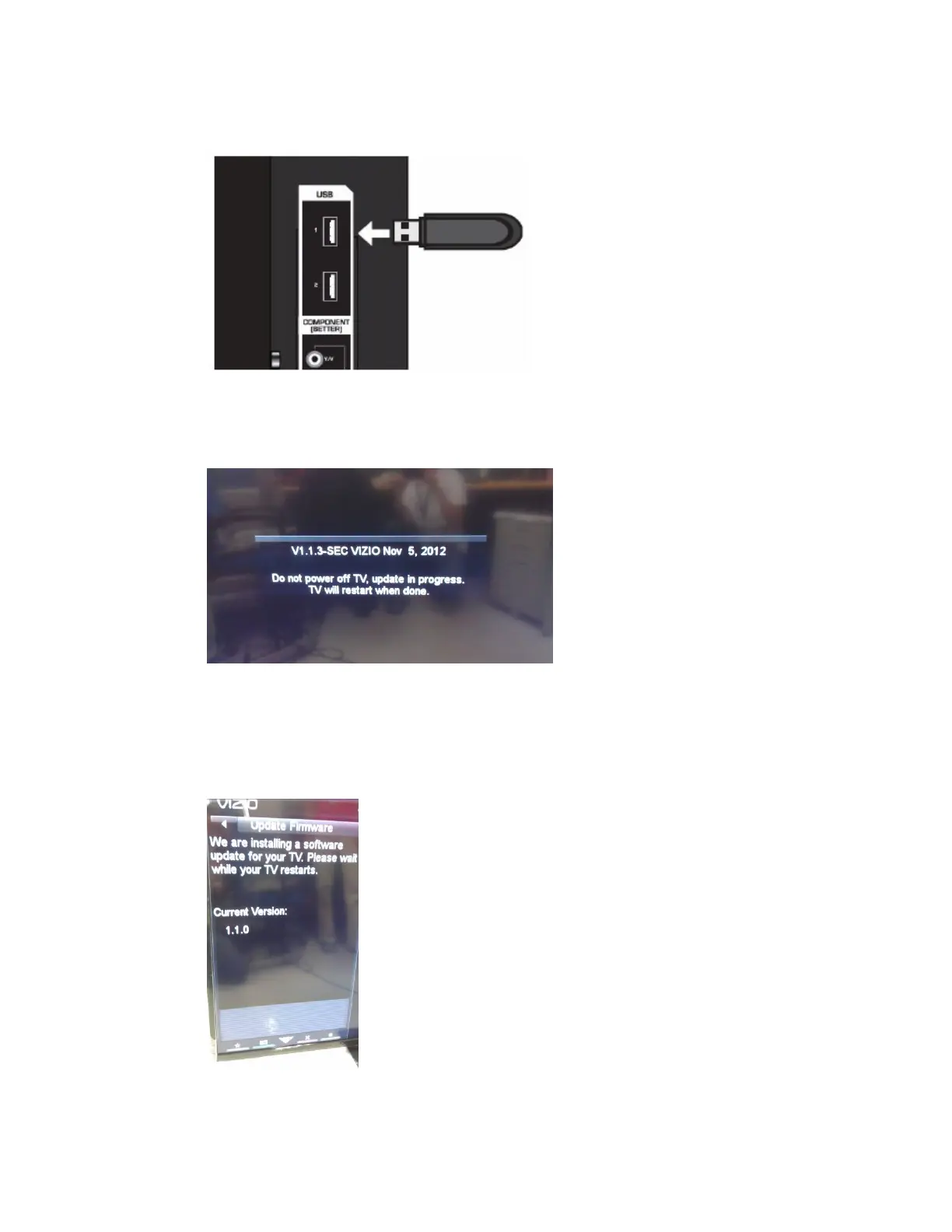
c. Insert the USB flash to the USB port of the TV
d. Wait seconds then you’ll see OSD message like below indicating the
firmware upgrade is in progress.
e. After the executing accomplished, TV will reboot itself.
f. After TV reboots, you’ll see the OSD message like below indicating the
TV is installing a new firmware.
g. TV will show you current Version of TV and what version of firmware


 To Next Page