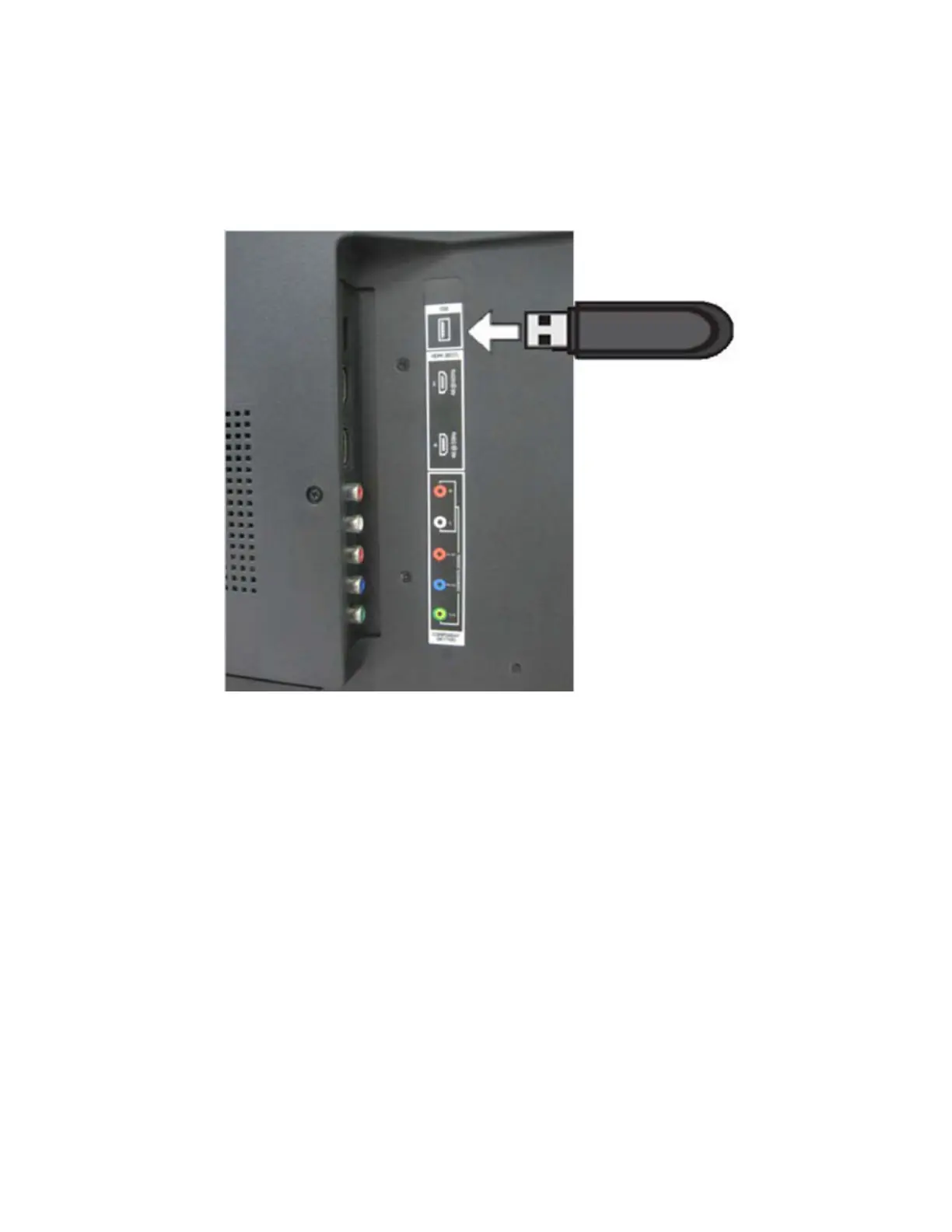
Please make sure there’s only this Fs.sys/safe-kernel.img1/
update_demo.tgz file in the root)
b. Insert the USB flash to the USB port of the TV.
c. DC Power OFF then DC Power ON. You’ll see the Power LED blinking
which means it’s under programming.
d. Wait until the Power LED Stop blinking .Plug out USB .AC Power cycling
once.
e. DC Power ON the tv set then go to “MenuSystemSystem
Information” for version number to check if the firmware upgrade is
successful.


 To Next Page