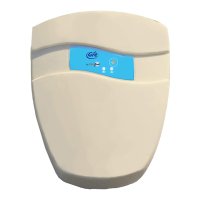
Page 6 Alarm for swimming pool GRE by VisioPool® - Instruction manual- User Manual December 2016
Checks before rst use
Gre By VISIOPOOL® alarm systems are tested at every stage of their manufacture.
Nevertheless, despite the care we take, if a device has been damaged during shipping,
storage or bad handling that could aect its components, only a test during installation
can assure that it works properly
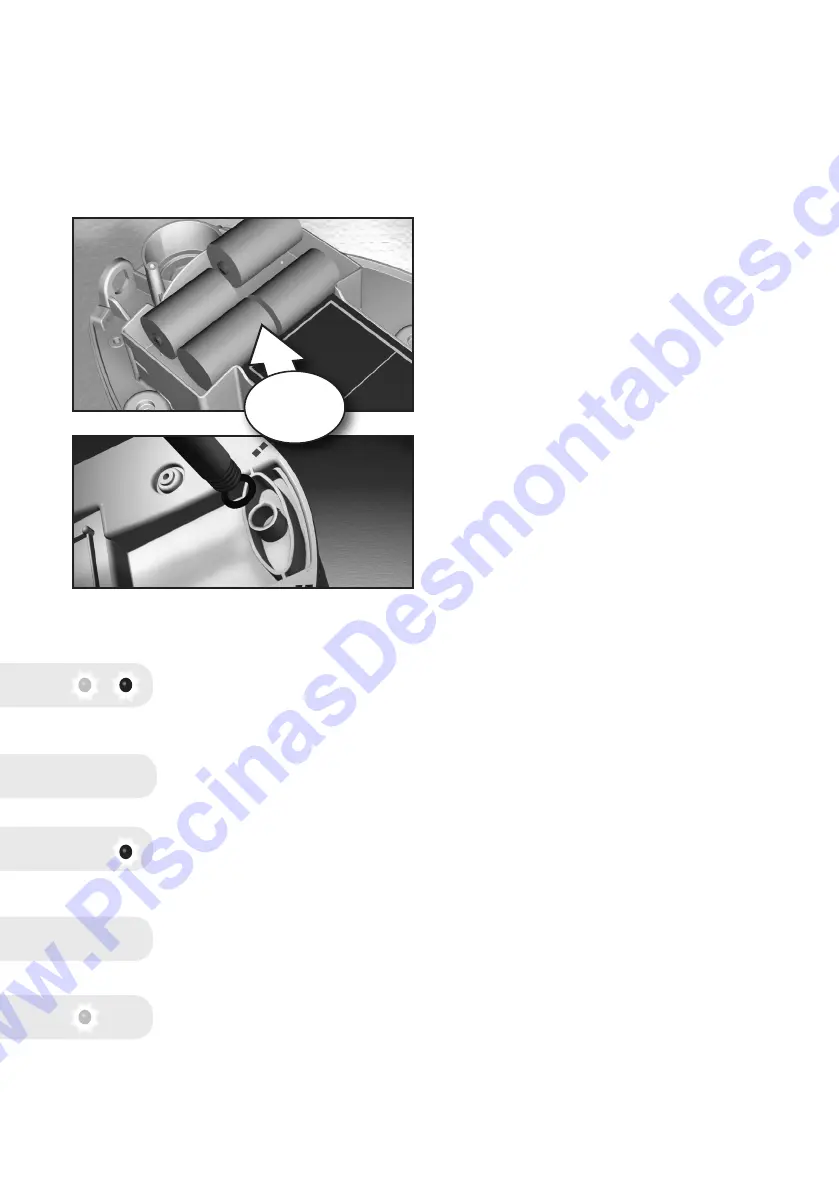
Put the 4 supplied alkaline batteries into your
Gre By VISIOPOOL alarm, making sure to get
the polarity right.
The compartment is designed to lock the
batteries in working position: clip them into
place by pressing them rmly with your
thumb.
Attach the plunger tube to the Gre By
VISIOPOOL alarm, not forgetting the O-ring
(see diagram).
1 - Put your detector on the edge of a table or
bench, for example.
2 - Switch the alarm on using one of the keys.
Observe :- Vertical Position : ON
- Horizontal Position : OFF
Caution : inversion is possible, disregard the intermediate position
(45 °).
3 - Red and green LEDs blink alternately :
Gre By VISIOPOOL® is currently in its calibration phase
4 - After 3 seconds, Gre By VISIOPOOL® emits a series of BEEPS: VISIOPOOL®
has just switched over automatically into swimming mode
5 – The red LED blinks, signaling that the Gre By VISIOPOOL® is in swimming
mode
6 – After about 3 seconds, Gre By VISIOPOOL® emits a series of BEEPS:
VISIOPOOL® has just switched over automatically into surveillance mode
7 – The green LED blinks, signalling that the VISIOPOOL® is in surveillance
mode.
bip bip bip
bip bip bip
+/- 3 seconds
Insert batteries
PRESS + CLICK
+/- 3 minutes
surveillance
mode
www.PiscinasDesmontables.com


 To Next Page
 Loading...