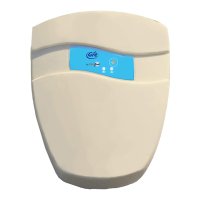
December 2016 Alarm for swimming pool GRE by VisioPool® - Instruction manual- User Manual Page 9
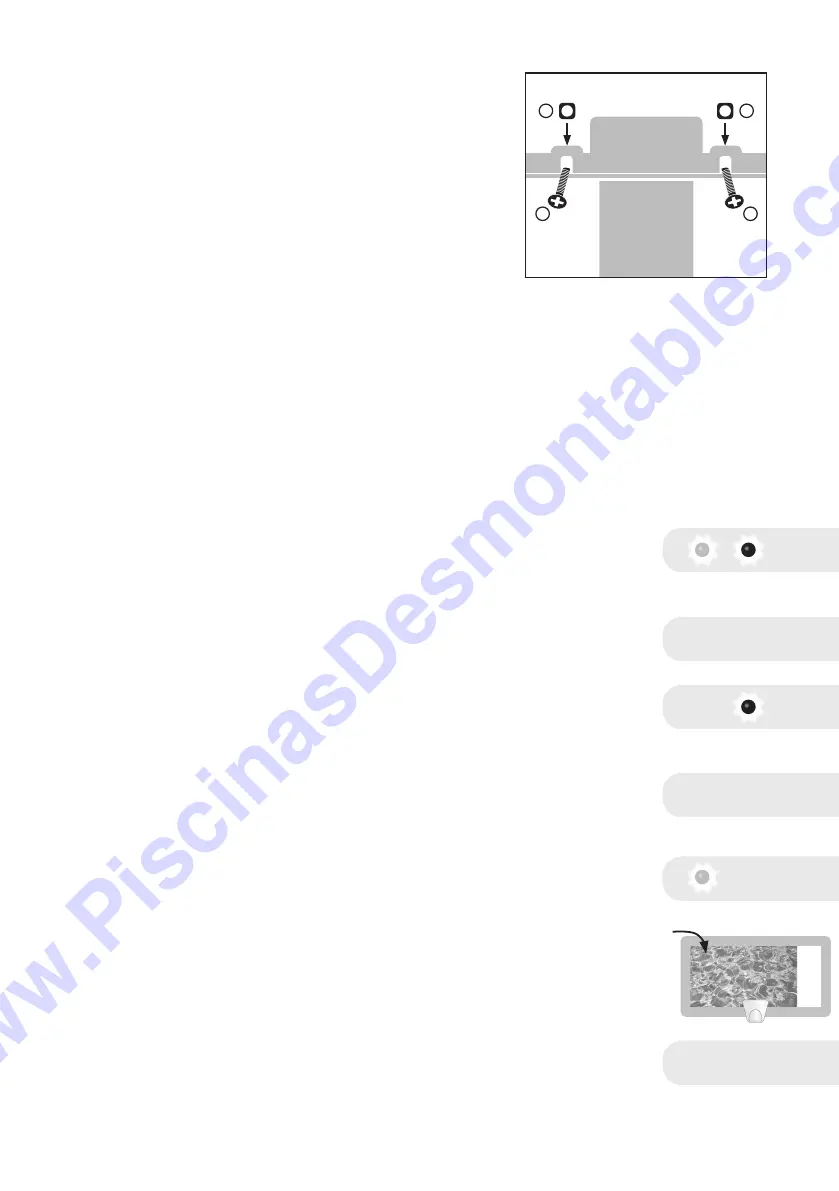
• Put the cover in place and screw it on
with the four square nuts (J) and four 4
x 20 mm steel screws (K).
• After installation, proceed with a
complete test (as describe hereafter).
Functional Test in the Pool:
In order to perform this test, the following
conditions must be satised:
• The alarm is fastened to the border
• The water in the pool is still
• It has been more than twenty minutes since the last swimmer got out
of the pool
• It is a non-windy day
1. Turn your pool’s ltering system on.
2. Turn the key to switch the alarm on.
3. Red and green LEDs blink alternately :
Gre By VISIOPOOL® is now in its calibration phase
4. After 3 seconds, Gre By VISIOPOOL® emits a series of BEEPS :
VISIOPOOL® has just switched over automatically to swimming mode
5. The red LED blinks, signalling that the Gre By VISIOPOOL® is in
swimming mode
6. After less than 15 minutes, Gre By VISIOPOOL® emits a series of
BEEPS :
VISIOPOOL® has just switched over automatically to surveillance
mode
7. The green LED blinks, signaling that the Gre By VISIOPOOL® is in
surveillance mode.
8. Toss a weight of about 8 kg, with a density of 1 at the furthest point
from your alarm. For the test, use the following model : use 4 x 2L
bottles securely attached (fully lled).
9. The siren should go o. Turn it o by placing the magnet on its
emplacement, or by switching the alarm o by the key.
bip bip bip
+/- 3 segundos
< 15 minutos
TwïÏÏÏT !
8 Kg
K
JJ
K
bip bip bip
www.PiscinasDesmontables.com


 To Next Page
 Loading...