EN-9
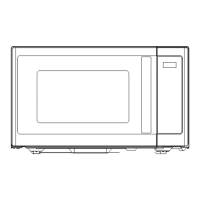
Part Description
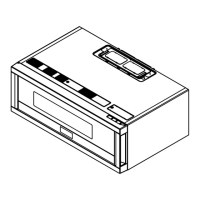
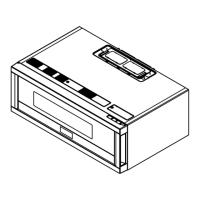
O Light cover
P Grease filters
Q Menu label
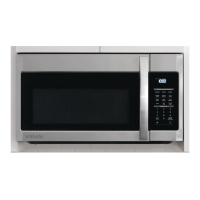
CONTROL PANEL
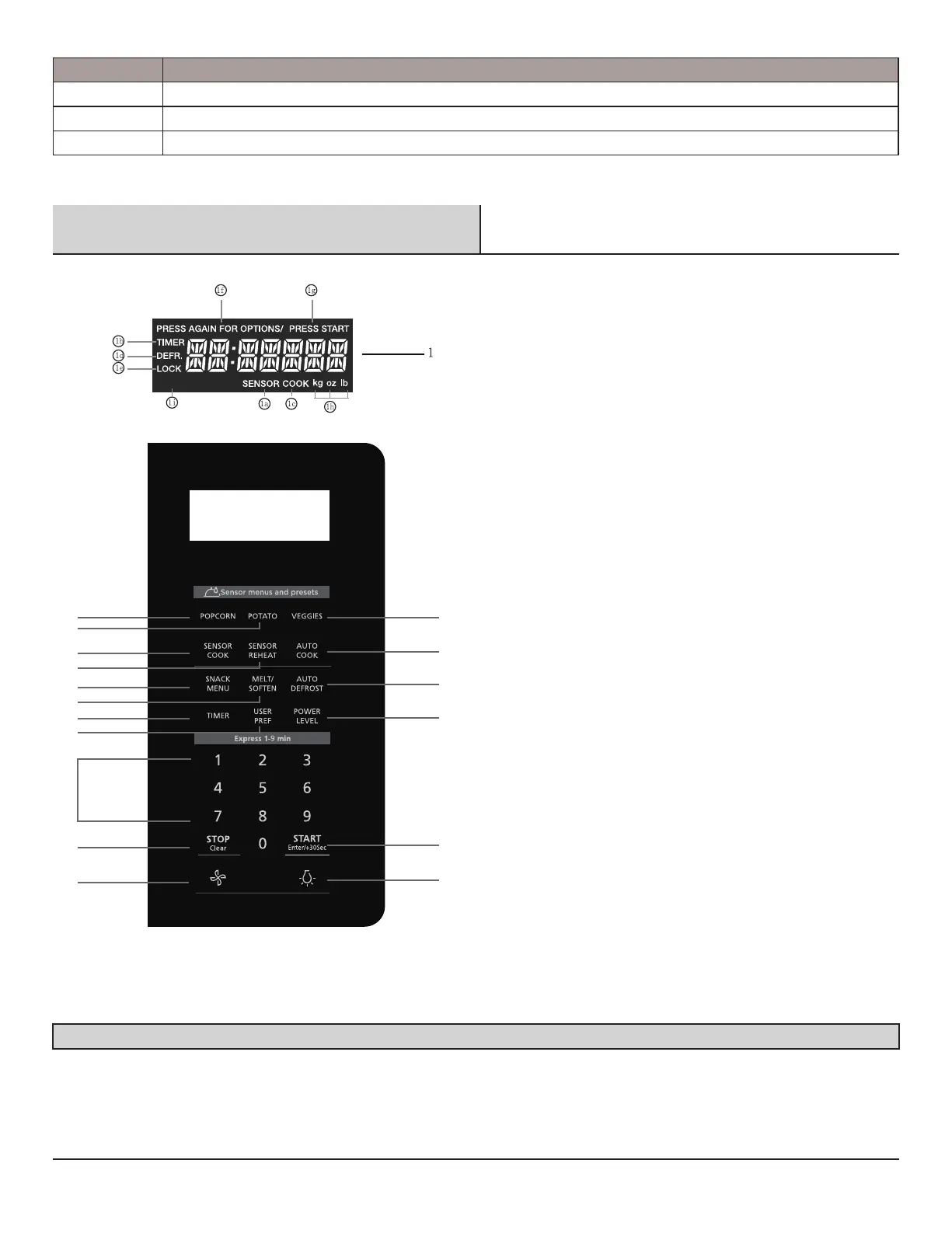
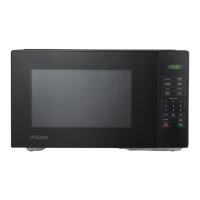
The 7-digit Interactive Display spells out operating steps and shows cooking hints.
1. Display:
The display includes a clock and indicators that show the time of day,
cooking time settings, cook powers, sensor, quantities, weights and
cooking functions selected.
la. SENSOR: Icon displayed when using sensor cook.
lb. TIMER: Icon displayed when timer is being set or running.
lc. COOK: Icon displayed when starting microwave cooking.
Id. DEFR: Icon displayed when defrosting food.
le. LOCK: Icon displayed in control lock.
If. PRESS AGAIN FOR OPTIONS: Icon displayed when additional options
are available.
lg. PRESS START: Icon displayed when a valid function can be started,
lh. kg, oz, lb: Icon displayed when choosing the weight.
li.MCRO+CONVECT Icon displayed when choosing the combination
cooking.
2. POPCORN
3. POTATO
4. VEGGIES
5. SENSOR COOK
6. SENSOR REHEAT
7. AUTO COOK
8. SNACK MENU
9. MELT/SOFTEN
10. AUTO DEFROST
11. TIMER
12. USER PREF
13. POWER LEVEL
14. Numeric pads (0 thru 9)
15. STOP/CLEAR
16. START ENTER/+30SEC.
17. Vent (High/Low/Off) - Use to turn the exhaust fan off, or to adjust
fan speed.
18. Surface Light (On/Off)
19. Press this pad to adjust the brightness of surface lights.
Number next to the control panel key
illustration indicates pages on which
there are feature descriptions and usage
information.
Note:For detailed information,please go to relative page listed above.
MCRO+CONVECT
2
5
8
11
6
9
12
15
17
3
4
7


 To Next Page