4.2.3.2 Safety mode edging
Fast mode is to be switched to safety mode if press key for 3 seconds.
Safety modey may be able to edge more safely.
4.3 Checking lens size out and correction
1) Check lens size out after edging.
2) It is requested to correct size if lens size is larger.
3) Correcting lens size
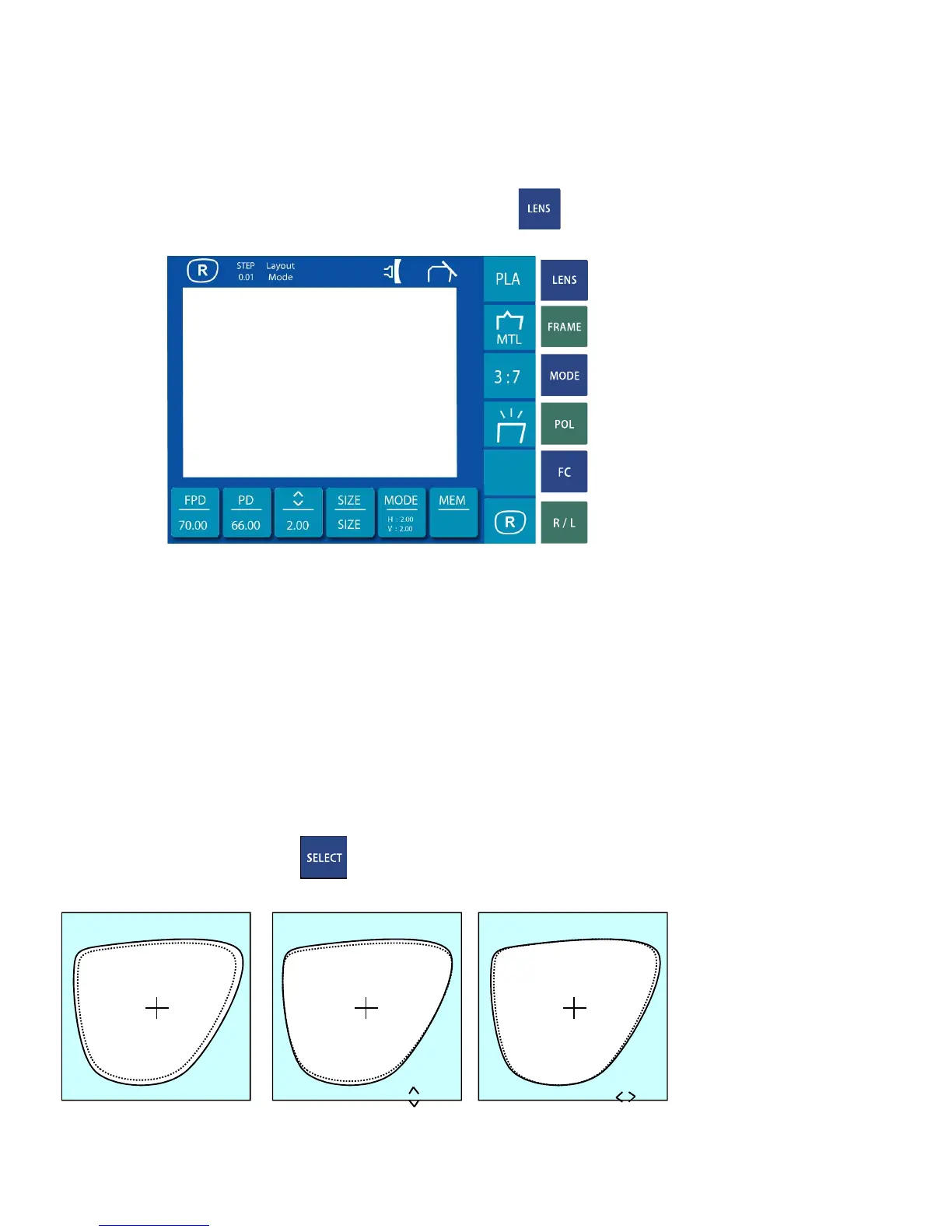
Be able to try versitile size change after position the cursor on SIZE of
main screen and push


 To Next Page