EasyManua.ls Logo

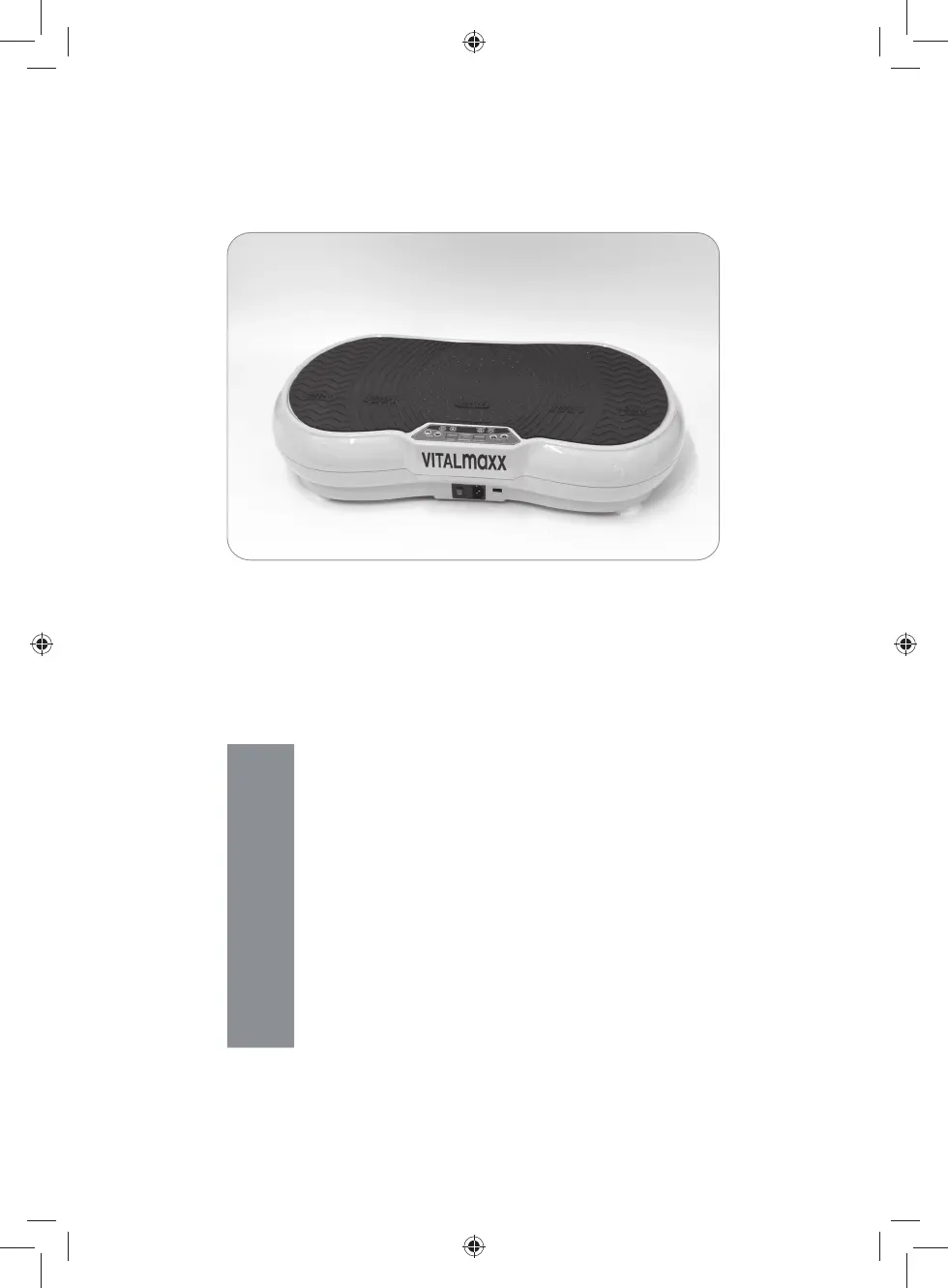
Vitalmaxx JF-CFM15 - User Manual

Vitalmaxx JF-CFM15
44 pages
Go to English
Print Icon
To Next Page IconTo Next Page
Loading...
Z 07125 M DS V2.2 0718
07125
DE
Gebrauchsanleitung
ab Seite 3
EN
Operating Instructions
starting on page 13
FR
Mode d’emploi
à partir de la page 23
NL
Handleiding
vanaf pagina 33
07125_de-en-fr-nl_A5_V2_2.indb 107125_de-en-fr-nl_A5_V2_2.indb 1 09.07.2018 09:15:3709.07.2018 09:15:37

Questions and Answers

Summary

Safety Symbols and Signal Words

Explanation of Symbols

Details symbols for injury risks, supplementary info, reading instructions, and DC voltage.

Explanation of Signal Words

Defines signal words for DANGER, WARNING, CAUTION, and NOTE regarding hazard levels.

Intended Use

Purpose, Weight, and Application Limits

Covers device purpose, max user weight (120kg), personal use, and warranty exclusions.

Safety Instructions

General Safety Precautions

Includes child safety, disconnection, checking for damage, and cable integrity.

Safety Precautions and Warnings

Electric Shock Hazards

Instructions to use the device in closed rooms and avoid water contact for electric shock prevention.

Fire and Combustion Hazards

Advises against using the device near ignitable substances or gas sources.

Injury and Health Risks

Covers risks from battery acid, falling hazards, and pre-existing health conditions.

Material and Property Damage Risks

Warns about proper socket connection and using suitable extension cables.

Items Supplied

Included Components

Lists all items included in the package, such as the device, cables, remote, and accessories.

Battery and Exercise Poster

Details the batteries required and the presence of an exercise poster not shown in the diagram.

Device Overview

Main Device Components

Identifies key parts of the vibrating plate device, including the control panel and vibrating plate zones.

Control Panel Functions

Explains the buttons and displays on the device's control panel for operation.

Remote Control Functions

Details the buttons and their functions on the remote control for device operation.

Putting Into Operation

Initial Setup and Placement

Guidance on unpacking, checking for damage, placing the device on a firm surface, and protecting floors.

Attaching Expander Bands

Instructions on how to attach expander bands to the device for added exercises.

Connecting the Mains Cable

Steps for connecting the mains cable to the device and a power socket safely.

Inserting Batteries into Remote

Procedure for opening the remote, inserting batteries, and closing the compartment.

Use

General Usage Precautions

Safety advice including stopping if feeling unwell, gradual intensity increase, and avoiding improper movements.

Training Programmes

Information on ten automatic training programmes, including how to select and start them.

Basic Device Operation

Steps for powering on the device, using the control panel, and controlling it with the remote.

Using the Device

Vibrating Plate Positioning

Guidance on standing on the plate, starting with the inner zone, and distributing weight evenly.

Setting Workout Parameters

Instructions for selecting programmes, setting workout time, and adjusting vibration levels.

Starting and Stopping

How to start the device, view display information, and manually stop the workout.

Post-Workout Procedures

Steps for powering off, unplugging, moving the device using the castor, and performing cool-down exercises.

Cleaning and Storage

Cleaning Instructions

Advice on using mild cleaning agents and soft cloths, and avoiding abrasive materials.

Storage Recommendations

Guidance on storing the device in a dry place, protected from frost and sunlight, and out of reach.

Troubleshooting

Device Not Working

Troubleshooting steps for when the device does not power on or light up.

Device Stops Prematurely

Solutions for the device switching off before the set workout time has elapsed.

Unusual Noises or Vibration

Troubleshooting for abnormal noises or incorrect vibration, including overload and weight distribution.

Technical Data

Device Specifications

Details article number, model, voltage, power, protection class, and dimensions.

Capacity and Physical Data

Provides information on max loading capacity, weight, cable length, vibration levels, and programmes.

Disposal

Packaging Disposal

Instructions for disposing of packaging material in an environmentally friendly manner.

Device and Battery Disposal

Guidance on disposing of the device and batteries responsibly at recycling centres.

Vitalmaxx JF-CFM15 Specifications

General IconGeneral
BrandVitalmaxx
ModelJF-CFM15
CategoryFitness Equipment
LanguageEnglish