EasyManua.ls Logo

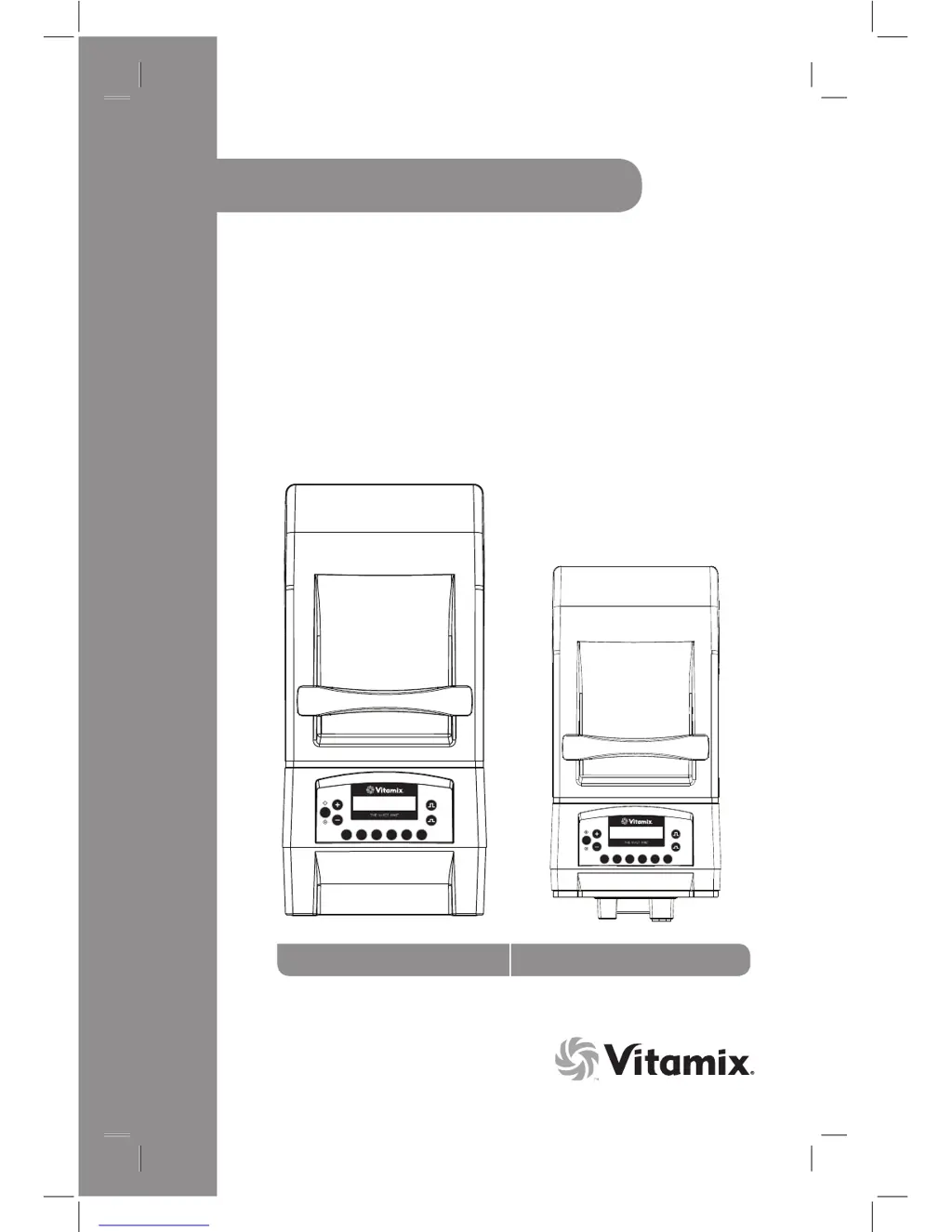
Vitamix The Quiet One - User Manual

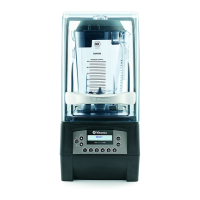
Vitamix The Quiet One
28 pages
Print Icon
To Next Page IconTo Next Page
Loading...


Read and save these instructions


Speed Pulse
S TA R T
STO P
61 2 3 4 5
Speed Pulse
ST AR T
STOP
61 2 3 4 5
 

Questions and Answers

  • J
    jbushJul 26, 2025
    What to do if my Vitamix The Quiet One Blender machine will not run?
    • K
      Kristy FullerJul 26, 2025
      First, ensure the power cord is firmly plugged into the power outlet. Next, check that the On/Off power switch is in the 'on' position. Finally, try turning the On/Off power switch to 'off' and then back to 'on' to reboot the electronics.
  • M
    michaelbairdJul 30, 2025
    What to do if my Vitamix The Quiet One machine stops during blending and displays “VITAMIX GENERAL PROGRAM” then “READY”?
    • M
      melissa84Jul 30, 2025
      Ensure the Vitamix Blender is plugged into its own power supply. Also, verify that the machine is not running on a long extension cord.
  • J
    Jordan JohnsonAug 3, 2025
    What to do if my Vitamix The Quiet One Blender is running irregularly?
    • J
      Jason BrownAug 3, 2025
      To resolve the issue with your Vitamix Blender running irregularly, try turning the machine off and then on again to reset the programming. If that doesn't work, try plugging the machine into a different outlet.
  • S
    staffordtravisAug 8, 2025
    How to fix loud noise from Vitamix The Quiet One Blender container blade area?
    • G
      grantfranklinAug 8, 2025
      If you notice a loud noise coming from the blade area of your Vitamix Blender container, it could be due to a broken or worn drive socket. The solution is to replace the drive socket.
  • T
    Travis WestAug 12, 2025
    What to do if my Vitamix The Quiet One Blender display reads “CORRUPT DATA”?
    • S
      sharon59Aug 12, 2025
      If your Vitamix Blender displays 'CORRUPT DATA', first try turning the machine off and on again to reset the programming. Also, ensure the blender is plugged directly into its own power supply and is not running on a long extension cord. If the issue persists, it could be due to overheating. Remove the container, shut the cover door and press the Start/Stop button and run the machine for two minutes. When the motor is cool, 'READY' will appear in the display window.
  • J
    jasmine09Aug 16, 2025
    How to cool down overheated Vitamix The Quiet One?
    • R
      Ronald MeyerAug 16, 2025
      To cool down an overheated Vitamix Blender, remove the container, shut the cover door, and press the Start/Stop button to run the machine for two minutes. When the motor is cool, “READY” will appear in the display window.
  • M
    Mr. Andrew SanchezAug 21, 2025
    What to do if Vitamix The Quiet One Blender display window reads “CORRUPT DATA”?
    • S
      Stephanie Grant DDSAug 21, 2025
      If your Vitamix Blender’s display window reads “CORRUPT DATA”, turn the machine off and on again to reset the programming.

Summary

General Instructions

Instructions for using the Pre-Set Program Buttons

Explains the basic settings of the six Pre-Set buttons for The Quiet One™ blender.

Blending Tips

Provides guidance on how to properly place ingredients and use the blender for optimal results.

Maintenance Tips

Offers advice on how to care for the blender, including container and blade maintenance.

Control Panel

On;Off Power Switch

Details the function and operation of the main power switch on the motor base.

Start;Stop Button

Explains how to start and stop the blender operation manually.

Speed Buttons

Describes how to adjust the blender speed using the '+' and '-' buttons.

Pre-Set Program Buttons

Explains the six pre-programmed blending cycles and their customization.

Display Window

Describes the operation messages and status indicators shown on the display.

Owner Controls

Explains how to access and navigate the owner control panel settings.

Pulse Buttons

Details the function of pulse buttons for quick speed adjustments and control.

Custom Programming

Programming Pre-Set Buttons

Instructions on how to assign specific recipes to the six pre-set buttons.

Programming your Machine with a Custom Chip

Guide to installing a programming chip to customize blender functions.

Resetting the Pre-Set Buttons to the original factory settings

Steps to restore the pre-set buttons to their default factory configurations.

Machine Assembly

Compact Cover

Details on how to remove and reinstall the compact blender cover.

Back Cover

Instructions for removing and replacing the sound enclosure (back cover) of the blender.

Two-Piece Lid

Instructions for using and removing the two-piece lid for the Advance® container.

One-Piece Lid

Instructions for using and sealing the one-piece lid for the Advance® container.

Blade Assembly

Information about the blade assembly, its components, and maintenance.

Blade Assembly Removal

Step-by-step guide on how to remove and replace the blade assembly.

Installation

In-Counter Machine

Guidance on preparing the counter area for installing the in-counter blender model.

On-Counter and In-Counter Blending Station

Details electrical requirements and dimensions for both on-counter and in-counter models.

Caring for Your Machine

Cleaning Products

Lists recommended cleaning products and suppliers for the blender components.

Rinse Aids

Lists recommended rinse aids for cleaning the blender components.

Destainer

Lists recommended destainers for cleaning the blender components.

Motor Base;Control Panel

Instructions for cleaning the motor base and control panel safely.

Lid

Instructions for washing and drying the blender lid.

Cover Door

Instructions for cleaning the cover door.

Sound Dampening Gasket and Container Centering Pad

Instructions for cleaning the sound dampening gasket and centering pad.

Container

Instructions for washing, sanitizing, and drying the blender container.

Troubleshooting

Blender Noise and Vibration Issues

Troubleshooting common issues like loud noise, increased vibration, and leaks.

Machine Not Running or Display Issues

Diagnosing problems where the machine won't run or displays error messages.

Program and Operation Errors

Resolving issues with incorrect program activation or unexpected machine behavior.

Display Window Error Messages

Troubleshooting specific error messages like 'CORRUPT DATA' and 'THERMAL SENSOR FAILURE'.

Overheating and Shutdown

Addressing issues where the machine overheats and shuts down automatically.

Warranty

LIMITED WARRANTY

Details the limited warranty terms and conditions for the Vitamix blender.

Motor Base

Specific warranty coverage for the motor base of the blender.

Container, Lid, Blade Assembly, Drive Socket and Sound Enclosure (if included)

Warranty coverage for various blender components like container, lid, and blade assembly.

Conditions

Outlines the conditions and limitations applicable to the blender warranty.

Parts List

The Quiet One

Lists all available replacement parts and their corresponding item numbers for The Quiet One™.

Specifications

Electrical Requirements

Details the electrical specifications, voltage, and amperage requirements for the blender.

On-Counter Dimensions

Provides the physical dimensions for the on-counter configuration of the blender.

In-Counter Dimensions

Provides the physical dimensions for the in-counter configuration of the blender.

Vitamix The Quiet One Specifications

General IconGeneral
ManufacturerVitamix
CategoryBlender
ModelThe Quiet One
Sound EnclosureYes
Variable Speed ControlYes
Voltage120 V
Container Capacity48 oz (1.4 L)
Dimensions8.5 x 10.7 x 21.4 in (21.6 x 27.2 x 54.4 cm)
Container MaterialTritan
Warranty3-year parts, 1-year labor
Program Settings6 program buttons with 34 optimized settings

Related product manuals