3
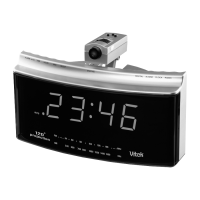
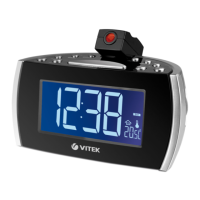
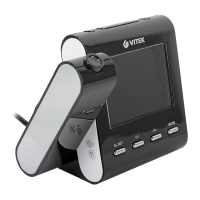
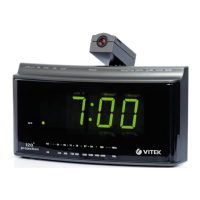
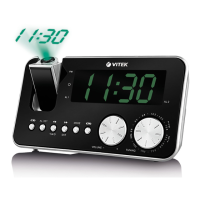
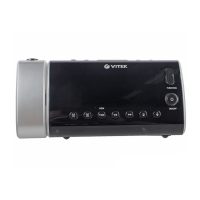
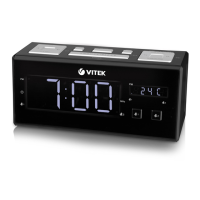
LIST OF CONTROLS
1. Hour set button
2. Minute set button
3. Alarm set button
4. Sleep button
5. Tuning control
6. Volume control
7. Time set button
8. Band switch
9. Snooze button
10. Power switch
1. CONNECTING THE POWER
Insert correctly wired plug into a power outlet the clock
display will blink showing that the time is not correct. It will
also blink if there has been a power cut and no back up
battery is fitted.
2. TO SET THE TIME
2.1. Press and hold the time set button.
2.2. Press the minute set button or hour set button to set
the clock display to the correct time.
2.3. Release the time set button.
3. TO PLAY THE RADIO
3.1. Slide the power switch to the "on" position.
3.2. Set the band switch to the desired wave band.
3.3. Adjust tuning and volume control for the desired sta
tion and listening level your unit is equipped with an
antenna outside of the unit for best receiption of FM
band.
ENGLISH
14

 Need help?
 General

 To Next Page