18
used at the same time
(1-2) MIRROR: Image rotatory. (Horizontal or Vertical)
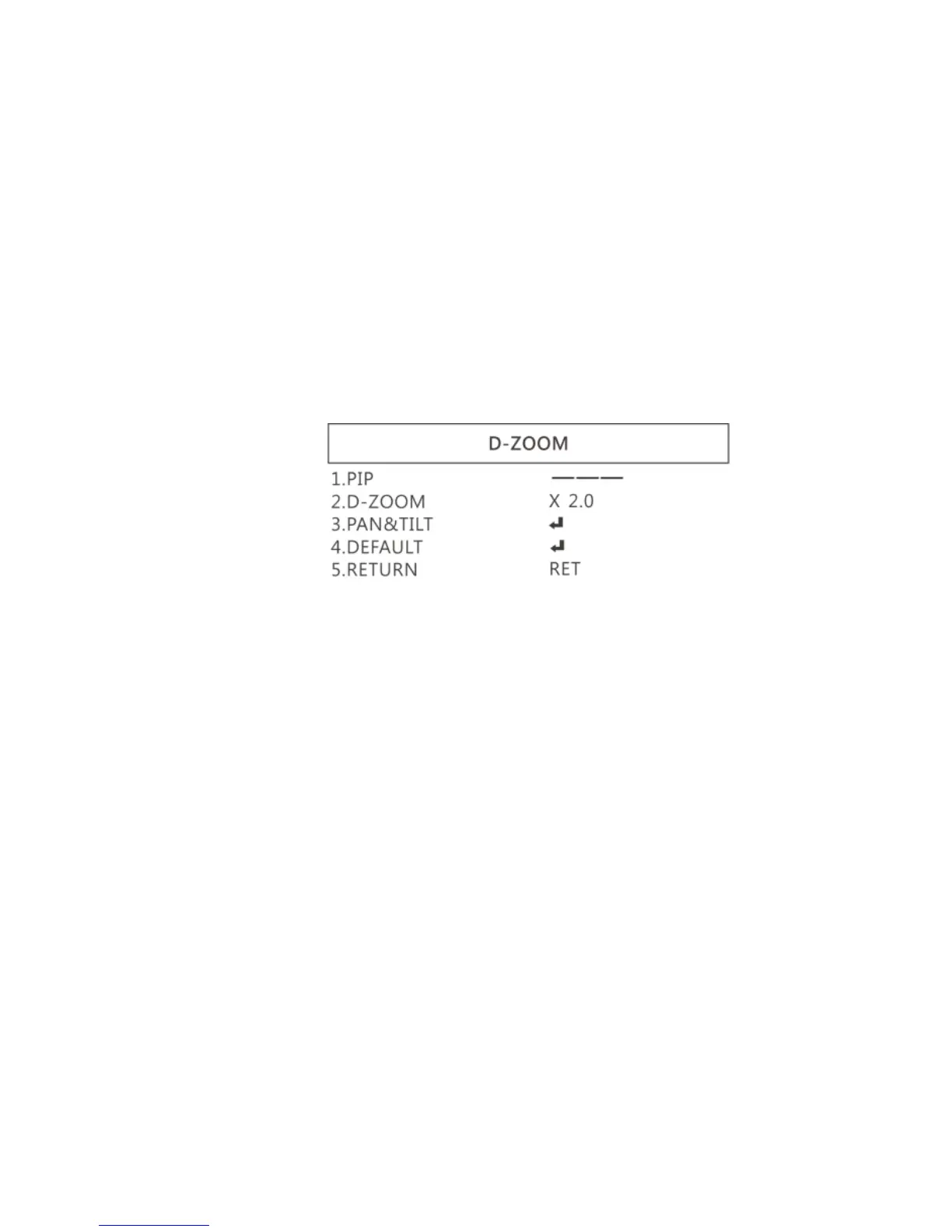
(1-3) D-ZOOM: Digitally enlarge the chose area. Digital
zoom selection can from 1-62 times. See below
setting for D-Zoom.
(1-3-1) PIP: No function.
(1-3-2) D-Zoom: Set digital zoom times.
(1-3-3) PAN&TILT: To set the enlarge position.
(1-3-4) DEFAULT: Return to default setting.
(1-3-5) RETURN: Return to last page.
(1-4) SMART D-ZOOM: Assign 1 or 2 areas to enlarge the
image from 1-62 times whenever detected the object
moves. The Smart D-zoom will automatically enlarge
the assigned area for few seconds and then return to
original image.



 To Next Page