19
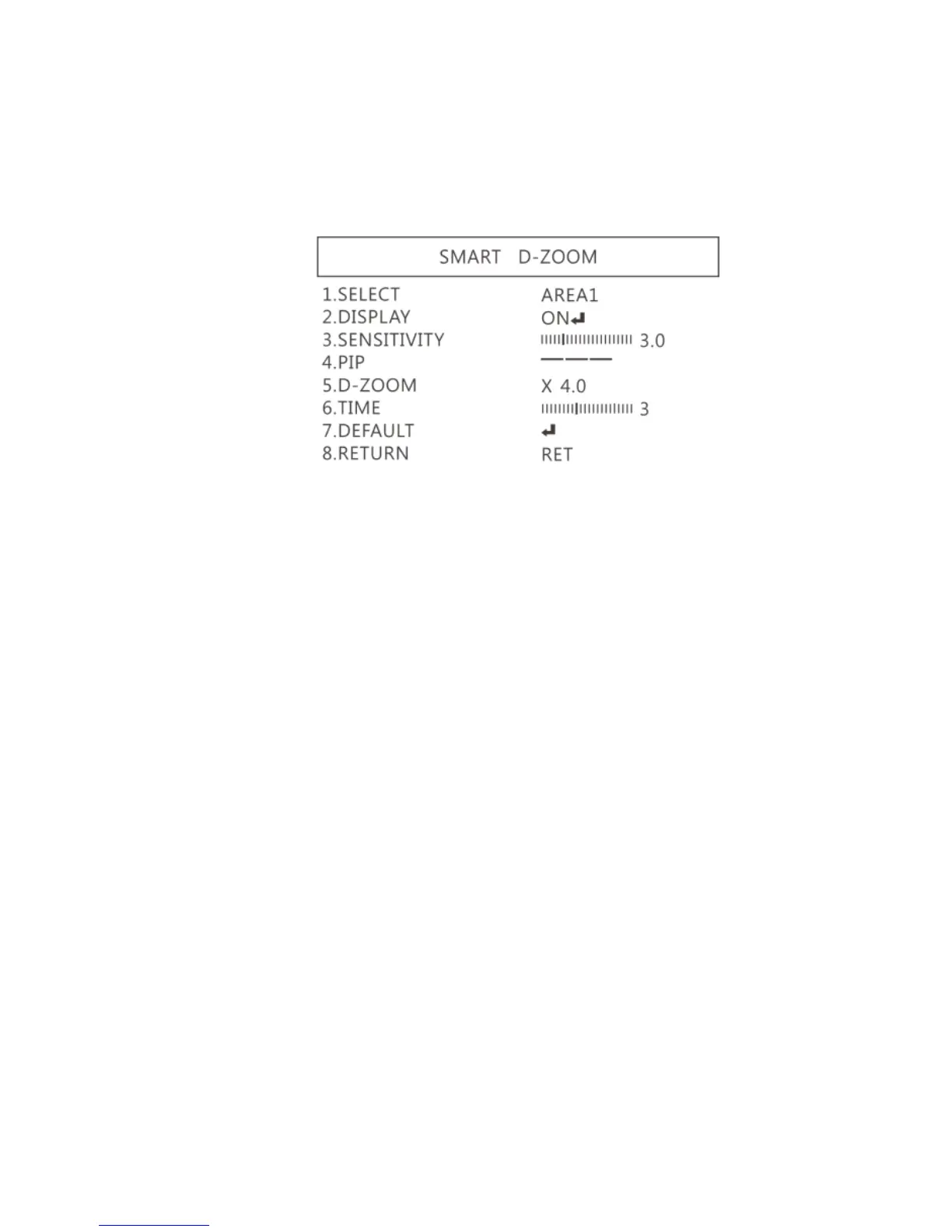
(1-4-1) SELECT: Choose the enlarge area, totally 2 areas.
(1-4-2) DISPLAY: Display enlargement frame. Position
and area can be set in (1-4-1)
(1-4-3) SENSITIVITY: The sensitivity to detect whenever
object moves. The lower value gets the higher
sensitivity.
(1-4-4) PIP: No Function.
(1-4-5) D-Zoom: Set magnification times.
(1-4-6) TIME: Set the enlargement waiting time.
(1-4-7) DEFAULT: Return to default setting.
(1-4-8) Return: Return to last page.
(1-5) NEG. IMAGE: Turn On/Off Negative image.



 To Next Page