8 9
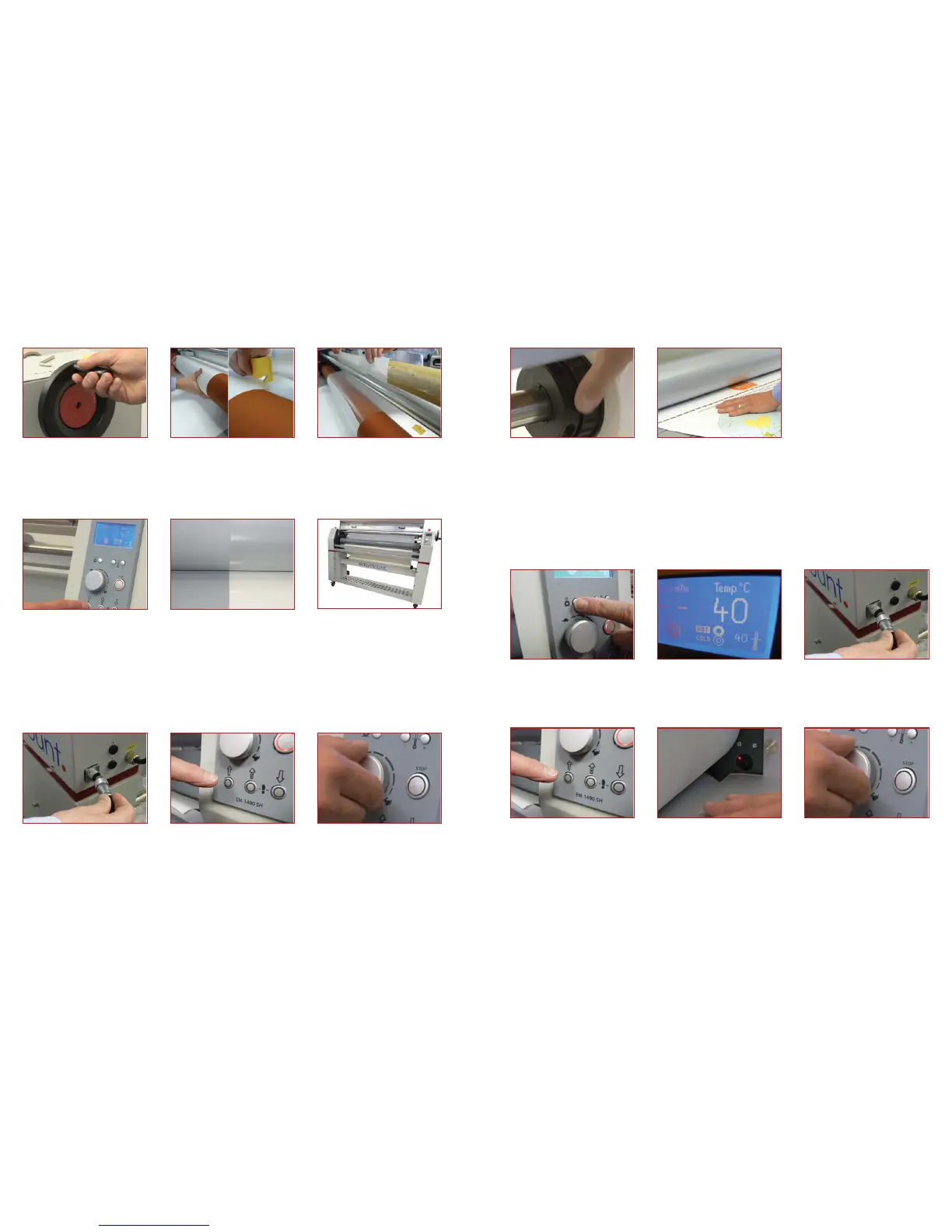
1. Using the pressure handle raise the
upper roller
5. Using the safety cutter provided slice
between the release paper and lm
cutting only the release paper
6. Apply double sided tape to the release
liner take up core and attach release liner
2. Place vinyl/print through rollers from
feed tray and onto back plate
3. Pull laminate over the top roller and
push through the rollers
4. Using the pressure wheel bring the
rollers down until the handle goes in
neutral mode and slight resistance is felt
Alternative Method
Feeding the Film
7. Press the ‘forward’ drive button. The
lm and print will be pulled through the
machine
9. The machine is now in its loaded state
you can lower the feed table, you are now
ready to laminate your prints.
8. Ensure the top and bottom lms match
each other and dont overlap left to right.
If they dont line up, loosen the mandrel
core grip and slide the lm left/right until
they match and then re-tighten
1. Plug in the foot pedal 3. The lms will then begin to be drawn
through the machine
4. You can adjust the rate at which the
machine laminates by turning the speed
control knob
2. To drive the machine press either the
drive button (left hand arrow) continuous
drive or step button (middle arrow) for
the foot switch. The foot switch over rides
the magic eye, it is advisable to start the
machine in the foot switch mode slowly
& then press the continuous button when
running
Cold
Laminating
5. Ensure that as the lm is being drawn
over the rollers it is smooth. If it isnt you
can apply tension to the lm mandrel by
turning the core grip adjustment sleeve
apply just enough pressure to remove
any airpockets or creases
6. Your document can now be fed into
the laminator. Place the document at
on the feed table and push it towards the
nip of the rollers
1. The single heated Easymount can
be run either cold or warm to switch
between the two modes press the hot
roller button on the control panel The
display will then show HOT next to the
top roller icon
3. Plug in the foot pedal2. Set the temperature to approximately
40°C using the up or down buttons.
Both the set temperature and the actual
temperature are displayed.
Single Hot
Laminating
4. To drive the machine press either the
drive button (left hand arrow) continuous
drive or step button (middle arrow) for
the foot switch. The foot switch over rides
the magic eye, it is advisable to start the
machine & then press the continuous
button when running
6. You can adjust the rate at which the
machine laminates by turning the ‘speed
control knob’
5. The lms will the begin to be drawn
through the machine.
NOTE: When using continuous mode
if the ‘magic eye’ sensor is blocked by
material or hands the machine will stop
- to over ride the sensor press the foot
pedal



 To Next Page
 Loading...