Camcorder Mounts and Accessories
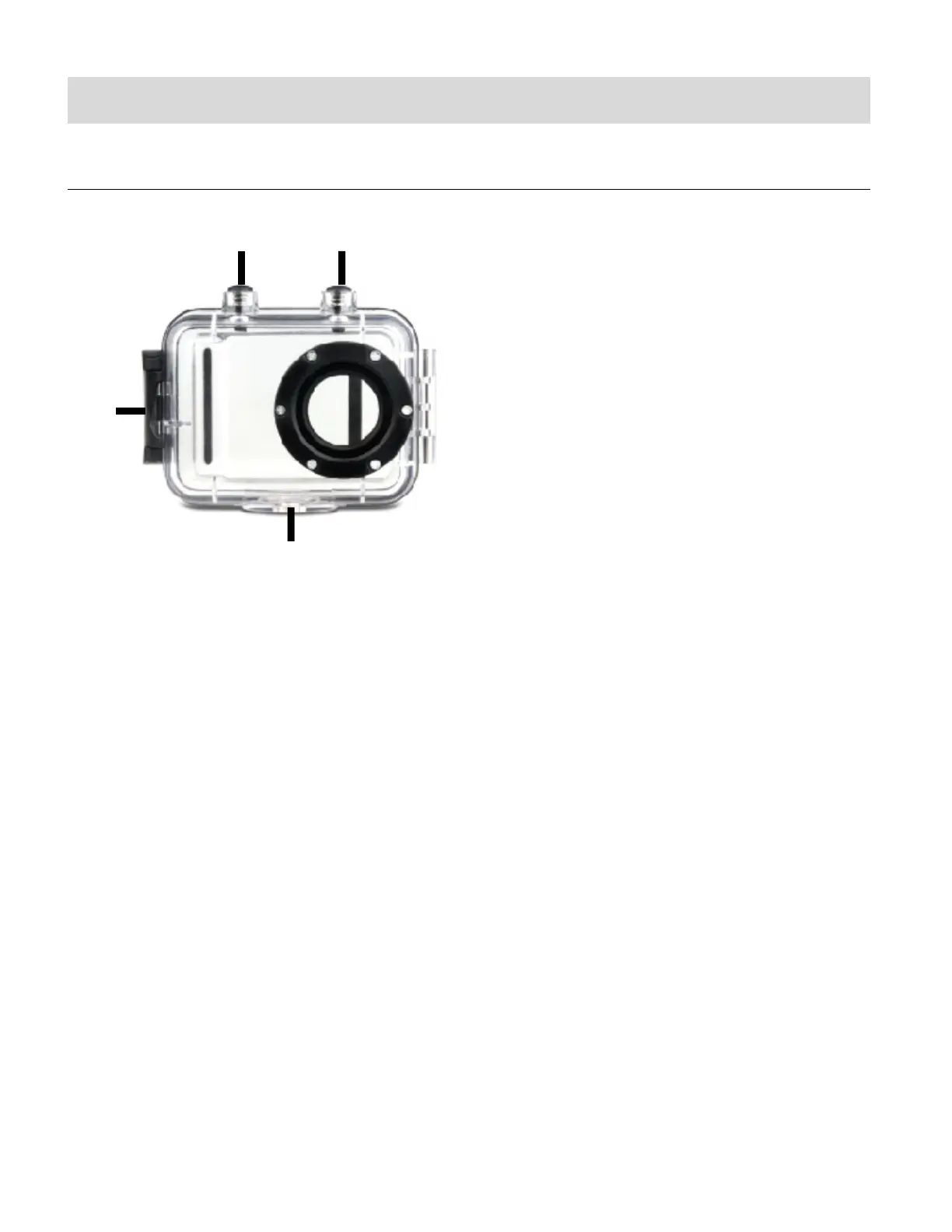
WATERPROOF CASE
1. Clamp
2. Shutter Release
3. Power/Mode Button
4. Tripod Mount
Your action camcorder comes with a waterproof casing for underwater action and added
durability. To assemble your camera to the case, follow the instructions below:
1. To open the case: Insert a finger at the half circle of the latch by prying the latch up - away
from the case.
2. Insert the camera lens forward into the case.
3. Before sealing the waterproof case, make sure the camera housing’s rubber seal clean.
Close the door and secure the latch.
4. While the camcorder is in the waterproof casing, press the POWER/MODE button to select
Video Capture Mode, Photo Capture Mode or Playback Mode. Press the Shutter button
for recording your videos and capturing your photos.



 To Next Page