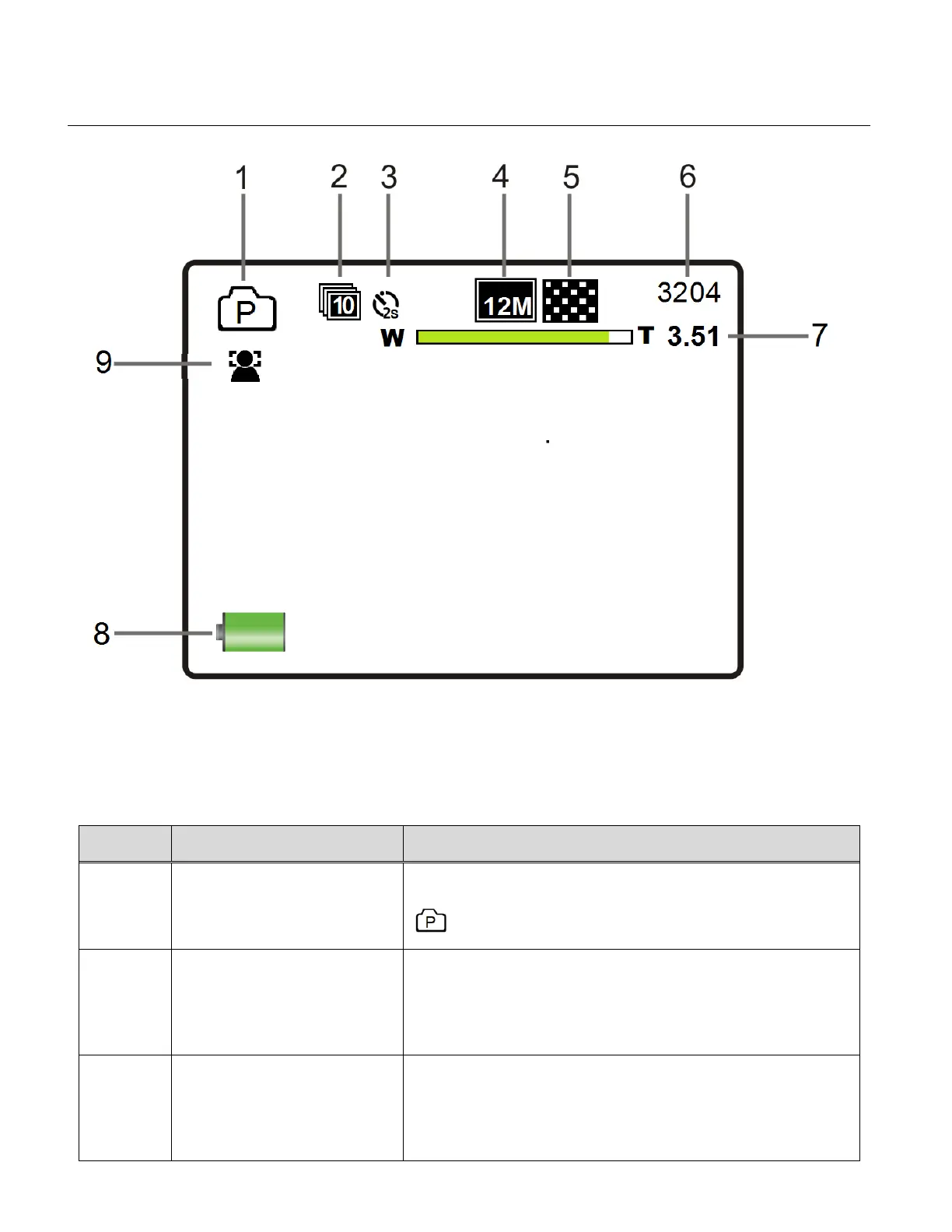
PHOTO CAPTURE MODE LCD ICON STATUS DESCRIPTION
The following icons appear on the LCD screen and indicate the selected menu options and
camera status.
Displays the current selected Mode:
Photo Capture Mode
Displays the selected Burst Mode setting:
The Burst Mode options include:
OFF (no Icon), 3 photos, 5 photos, 10 photos
Displays the selected Self-Timer setting:
The Self-Timer options include:
OFF (no Icon), 2 seconds, 10 seconds



 To Next Page