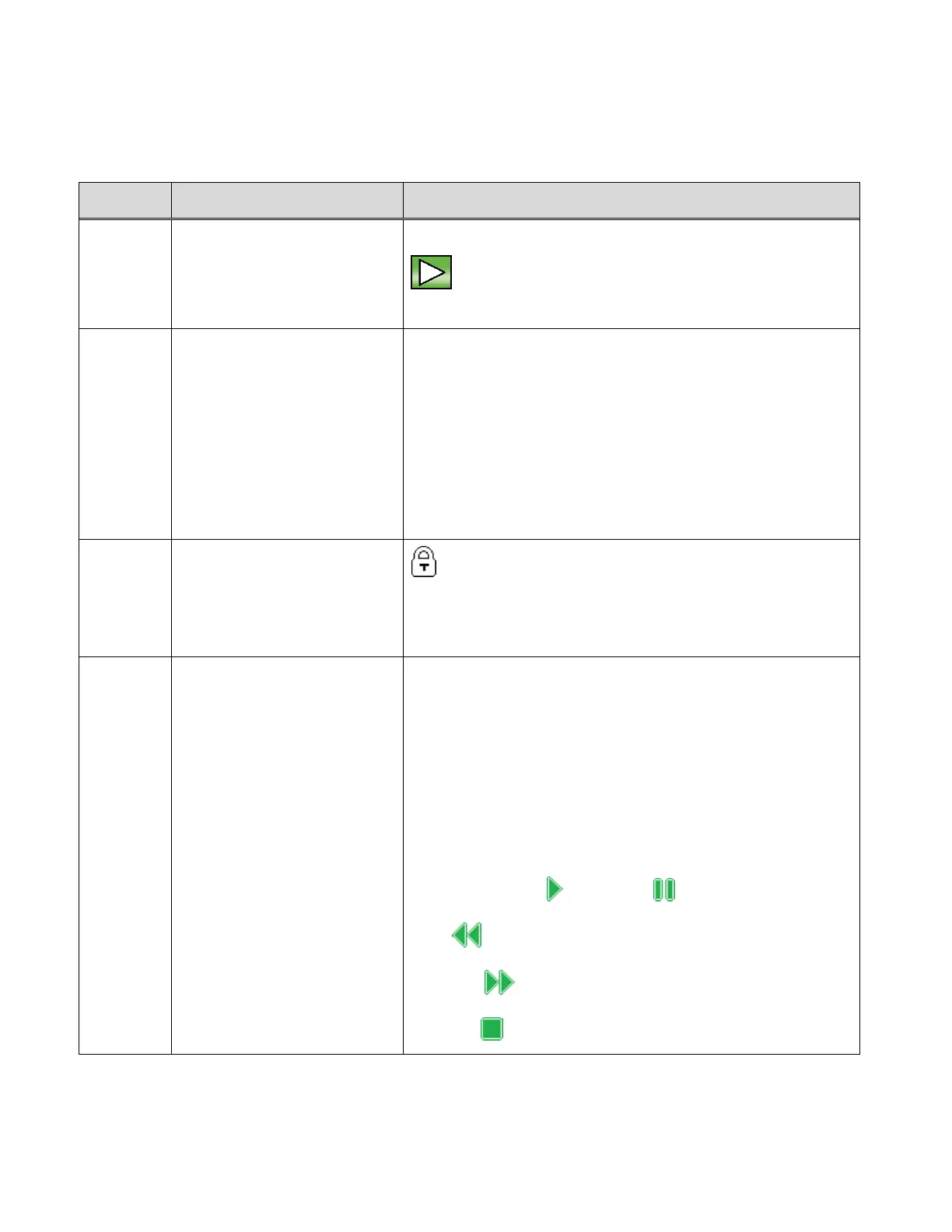
The following icons appear on the LCD screen and indicate the selected menu options and
camera status.
Displays the current mode:
Playback Mode
Image Counter ;
Elapsed Time
Preview Mode:
Displays number of the current image / Total
number of captured images (both photos and
videos)
Video Playback Mode:
Displays elapsed time of playing video.
The lock symbol indicates the image is locked.
Image without the lock symbol indicates the image is
not locked.
Video File &
Video Controls
Video icon displays only when there is a captured
video shown in Playback Mode.
When a photo is displayed in the Playback Mode, no
icon is shown on the LCD.
The following video controls are displayed on the
bottom of the screen only during video playback:
SHUTTER/OK: Play and Pause
UP: Rewind
DOWN: Fast Forward
MENU: Stop



 To Next Page